74
BHT-1300B series
4.5.4 Uploading Files (UPLOAD Menu)
Upload files stored in the BHT user area to another device.
Use the following procedure to upload files.
- Note - A file can also be uploaded via the USB communication
port with the MTP. Refer to “5.4.2 Communication with
MTP Connection” for details.
1. Select “3: UPLOAD” at the SYSTEM MENU and then press the ENT
key.
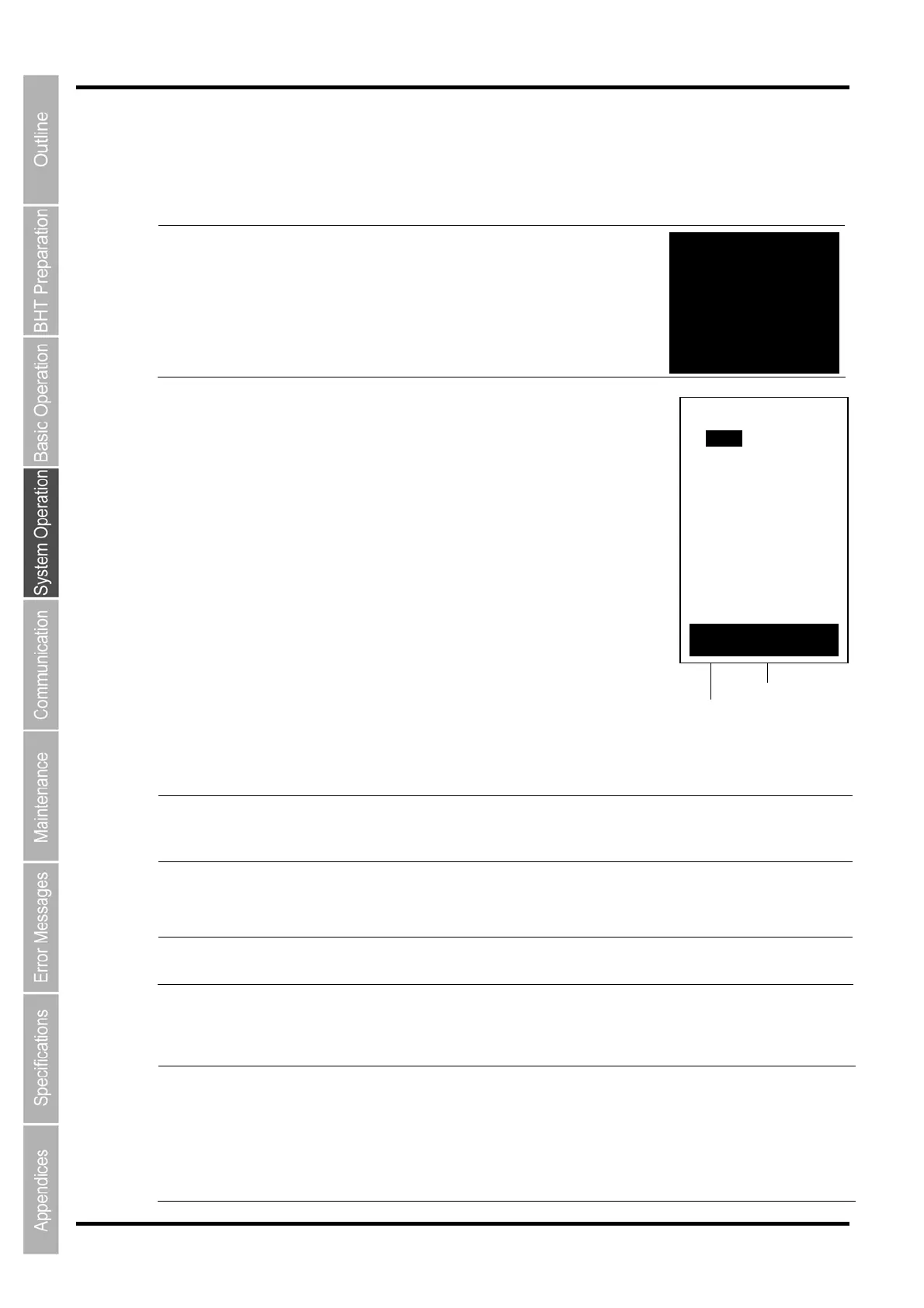
The screen on the right is displayed.
“1: ONE FILE”:
Select to upload a specific file.
“2: ALL FILES”:
Select to upload all files, excluding font files.
“3: HT<-->HT COPY”:
Select to upload a file to another BHT.
Refer to “4.5.5 Copying Files between 2 BHT Units” for details.
“4: DRIVE”:
Select to upload data to the microSD card.
Press the BS/C key to return to the SYSTEM MENU.
The current communication settings display at the bottom of the screen.
Communication protocol type Ymodem
BHT-Ir
BHTp
Ymodem protocol
BHT-Ir protocol
BHT protocol
Interface used Crdl
IrDA
USB
Communication with the CU
IrDA interface
USB cable
Transmit speed 9600 to 460800 Transmission speed corresponding to each
protocol
Refer to “4.5.6 System Environment Settings (SET SYSTEM Menu)” for details of communication
environment settings.
- Point -
If BHT protocol or BHT-Ir protocol is selected for the communication protocol, BHT-BASIC
4.0* specification files will not display at the file selection screen, and therefore cannot be
downloaded.
(*Applications with extension “.PD4”, extension libraries with extension “.FN4”, and data files
that have any of the following structures: the number of fields is 17 or more, the total of the
number of fields and each field length is 255 or more, and the number of records is 32768 o
more)
Communication protocol type
Interface used
Transmit speed
UPLOAD
1:FILE
2:ALL FILES
3:HT<‐‐>HT COPY
F4:DRIVE
Internal Memory
[Ymodem] IrDA460800
- MTP -
Termination Key:
[BS/C] or [C]



 To Next Page