136
BHT-1300B series
Max. 15 cm
[7] Communication test
Use the following procedure to perform a communication test.
1. Select “7: COMMUNICATION” at the TEST menu and then press the
ENT key.
The TEST COMMUNICATION screen shown on the right is displayed.
“1: OPTICAL”: Performs an infrared communication test.
“2: COM2”: Perfroms a USB communication test.
Refer to the following section for details of the above items.
Press and hold the BS/C key to return to the TEST menu.
Infrared Communication Test
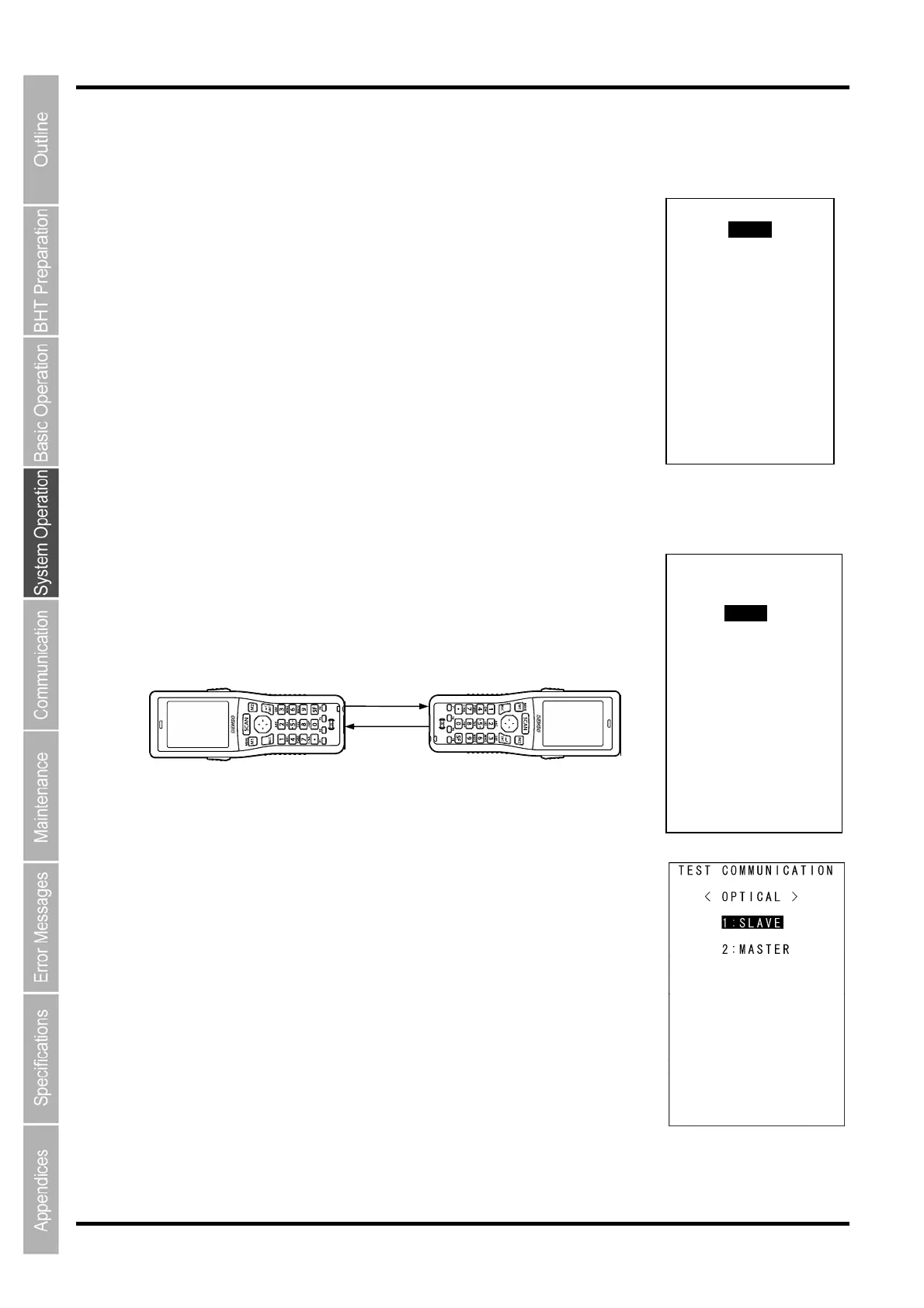
1. Arrange two BHTs, one as a master station and the other as a slave
station (to be tested) with their IrDA interface ports facing each other
as illustrated below.
This test involves transmitting data from the test BHT and the master BHT
returning the data to the test BHT.
2. Select “1: COM1” at the TEST menu and then press the ENT key.
The TEST COMMUNICATION screen on the right is displayed.
Master BHT
Data
Slave BHT
(to be tested)
TEST COMMUNICATION
1:COM1
2:COM2
TEST COMMUNICATION
< COM1 >
1:IrDA
2:Cradle



 To Next Page