133
Barcode Handy Terminal
◆ Media files (*.JPG)
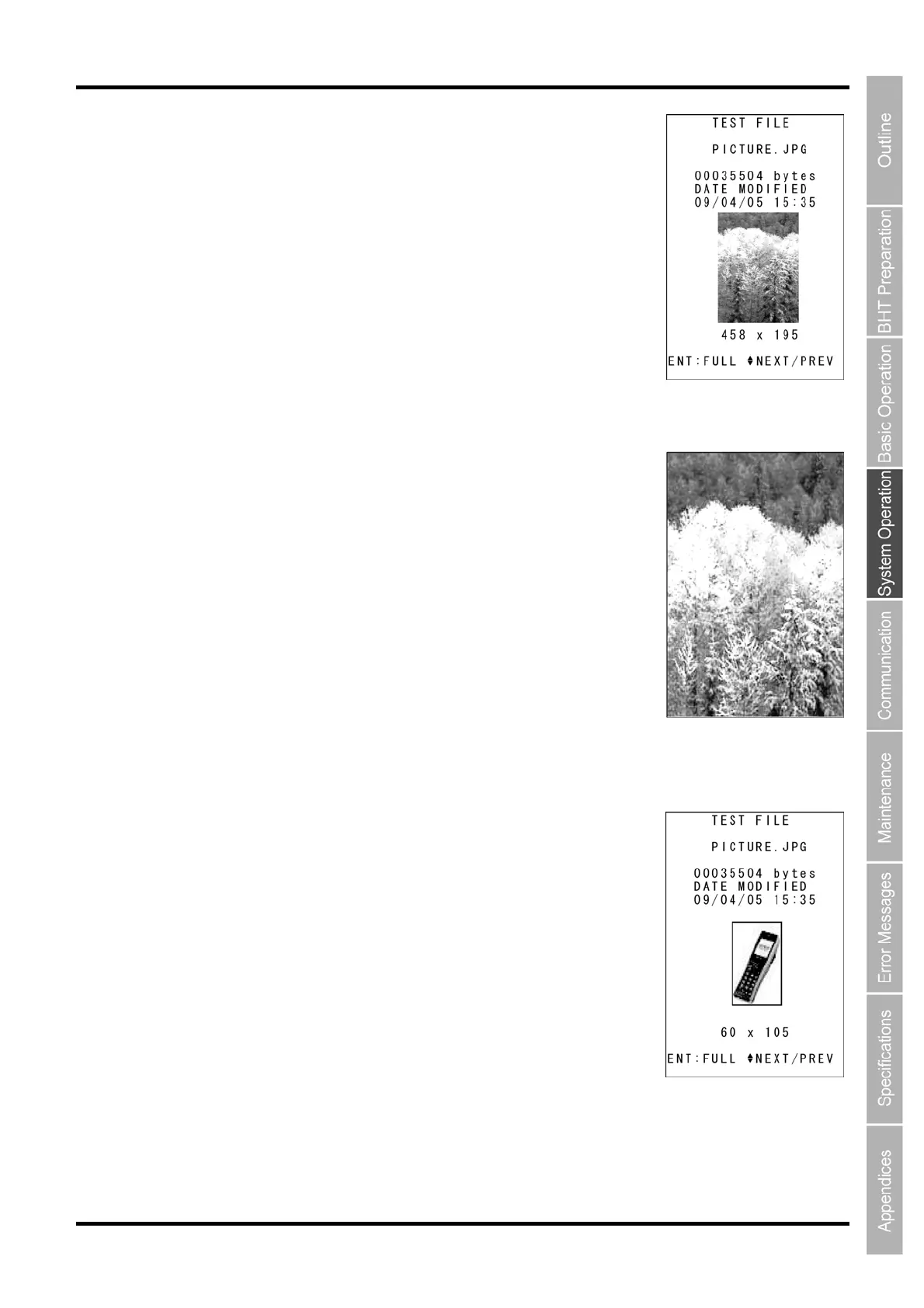
1. Use the cursor keys ([▲] [▼]) to select a *.JPG file, and then press the ENT
key.
The screen on the right will appear, displaying the file size, creation date,
and a preview image.
2. Press the F1 key to display the image in full screen.
If the actual image is larger than the screen, the image will be displayed at
the actual size centered on the top left of the screen.
Press any key to return to the previous screen.
If the actual image size is smaller than the preview size, the image will be
displayed at the original size.



 To Next Page