120
BHT-1300B series
4.5.7 BHT Operation Test (TEST Menu)
Use the following procedure to perform a BHT operation test.
1. Select “5: TEST” at the SYSTEM MENU and then press the ENT
key.
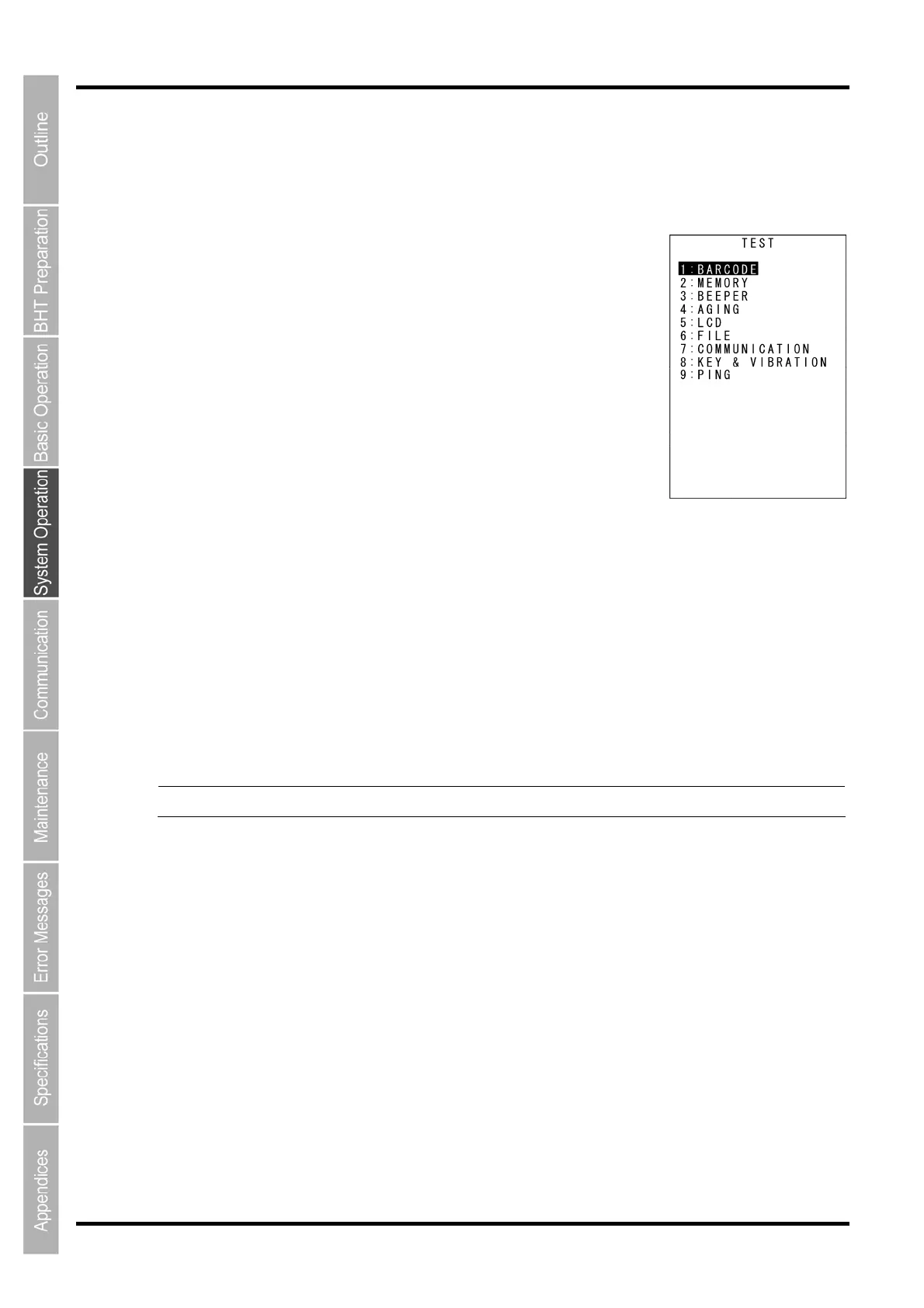
The TEST menu screen on the right is displayed.
“1: BARCODE”:
Selects the code scanning test.
“2: MEMORY”:
Selects the RAM read/write test.
“3: BEEPER”:
Selects the speaker scale test.
“4: AGING”:
Selects the aging test.
“5: LCD”:
Selects the LCD and indicator LED tests.
“6: FILE”:
Checks the file information.
“7: COMMUNICATION”:
Selects the communication test.
“8: KEY & VIBRATION”:
Selects the key entry, speaker and vibrator tests.
“9: PING”:
Selects the PING test.
Refer to the following section for details of the above items.
Press and hold the BS/C key to return to the SYSTEM MENU.
- Point - Contact your nearest dealer if an error occurs during any of the above tests.



 To Next Page