26
BHT-1300B Series
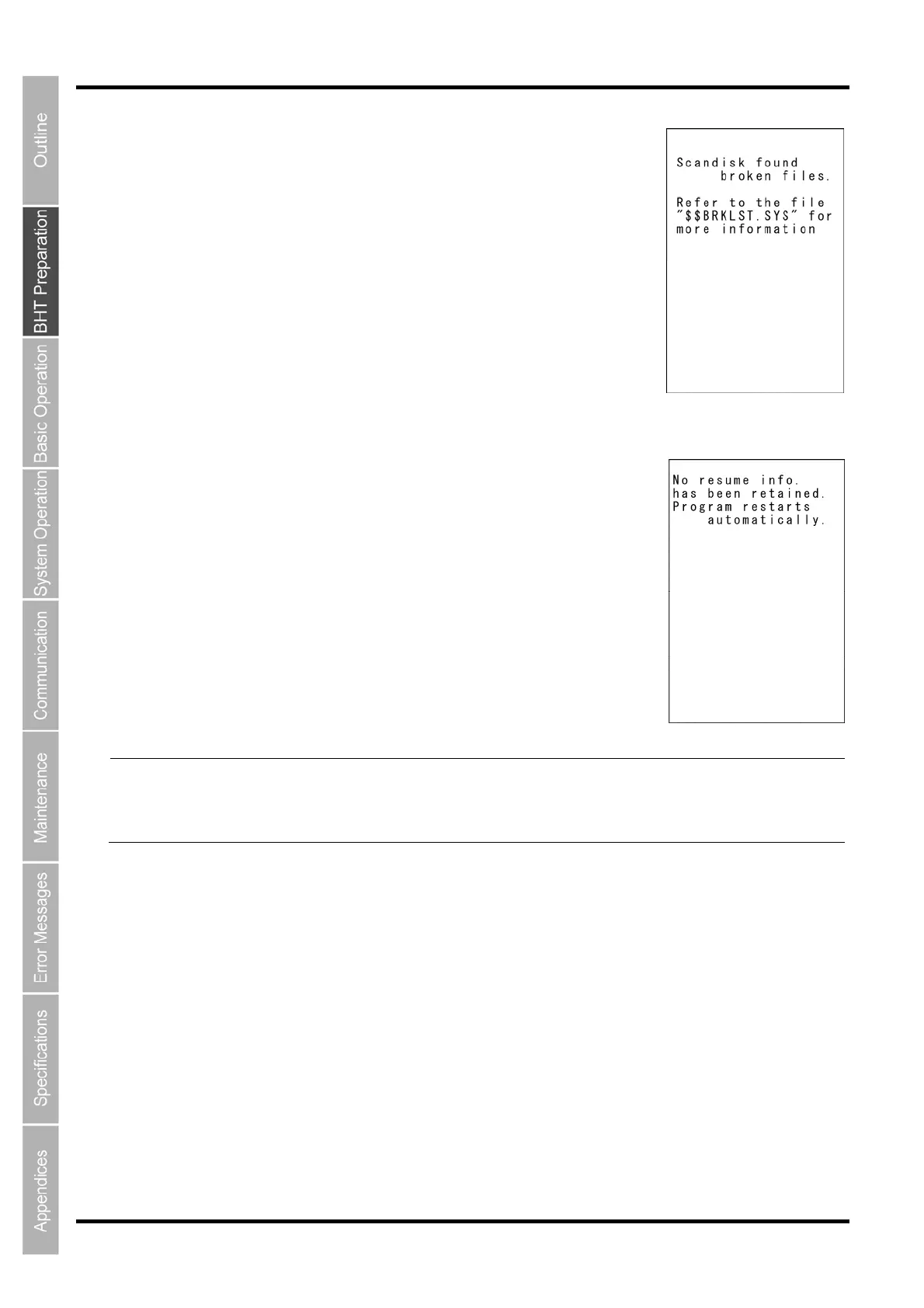
If Scandisk finds a broken file(s), the right screen will appear.
(As long as a broken file exits, the screen is displayed every time the BHT
System is started up.)
(Refer to “About “$$BRKLST.SYS” on the following page.)
Scandisk when the resume function is enabled
If Scandisk runs when the resume function is enabled, the screen given right
may appear.
The BHT displays the screen for three seconds and then automatically runs
the execution program from the beginning.
(The screen may also appear when the calendar clock built in the BHT stops,
even without running Scandisk.)
Point The resume function is used to return the display to the status (screen) where the power was last
turned OFF when the power is next turned ON.
Resume function settings are made at the “SET SYSTEM” menu. Refer to Chapter 4 “System
Operation” - 4.5.6 “System Environment Settings (SET SYSTEM Menu)” for further details.



 To Next Page