125
Barcode Handy Terminal
[2] Memory test
Use the following procedure to perform a memory test.
1. Select “2: MEMORY” at the TEST menu and then press the ENT
key.
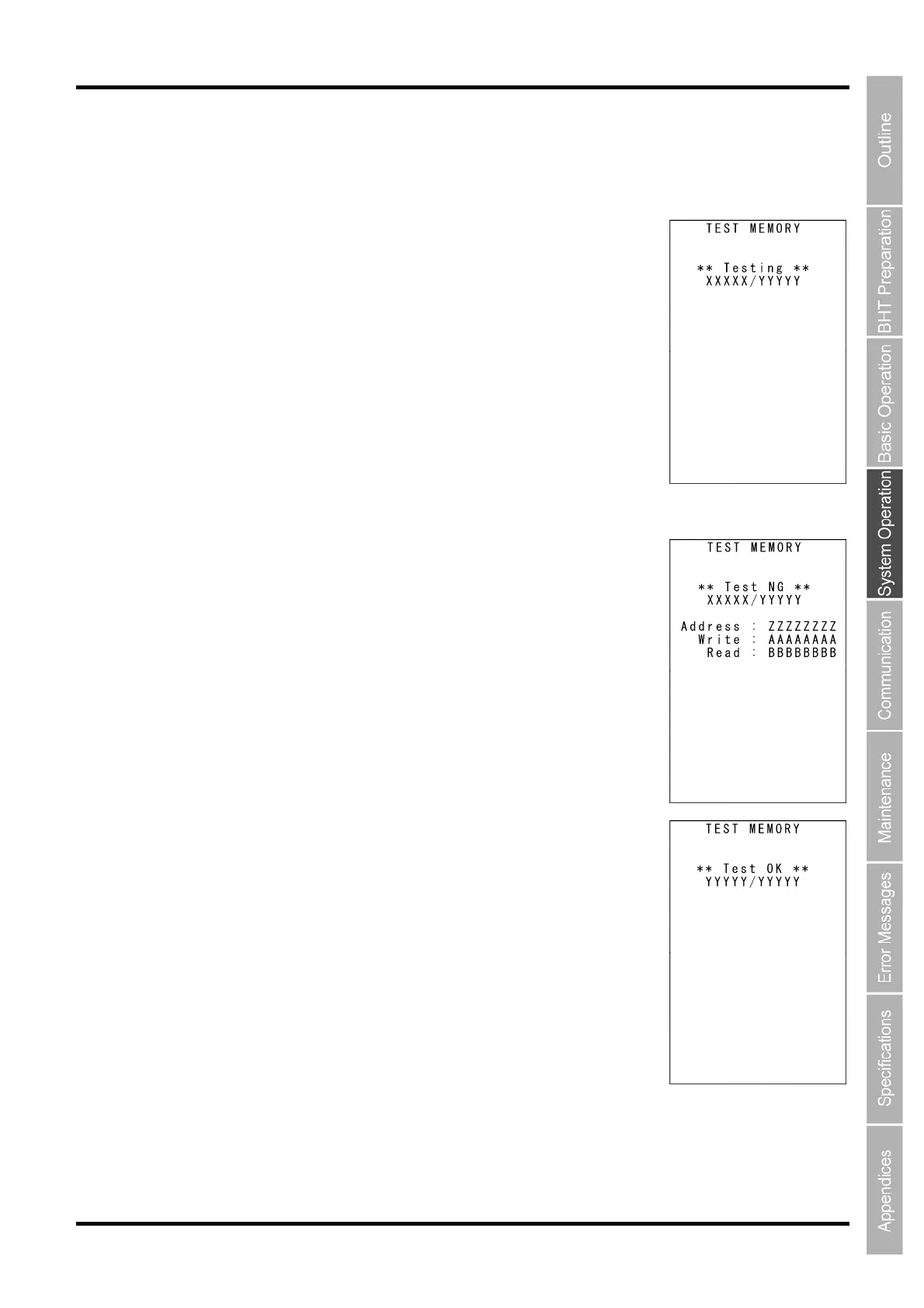
The screen on the right is displayed, and the BHT reads and writes data to
and from all areas of the RAM and performs an address check.
“XXXXX”: Tested RAM capacity (unit: kilobytes)
“YYYYY”: Total RAM capacity (unit: kilobytes)
If any error is detected, the BHT speaker beeps three times, displays a
message similar to that shown on the right, and aborts the memory test.
“ZZZZZZZZ”: Address where the error occurred
“AAAAAAAA”: Data to write
“BBBBBBBB”: Data read out the RAM
Press and hold the BS/C key to return to the TEST menu.
Upon normal completion of the RAM test, the BHT speaker beeps once,
displays a message similar to that shown on the right, and returns to the
TEST menu.



 To Next Page