34
BHT-1300B Series
3.2 Numeric Data Entry
Enter numeric data such as product volume with the numeric keys and Enter (
) key.
If numeric data is entered incorrectly, use the backspace/clear key (
) to delete the data and then reenter with
the numeric keys.
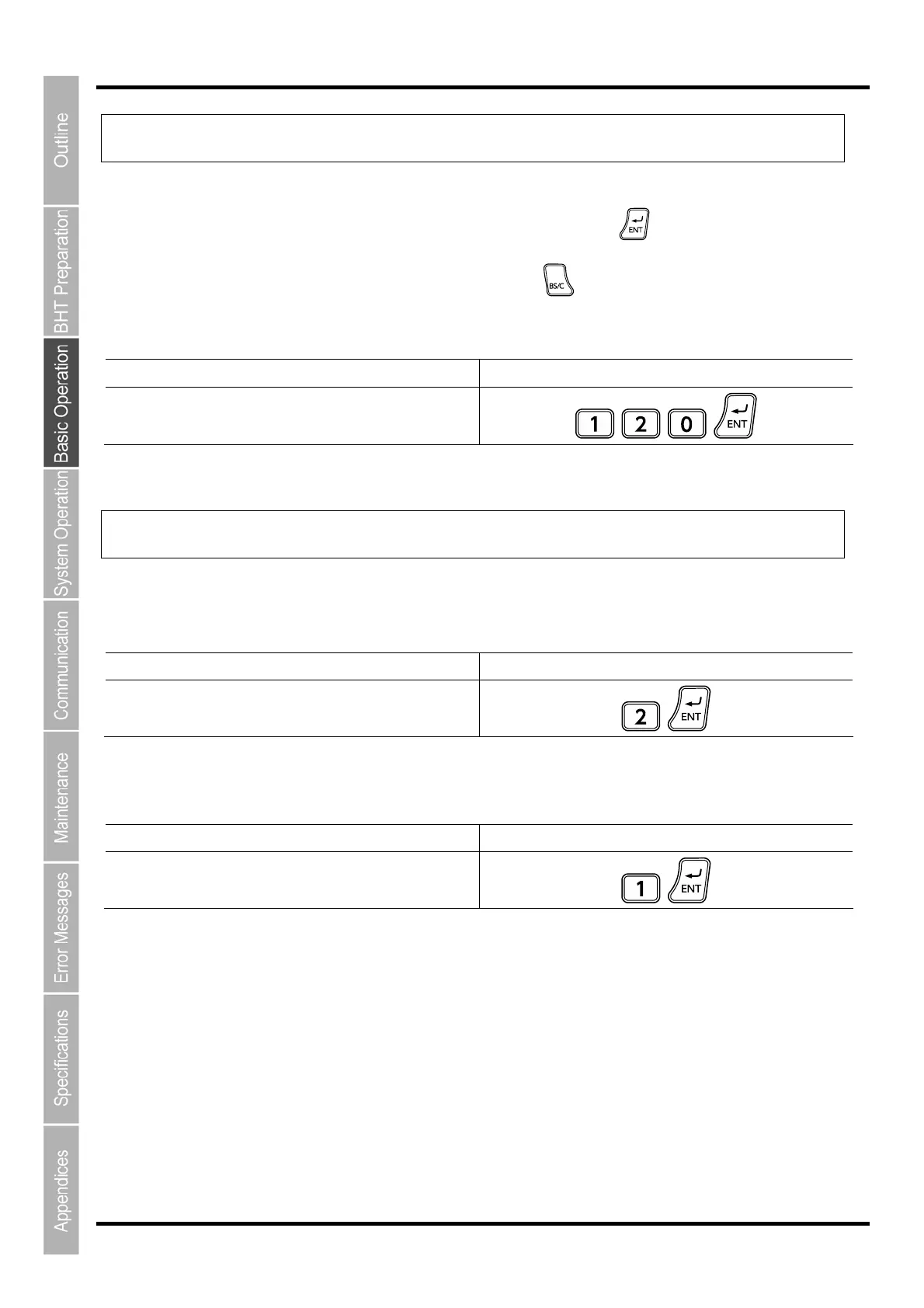
When Entering “120” Key Operation
Press numeric keys 1, 2, and 0 followed by the Enter
key.
3.3 Task Selection
If a selection item "such as “1:XXX 2:XXX” with numeric values displays, enter the values with the numeric entry
keys and then press the Enter key.
When Selecting Task 2:XXX Key Operation
Press numeric key 2 followed by the Enter key.
If a YES/NO selection screen such as “1:YES 2:NO” displays, press numeric key [1] to select “YES”, and [2] to
select “NO”.
When Selecting “1:YES” Key Operation
Press numeric key 1 followed by the Enter key.



 To Next Page