187
Barcode Handy Terminal
[3] Setting up the MTP Restrictions Parameters
1. Select “1: MTP RESTRICTIONS” at the MTP PARAMETER MENU
and then press the ENT key.
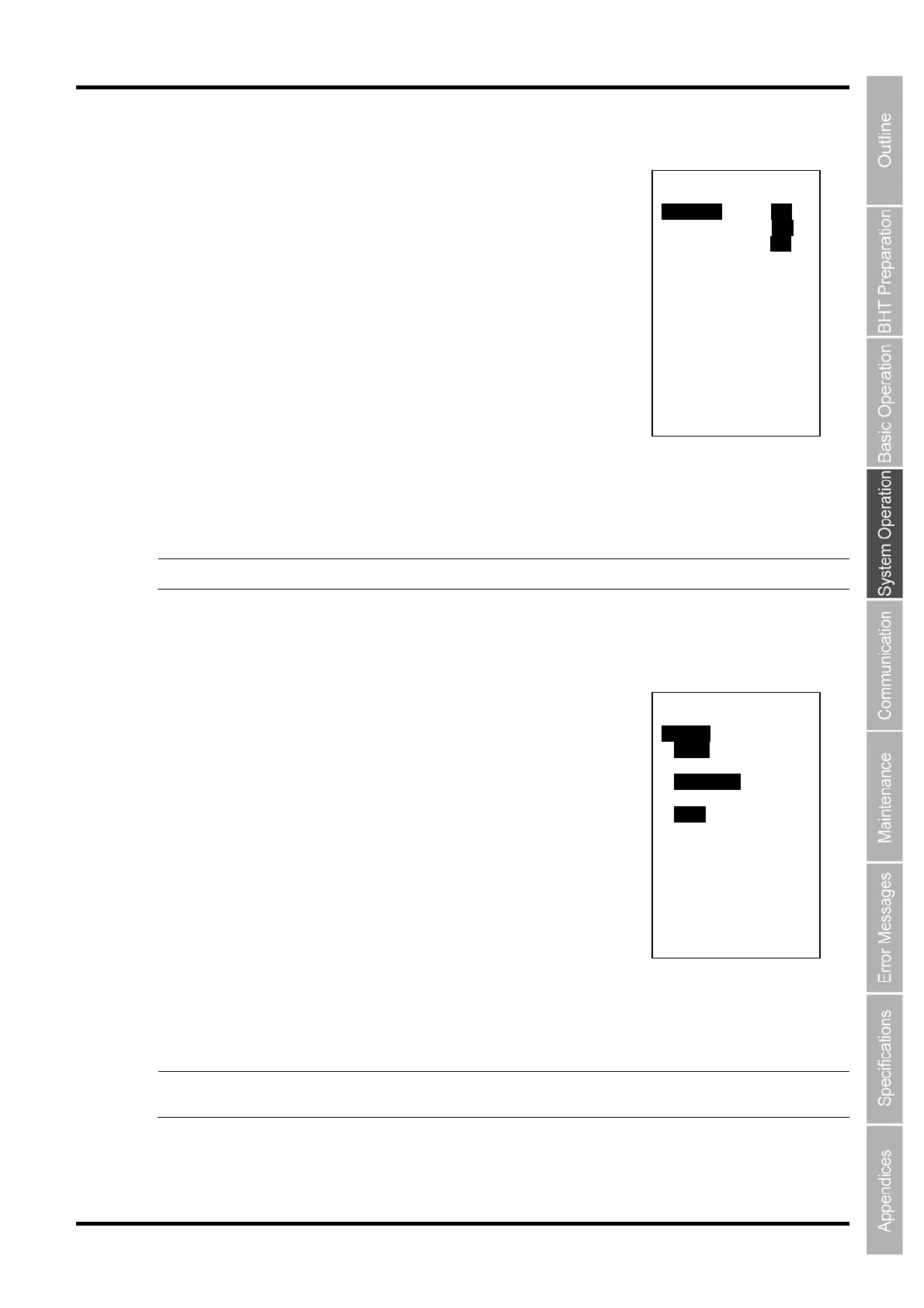
The MTP RESTRICTIONS screen on the right is displayed.
2. Use the cursor keys ([▲] [▼]) or numeric keys ([1][2][3]) to select
the menu and then press the ENT key.
“1: RECEIVE”:
Selects whether or not (ON or OFF) to restrict receiving files.
“2: DELETE”:
Selects whether or not (ON or OFF) to restrict deleting files.
“3: RENAME”:
Selects whether or not (ON or OFF) to restrict changing file names.
Use the cursor keys ([◄] [►]) to select the menu and then press the ENT key.
Press and hold the BS/C key to return to the MTP PARAMETER menu.
Point The restricted parameter cannot be used anymore if the MTP restriction is enabled.
[4] Setting up the MTP File Setting Parameters
1. Select “2: MTP FILE SETTING” at the MTP PARAMETER MENU
and then press the ENT key.
The MTP FILE SETTING screen on the right is displayed.
2. Use the cursor keys ([▲] [▼]) or numeric keys ([1][2][3]) to select
the menu and then press the ENT key.
“1: CR/LF”:
Selects line-beak codes in the records.
“2: CR/LF MODE”:
Selects “Control code” to handle line-break codes as record delimiters
or selects “Data” to handle them as data.
“3: FIELD SPACE”:
Selects “Ignore” to ignore trailing spaces in the fields or selects “Data” to handle them as data.
Use the cursor keys ([[◄] [►]) to select the menu and then press the ENT key.
Press and hold the BS/C key to return to the MTP PARAMETER menu.
Point The CR/LF CODE and FIELD SPACE settings are valid only at receiving files provided with
field information.
MTP RESTRICTIONS
1:RECEIVE ON OFF
2:DELETE ON OFF
3:RENAME ON OFF
MTP FILE SETTING
1:CR/LF
CR/LF LF CR None
2:CR/LF CODE
Control code Data
3:FIELD SPACE
lgnore Data



 To Next Page