75
Barcode Handy Terminal
2. Select “1: FILE”, ”2: ALL FILES” or ”3: HT<-->HT COPY” and press the ENT key.
When “1: FILE” is selected:
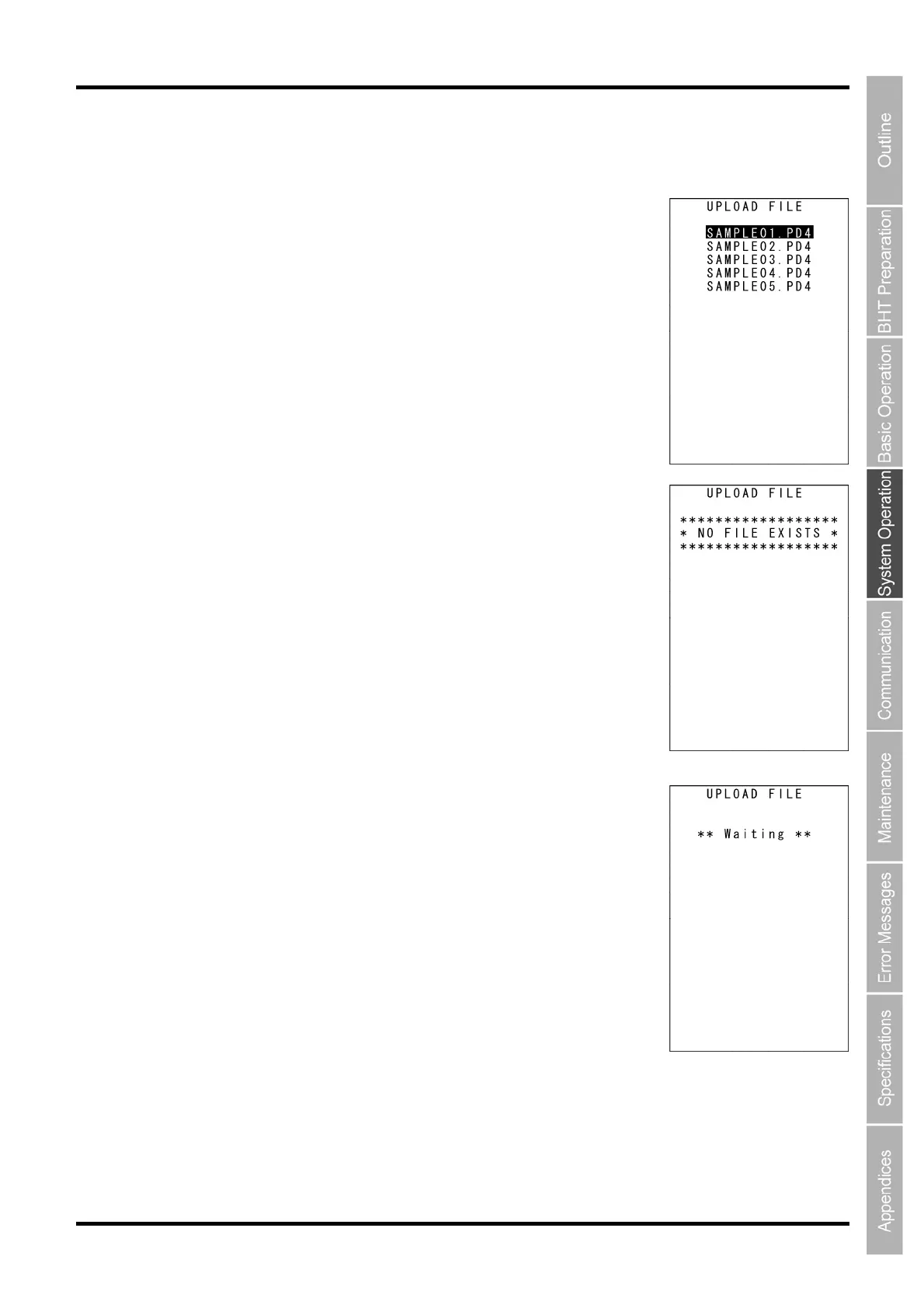
The screen on the right is displayed. Select the file to be uploaded and
press the ENT key.
Next, proceed to step 3.
When “2: ALL FILES” or ”3:HT<-->HT COPY” is selected:
Proceed to step 3.
The screen on the right is displayed
if no files that can be uploaded exist
in the user area.
Press the BS/C key to return to the UPLOAD menu.
3. The screen on the right indicating that the BHT is waiting for the file
to be uploaded is displayed.
The screen on the right is displayed only when “1: FILE” is selected.
If “2:ALL FILES” is selected, “ALL” is displayed in the center of the second
row of the screen.
If “3: HT<-->HT COPY” is selected, “HT<-->HT” is displayed in the center of
the second row of the screen.



 To Next Page