73
Barcode Handy Terminal
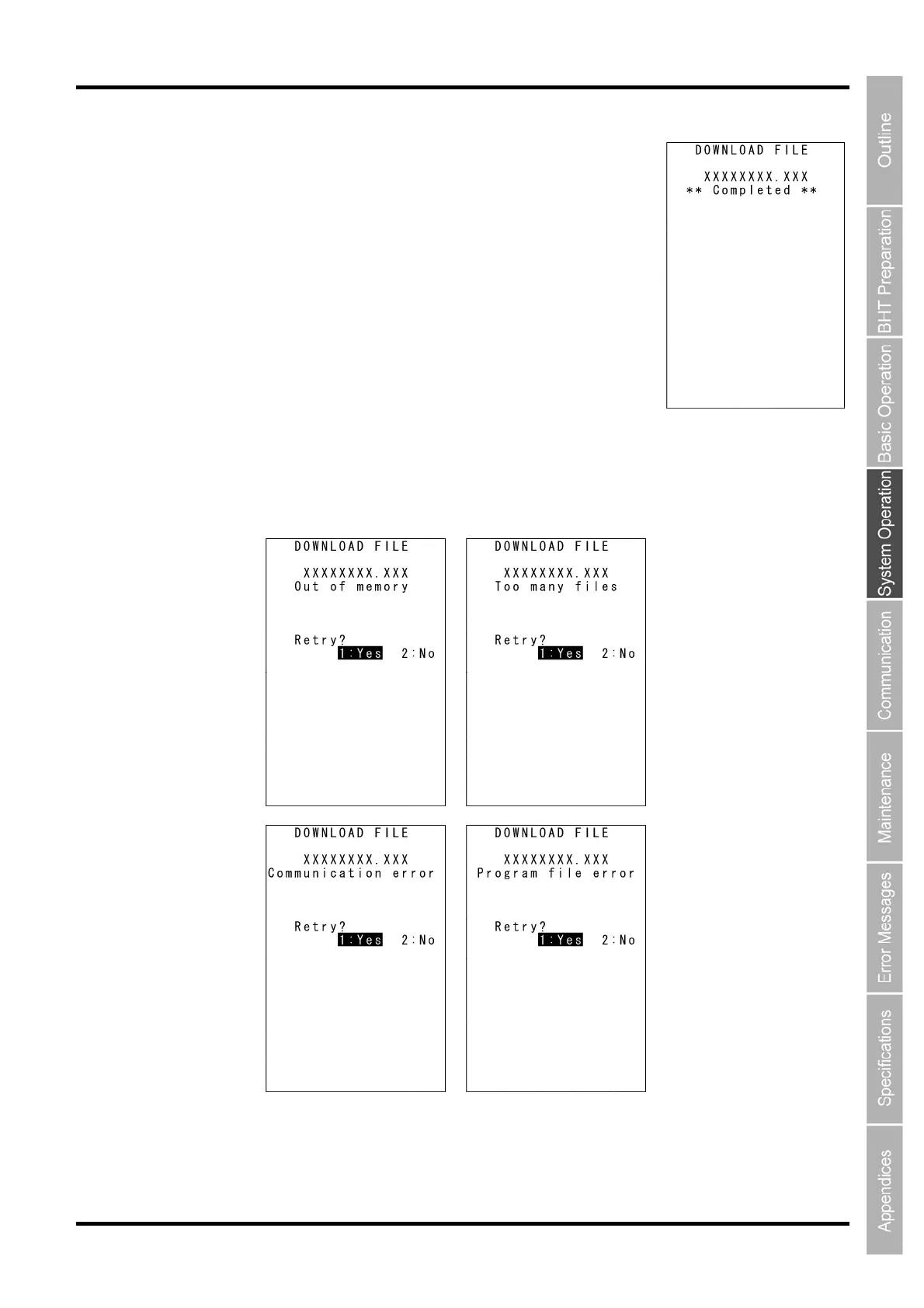
5. When downloading is complete, the Buzzer sounds once and the
screen on the right is displayed.
When the number of received records equals the total number of records,
downloading is complete.
(When using the Ymodem protocol, the received file size equals the total
file size.)
Press the BS/C key to return to the DOWNLOAD menu.
With this screen displayed on the BHT, downloading another new file from
the host computer allows the BHT to begin receiving.
(Refer to the “BHT-BASIC 4.0 Transfer Utility User’s Guide.”)
If “2: HT<-->HT COPY” is selected, repeat the above operation until all files are downloaded.
If an error message (screen below) appears during downloading, refer to Chapter 7 “Error Messages”.



 To Next Page