129
Barcode Handy Terminal
7. Press the ENT key.
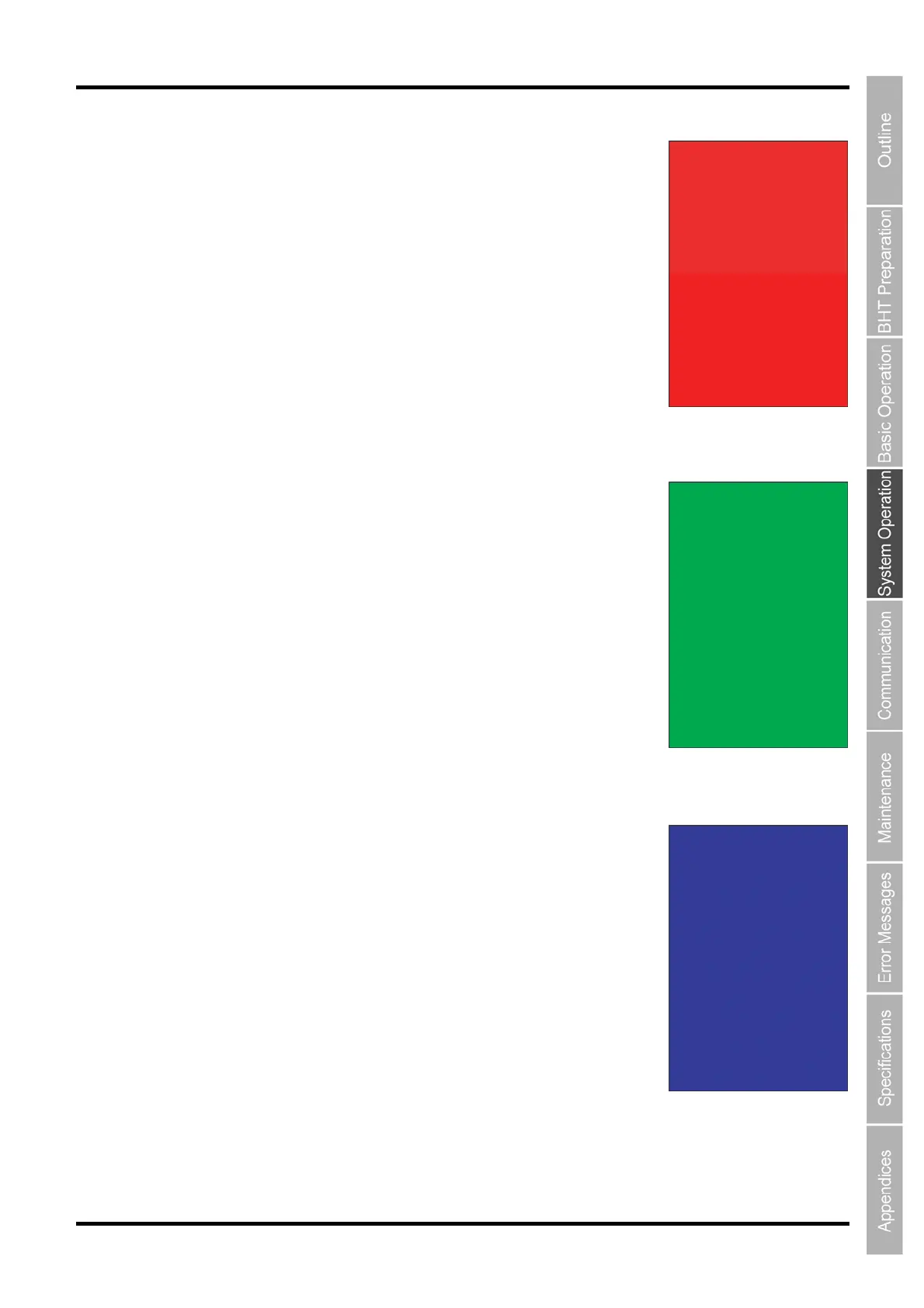
The entire screen turns red, and at the same time, the indicator LED turns
red.
Press and hold the BS/C key to return to the previous screen.
Press and hold the BS/C key, or press the SF key and BS/C key
simultaneously to return to the TEST menu.
8. Press the ENT key.
The entire screen turns green, and at the same time, the indicator LED
turns green.
Press and hold the BS/C key to return to the previous screen.
Press and hold the BS/C key, or press the SF key and BS/C key
simultaneously to return to the TEST menu.
9. Press the ENT key.
The entire screen turns blue, and at the same time, the indicator LED turns
blue.
Press and hold the BS/C key to return to the previous screen.
Press and hold the BS/C key, or press the SF key and BS/C key
simultaneously to return to the TEST menu.



 To Next Page