165
Barcode Handy Terminal
3. Ensure that [1: PRE SHARED KEY] is highlighted and then press the ENT key.
The mode changes to entry mode and the cursor is displayed.
4. Use the numerical keys to enter a shared key and press the ENT key.
Press the SF key to change the entry mode (numerical entry (no guidance display) and alphabet entry).
To delete a single character, press the BS/C key. To delete the entire entry,
press and hold the BS/C key, or press the SF key and BS/C key simultaneously.
5. Press and hold the BS/C key to return to the SET RF PARAMETER menu.
6. Use the cursor keys ([▲] [▼]) or numerical key ([2]) to highlight [2:
WPA CIPHER] and then press the ENT key.
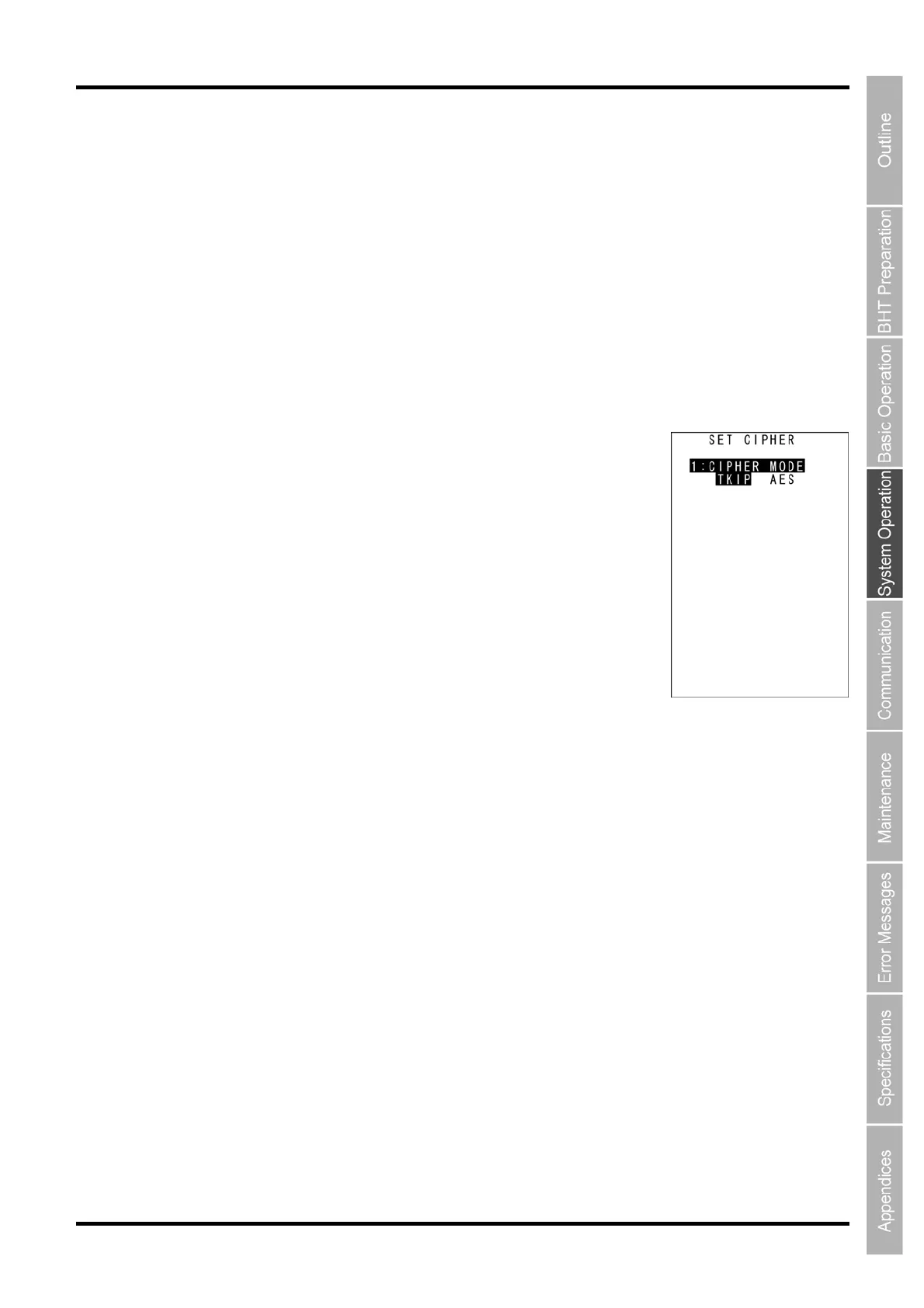
The screen on the right is displayed.
[1: CIPHER MODE]: Selects TKIP or AES.
7. Ensure that [1: CIPHER MODE] is highlighted and then select TKIP
or AES.
Select TKIP to use TKIP.
Select AES to use AES.
8. Press the ENT key or BS/C key to return to the SECURITY CONFIG
menu.



 To Next Page