182
BHT-1300B series
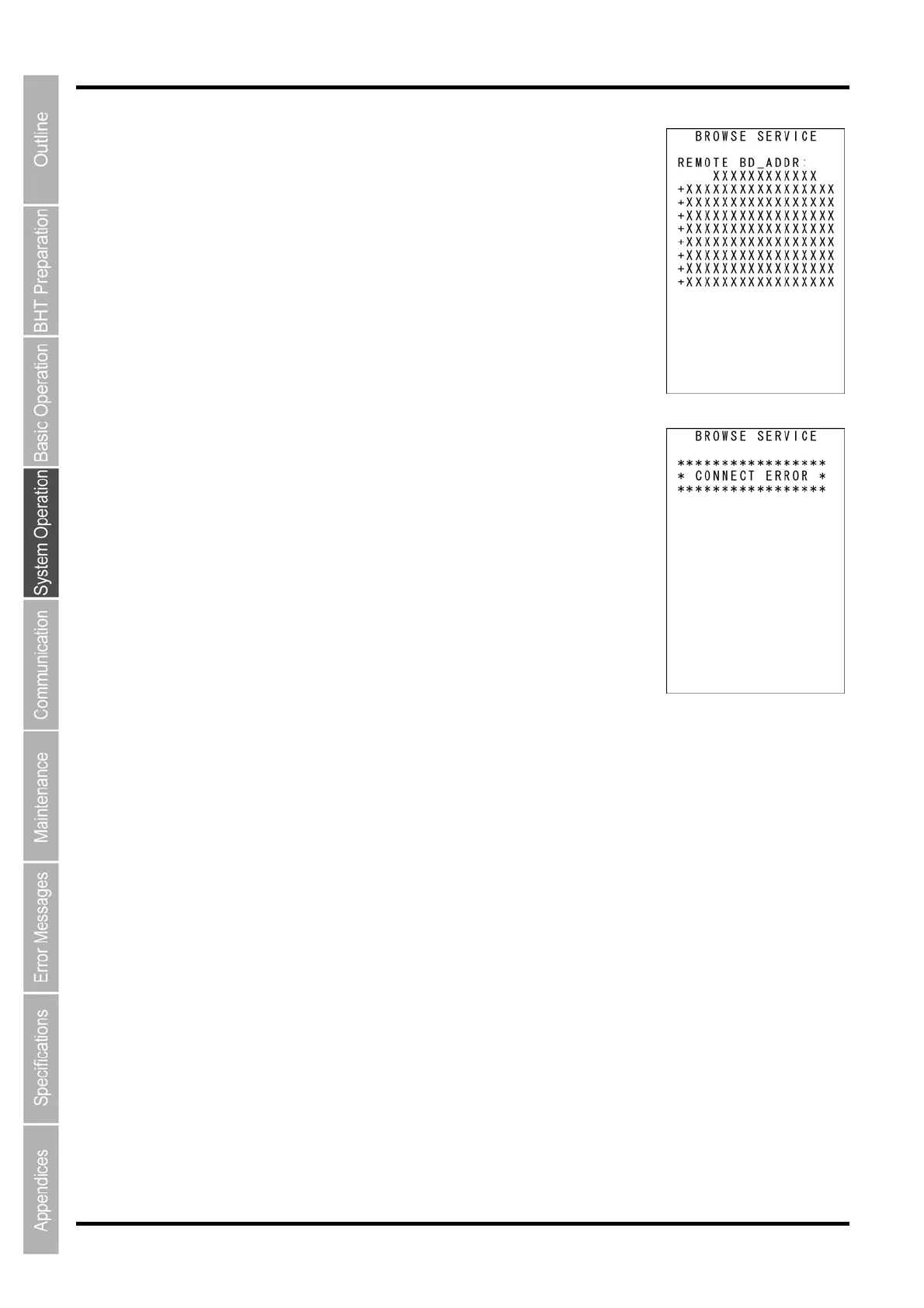
When the service inquiry is completed or the service inquiry time has
elapsed, the Bluetooth
®
device address of the destination remote device
and the provided service names are displayed as shown on the screen on
the right.
Press and hold the BS/C key to return to the BROWSE DEVICE menu.
If the service inquiry fails, the screen on the right is displayed.
Check the following and retry the service inquiry.
・ The destination remote devices are in the vicinity.
・ The destination remote devices are ready for use.
・ The Bluetooth
®
passkey is correctly set.
・ The sufficiently long timeout period is set.
Press and hold the BS/C key to return to the BROWSE DEVICE menu.



 To Next Page