234
BHT-1300B Series
Message BHT Response Countermeasure
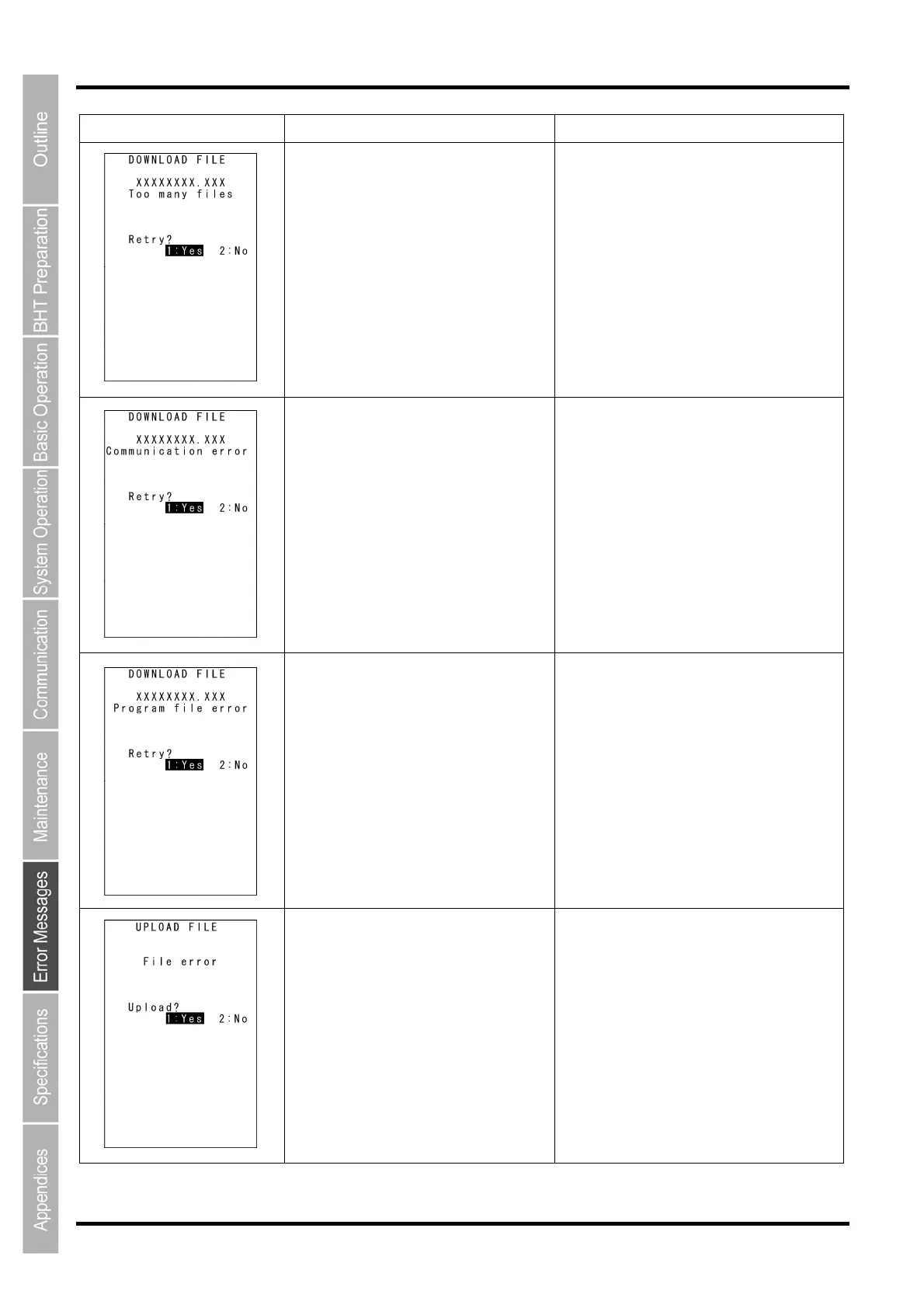
The current download will exceed the
maximum allowable number of files (420
files) in the memory.
Press the 2 key to return to the SYSTEM
MENU, then delete unnecessary files in the
memory (or decrease the number of files to
be downloaded if you attempted to
download more than one file in the
DOWNLOAD menu.)
Downloading has failed.
Uploading has failed.
To retry downloading/uploading, press the 1
key.
To return to the SYSTEM MENU, press the
2 key. Check the interface port,
communications parameters, and
communications protocol in the SET
SYSTEM menu or perform the
communications test in the TEST menu.
You attempted to download an invalid
program file.
Check whether the program file you
attempted to download is available for the
BHT-1300 model. If it is not available,
download the appropriate program.
The file you attempted to upload is
damaged.
To upload the damaged file as is, press the
1 key.



 To Next Page