29
Barcode Handy Terminal
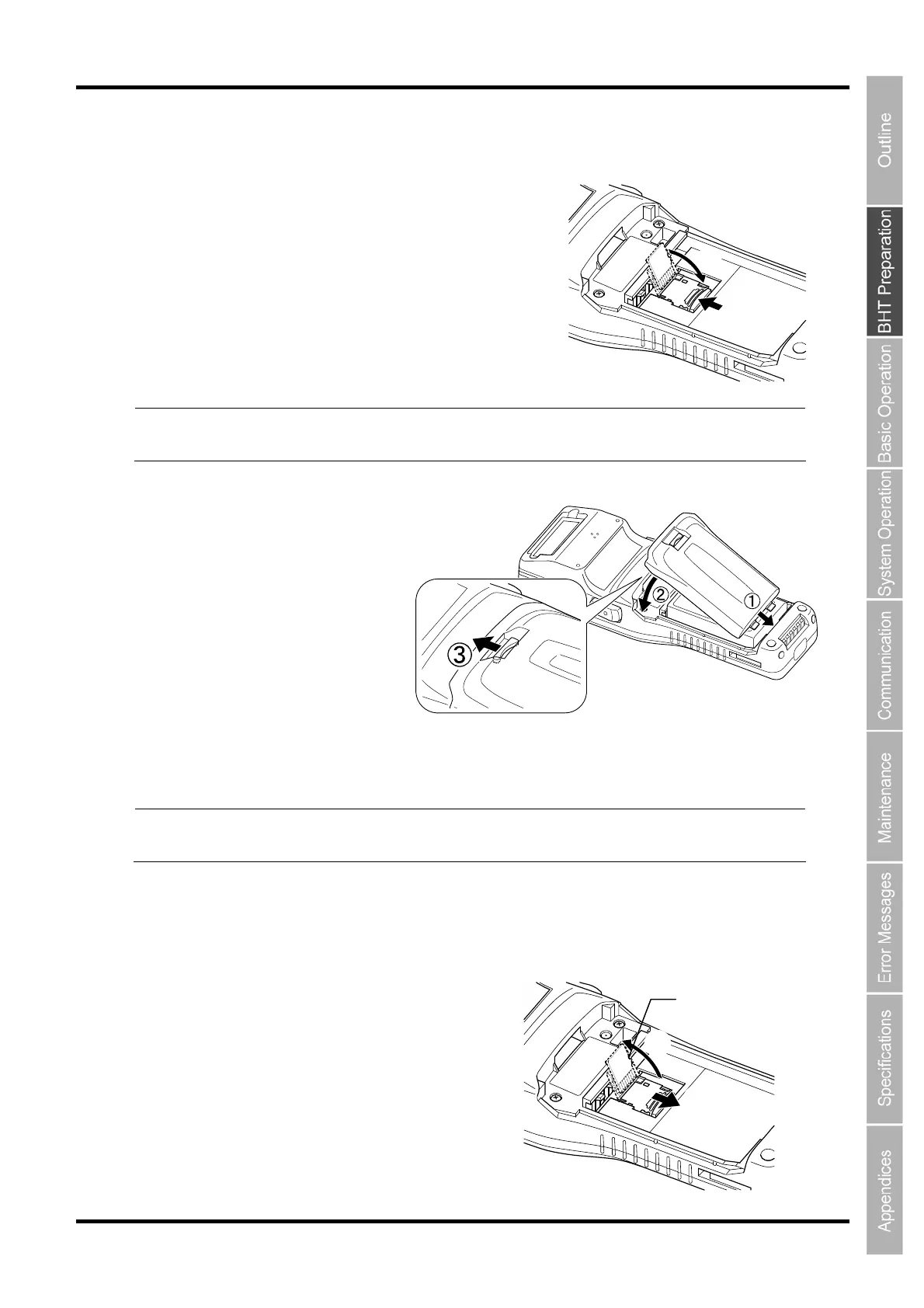
4. Close the microSD card cover in the direction (1) and slide it in the LOCK direciton (2) to lock
the card cover.
Note Make that the microSD card cover is securely locked.
Otherwise, the system may not start or the data saved in the card may be broken or lost.
5. Install the battery cartridge.
How to remove the microSD card
Remove the microSD (option) card in the following procedure.
Note Make sure that the BHT is turned OFF before inserting the microSD card.
Otherwise, the data saved in the card may be broken or lost.
1. Remove the battery cartridge.
2. Slide the microSD card cover in the OPEN direction (1) to unlock the cover and open the
microSD card cover in the direction (2).
①
②
microSD card cover
①
②



 To Next Page