61
Barcode Handy Terminal
1. Perform the settings for the master-side clone using “1: CLONE” and “3:OPTION” from the
SETUP menu.
Use the “OPTION” menu to perform settings such as the clone number, and authentication key.
“OPTION” menu content is as per the table below.
Item Setting Content Default Remarks
1: CLONE NO.
1 to 6-digit numeric values “0”
Differentiates whether or not the beginning
of the number is padded with a “0” so that
the not only sequential numbers, but date
settings can be performed as well.
Ex.: The function differentiates
between ”1” and ”000001”.
2: SOFTWAVE TO
CLONE
OS YES
There are also OS settings and additional
files, but the aforementioned items are
always cloned.
Used
0 to 16 one-byte
alphanumeric characters
(Entry possible in ALP
mode.)
3: AUTH KEY
Not used
Not used
Clone menu
4: SLAVE ACTION
BHT reboot
Clone menu
BHT reboot: Restarts the BHT, then starts
the applications.
Clone mode
Makes the slave-side file
structure identical to the
master-side structure.
5: FILE COPY MODE
HT-HT copy mode
Leaves a copy of the
slave-side files.
Clone mode
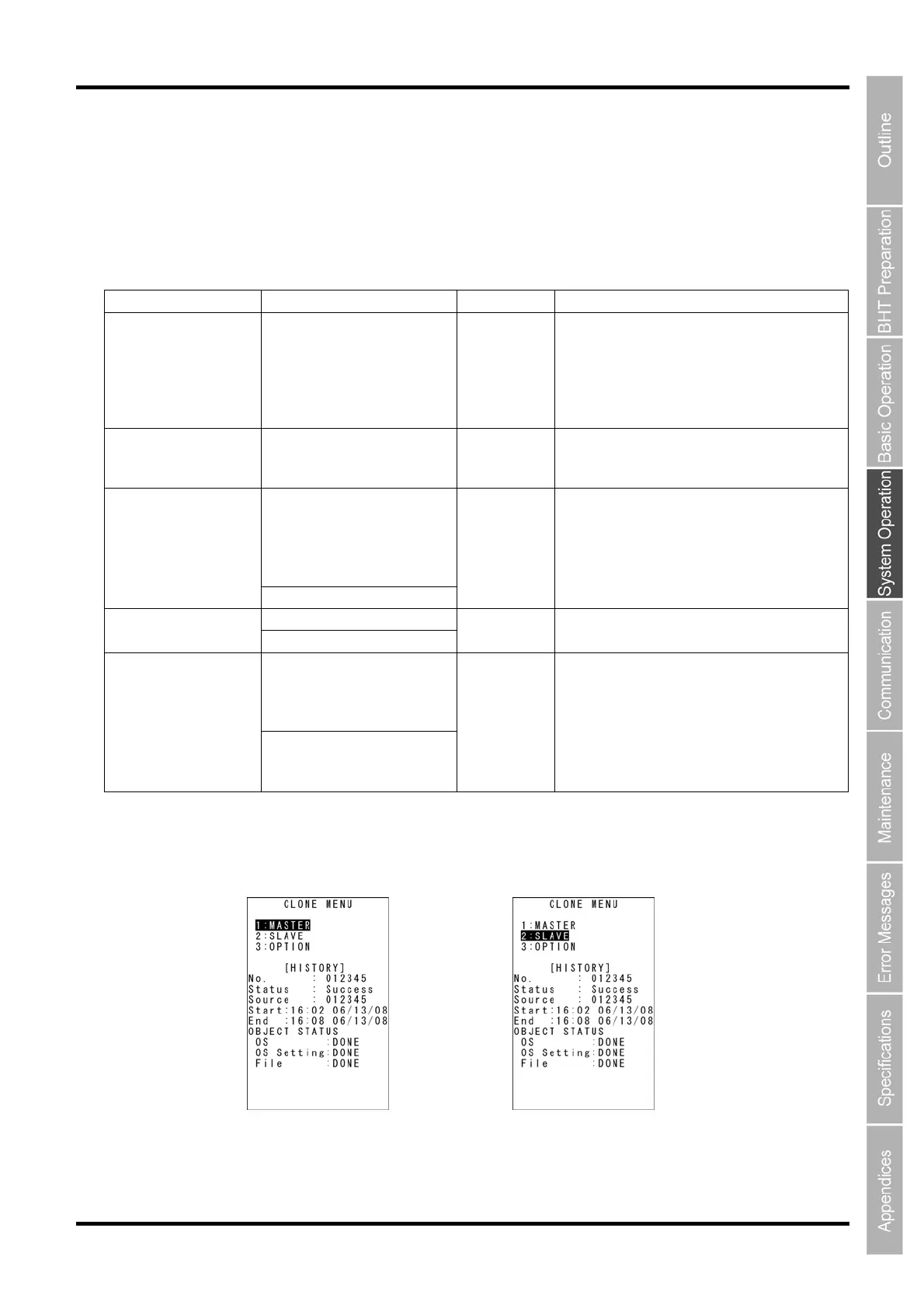
2. Select “1: MASTER” from the CLONE MENU on the msaster side.
3. Select “2: SLAVE” from the CLONE MENU on the slave side.
Master Side Slave Side



 To Next Page