Components description | 8
DOCMA0000006‐UK ﴾ENG﴿ ‐ Samson FPT 3A 81
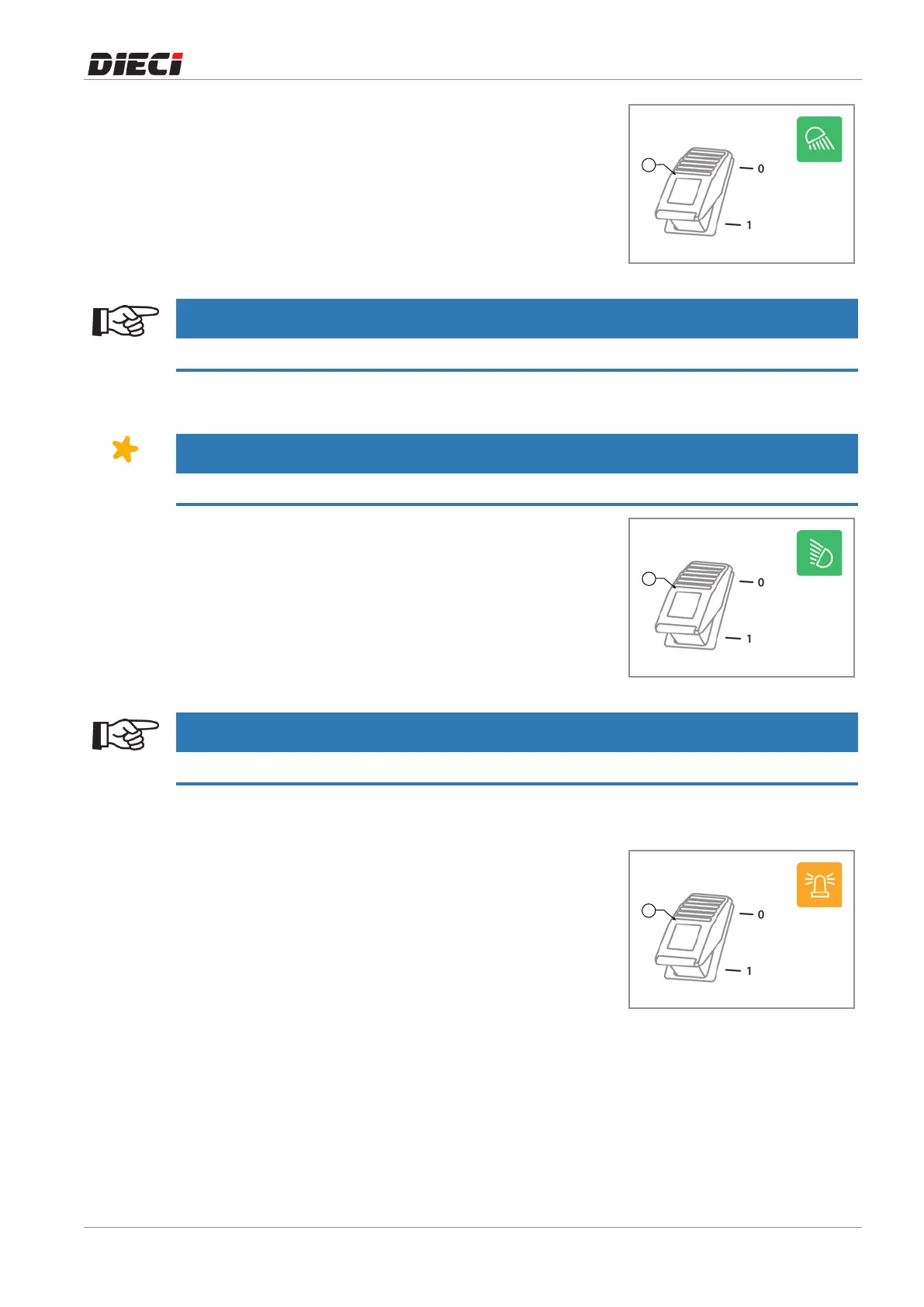
Press the switch "1" (fig. 1504101) located on the canopy
instrumentpaneltoturnontherearworklight.
Thewarninglightonthesameswitchindicatesthatthelightis
turnedon.
150410-1
NOTICE
To turn on the headlight it is necessary to bring the ignition key in position “I”.
8.1.14.5 Work light on the boom head*
NOTICE
* The work light on the boom head is an optional accessory.
Press the switch "1" (fig. 1504111) located on the canopy
instrumentpanel,toturnontheworklightontheboomhead.
Thewarninglightonthesameswitchindicatesthatthelightis
turnedon.
150411-1
NOTICE
To turn on the headlight it is necessary to bring the ignition key in position "I".
8.1.14.6 Rotating light
The rotating light"1" (fig 1504121) must be placed above the
driver'scabandmustalways be in operation both on site and
duringroaduse.
Toactivateandpositiontherotatinglight,performthefollowing
steps:
1. Cleananddrythetopofthedriver'scab.
2. Placetherotatinglightonthecab.
3. Insertthe plug of the rotating light into the socket on the
rearleftsideofthecab,undertherearwindow.
4. Turn on the rotating light usingthe switch on the canopy
instrumentpanel.
150412-1



 To Next Page