Chapter 7 Thin Provisioning Pool Management
7.2 Functions in the Action Area for Thin Provisioning
ETERNUS Web GUI User’s Guide
160
Copyright 2011 FUJITSU LIMITED P2X0-1090-02ENZ0
→ The screen return to the previous screen. The added RAID group is displayed in the
RAID group list.
5 When creating multiple RAID groups, repeat Step 3 and Step 4.
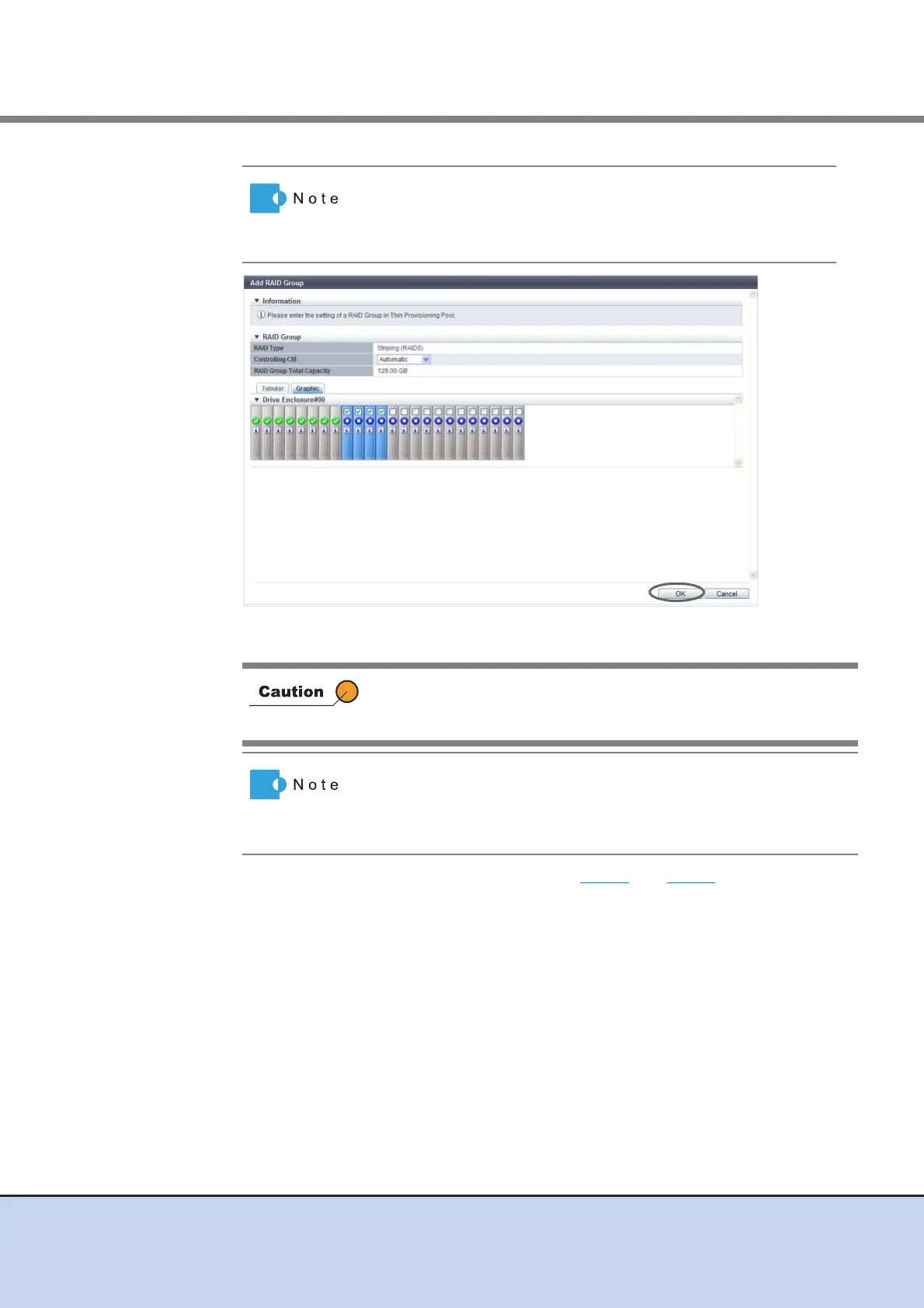
Drives can be selected from the list of drives that is displayed for
Tabular or from the drive images that are displayed for Graphic.
Click the Tabular tab to display a list of the drives or click the
Graphic tab to display drive images.
When the number of selected drives and the number of member
drives of the existing RAID group do not match, an error screen is
displayed.
• Click the [RAID Type] link to change the controlling CM and
configuration drives of the newly added RAID group.
• Click the [Delete] button in the target RAID group area to delete
the newly added RAID group.



 To Next Page