Chapter 8 Advanced Copy Management
8.2 Functions in the Action Area for Advanced Copy
ETERNUS Web GUI User’s Guide
214
Copyright 2011 FUJITSU LIMITED P2X0-1090-02ENZ0
● The table size for EC/REC and for OPC/QuickOPC/SnapOPC/SnapOPC+ without OPC
Restoration (S1)
• Round the derived value up to the next multiple of 8 to obtain the correct
setting for the copy table size.
• A copy table of the appropriate size (as derived above) is created in
each CM.
• If the total table size value (S) exceeds the maximum size allowed,
adjust the resolution (M) upward until the maximum table size is no
longer exceeded. The resolution (M) should be as small as possible.
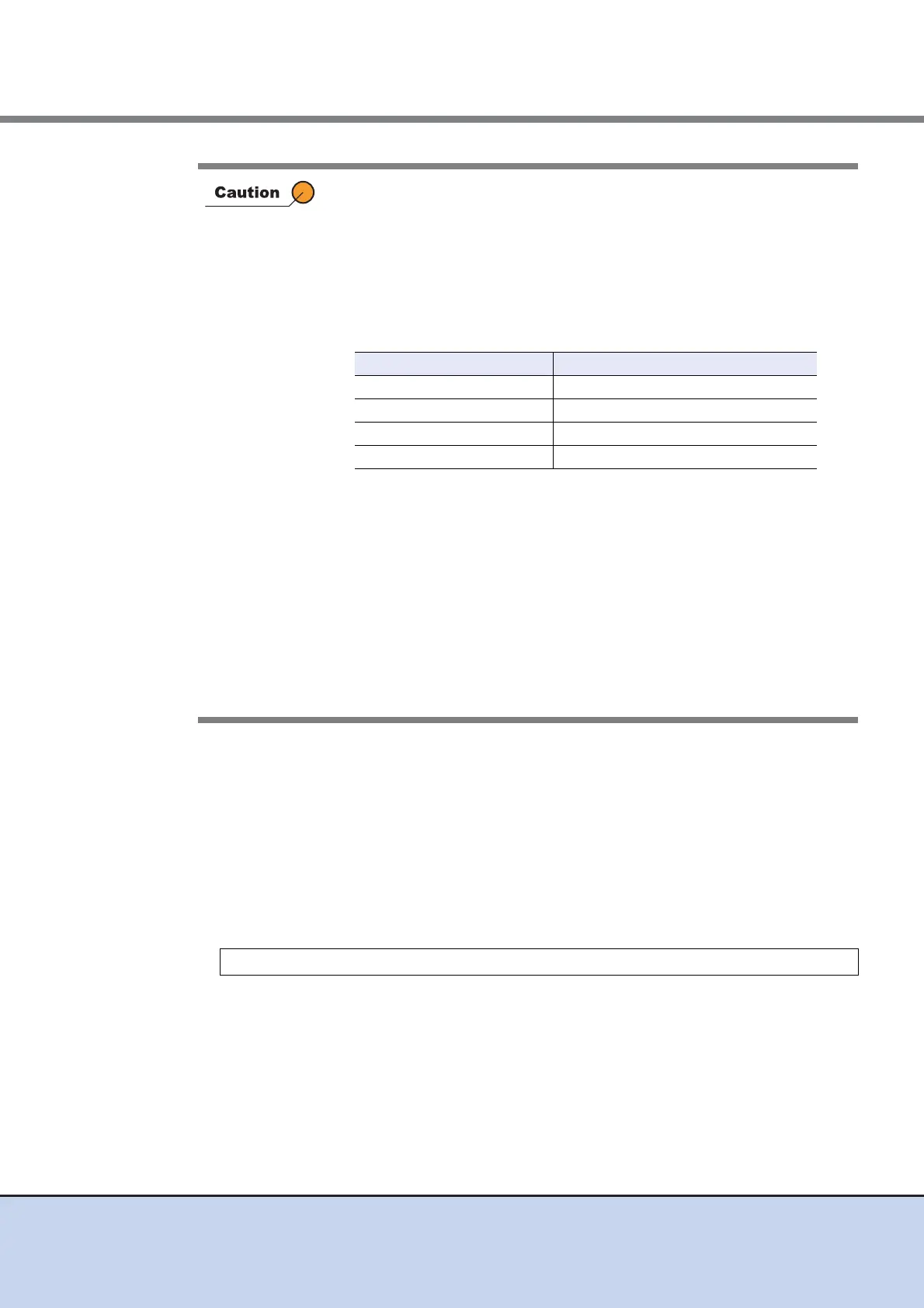
• Maximum allowed table sizes are as follows:
• Allowance should be made for possible increases in the copy capacity.
• If the resolution is changed during an existing copy session, the table
sizing formula described in this section is not applied.
• The same bitmap ratio (M) value must be used by both the copy source
device and copy destination device. If the bitmap ratio settings for the
copy source and copy destination devices are different, REC cannot be
performed. Note that the table sizes (S) do not need to be identical. If
different recommended resolutions are calculated for the copy source
and copy destination devices, use whichever resolution is greater for
both devices. If the resolution (M) is changed, recalculate the table size
(S) setting for the device with the new resolution.
M: Resolution (The same value is used in the ETERNUS DX Disk storage system. Set
"×1" if possible.)
C1: The total copy capacity (GB) for EC/REC, and OPC/QuickOPC/SnapOPC/
SnapOPC+ without OPC Restoration (*1)
N1: The number of sessions EC/REC, and OPC/QuickOPC/SnapOPC/SnapOPC+ with-
out OPC Restoration.
S1 [MB] = ((2 × C1 / M) + N1) × 8 [KB] / 1024 (Round up decimal point)
Device name Maximum copy table size (per CM)
ETERNUS DX80 S2 256MB
ETERNUS DX90 S2 256MB
ETERNUS DX410 S2 512MB
ETERNUS DX440 S2 1,024MB



 To Next Page