Chapter 8 Advanced Copy Management
8.2 Functions in the Action Area for Advanced Copy
ETERNUS Web GUI User’s Guide
229
Copyright 2011 FUJITSU LIMITED P2X0-1090-02ENZ0
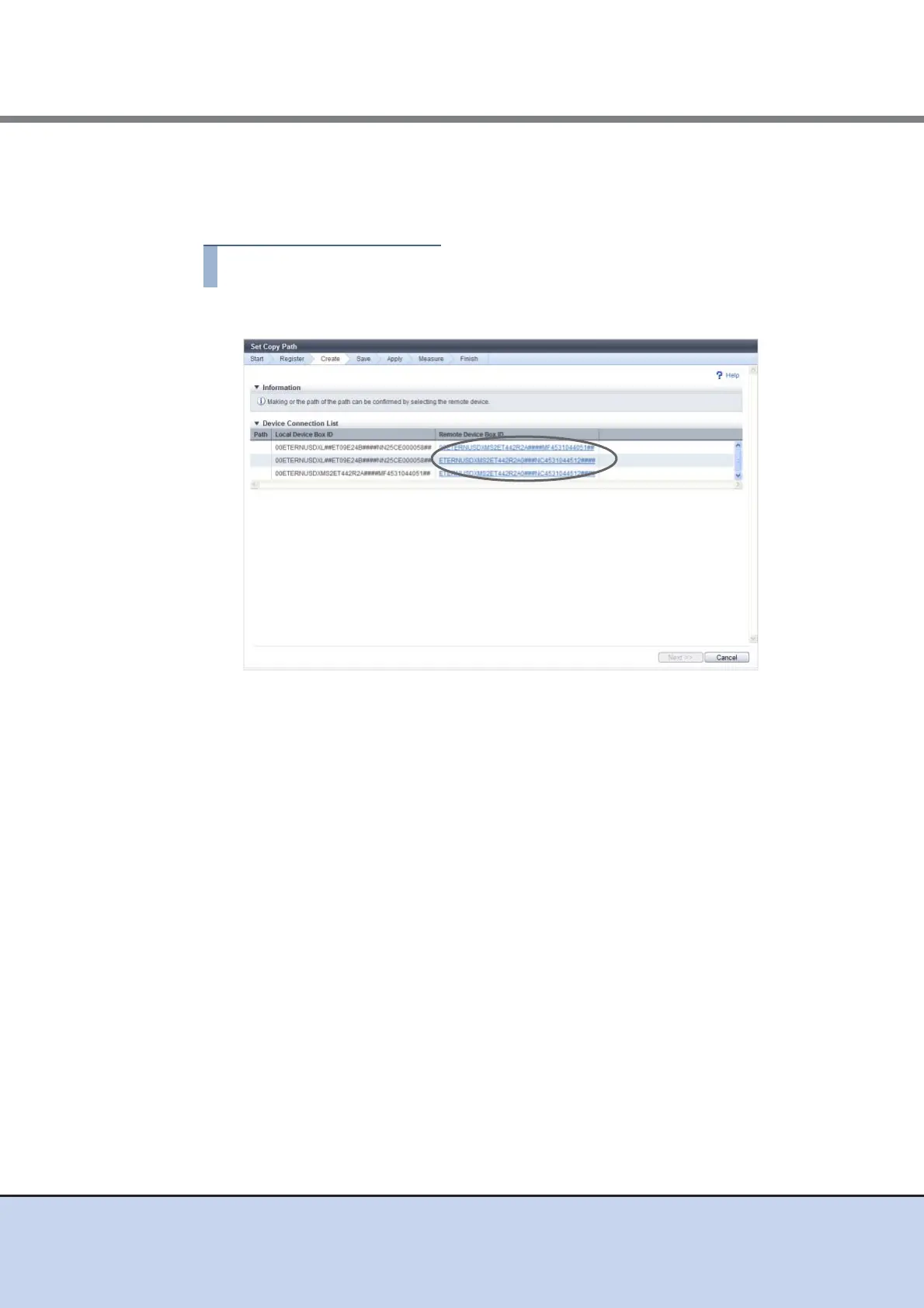
Set Copy Path
In this screen, set a copy path. Specify the Box ID of the target device in which the copy path is
created, and set the line information between devices.
1 Click the [Remote Device Box ID] link to create a copy path.
→ The [Copy Path Setting] dialog box appears.
2 Set a copy path in the [Copy Path Setting] dialog box and click the [OK] button.
● Copy Path Setting
• Line Setting
Select a copy path. Up to eight copy paths can be selected.
Checkboxes are displayed only for the combinations meeting all the following
conditions (combinations to which a copy path can be set):
- The same port type (FC, iSCSI, iSCSI-RA) is used for both the local device and
remote device.
- RA port is used.
● Line Setting
• Connection Type
Select the connection type for the remote device.
- Remote
Connecting the local and remote devices via a line.
- Direct
Connecting the local and remote devices without a line.
Even in connection via a switch, select "Direct" when not using a line.



 To Next Page