Chapter 10 Component Management
10.1 Component Status
ETERNUS Web GUI User’s Guide
404
Copyright 2011 FUJITSU LIMITED P2X0-1090-02ENZ0
The following items are displayed in the Main area:
• CM
The CM number is displayed.
• Busy Ratio
The CPU utilization is displayed.
• ROE Busy Ratio
The ROE utilization is displayed.
• Copy Remainder Count
The remaining capacity of the copy session is displayed.
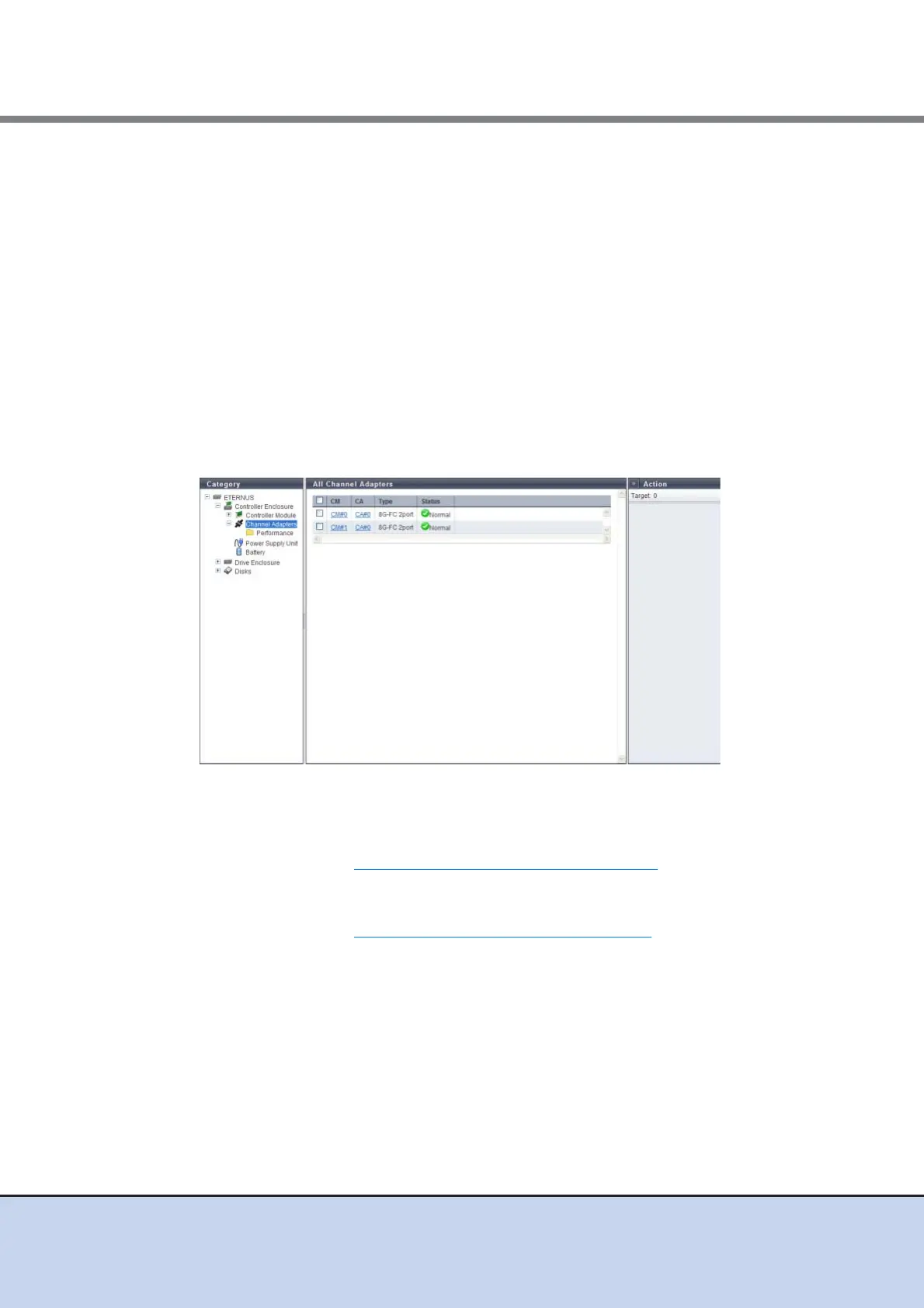
10.1.2.2 Channel Adapter
The information of all the CAs registered in the ETERNUS DX Disk storage system is displayed.
The following items are displayed in the Main area:
• CM
The CM number is displayed. By clicking this item, the [Controller Module] screen is
displayed. Refer to "10.1.5 Controller Module Detail" (page 414)
for display items.
• CA
The CA number is displayed. By clicking this item, the [Controller Adapter] screen is
displayed. Refer to "10.1.6 Channel Adapter Detail" (page 416)
for display items.
• Type
The CA type is displayed.
The display items in this filed vary depending on the device model.
- For ETERNUS DX80 S2/DX90 S2
• 8G-FC 1port
• 8G-FC 2port
• 10G-iSCSI 1port
• 10G-iSCSI 2port
• 1G-iSCSI 1port
• 1G-iSCSI 2port



 To Next Page