Chapter 10 Component Management
10.1 Component Status
ETERNUS Web GUI User’s Guide
405
Copyright 2011 FUJITSU LIMITED P2X0-1090-02ENZ0
• 6G-SAS 1port
• 6G-SAS 2port
• 10G-FCoE 1port
• 10G-FCoE 2port
- For ETERNUS DX410 S2/DX440 S2
• 8G-FC 2port
• 8G-FC 4port
• 10G-iSCSI 2port
• 1G-iSCSI 2port
• 10G-FCoE 2port
• 1G-iSCSI-RA 2port
• Status
The CA status is displayed. Refer to "B.5 Component Status" (page 615)
for details.
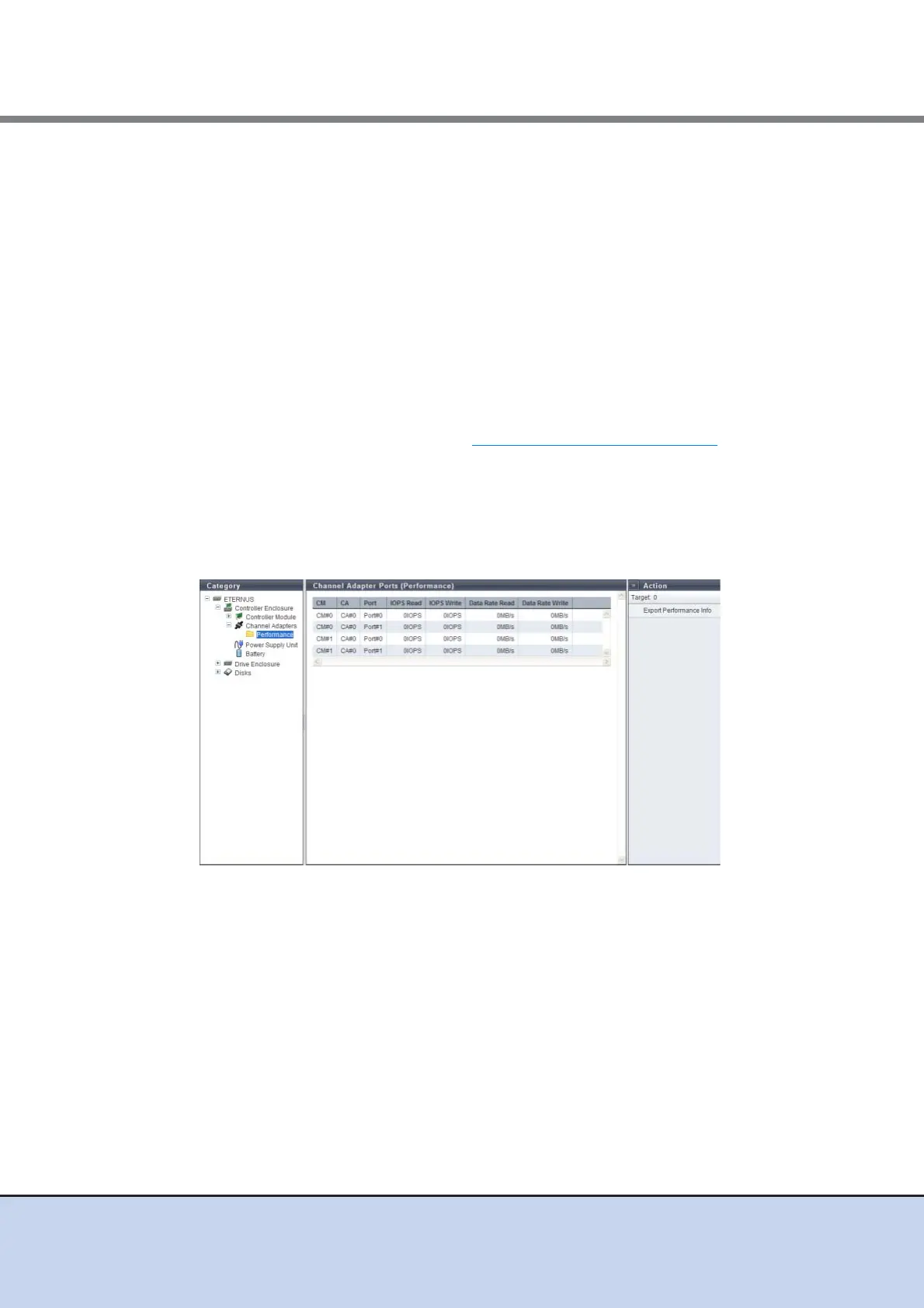
■ Channel Adapter Ports (Performance)
Click the "Performance" icon in the category to display the [Channel Adapter Ports (Perfor-
mance)] screen.
The CA port performance information is displayed.
The following items are displayed in the Main area:
• CM
The CM number is displayed.
• CA
The CA number is displayed.
• Port
The port number is displayed.
• IOPS Read
The number of readings per second is displayed.
• IOPS Write
The number of writings per second is displayed.



 To Next Page