Chapter 10 Component Management
10.1 Component Status
ETERNUS Web GUI User’s Guide
406
Copyright 2011 FUJITSU LIMITED P2X0-1090-02ENZ0
• Data Rate Read
The amount of data that is read per second is displayed.
• Data Rate Write
The amount of data that is written per second is displayed.
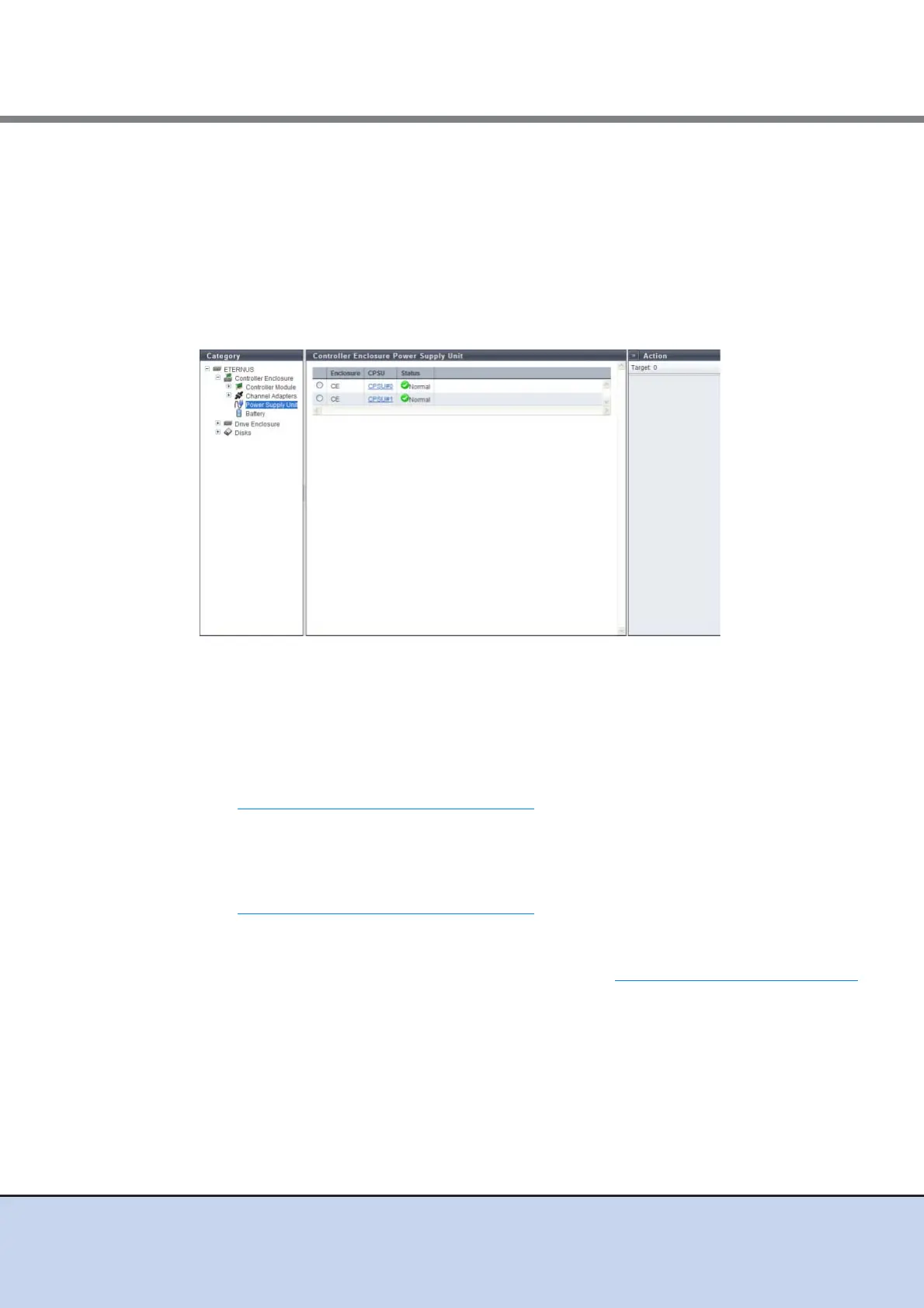
10.1.2.3 Power Supply Unit (CE)
The PSU information for a CE is displayed.
The following items are displayed in the Main area:
• Enclosure
The enclosure where the PSU is installed is displayed.
• PSU
The PSU number is displayed.
By clicking this item, the [Controller Enclosure Power Supply Unit] screen is displayed. Refer
to "10.1.7 PSU/CPSU (CE) Detail" (page 419)
for display items.
This item is displayed only when using the ETERNUS DX80 S2/DX90 S2.
• CPSU
The CPSU number is displayed.
By clicking this item, the [Controller Enclosure Power Supply Unit] screen is displayed. Refer
to "10.1.7 PSU/CPSU (CE) Detail" (page 419)
for display items.
This item is displayed only when using the ETERNUS DX410 S2/DX440 S2.
• Status
The PSU status or the CPSU status is displayed. Refer to "B.5 Component Status" (page 615)
for details.



 To Next Page