Chapter 3 Initial Setup
3.1 Initial Setup 1
ETERNUS Web GUI User’s Guide
41
Copyright 2011 FUJITSU LIMITED P2X0-1090-02ENZ0
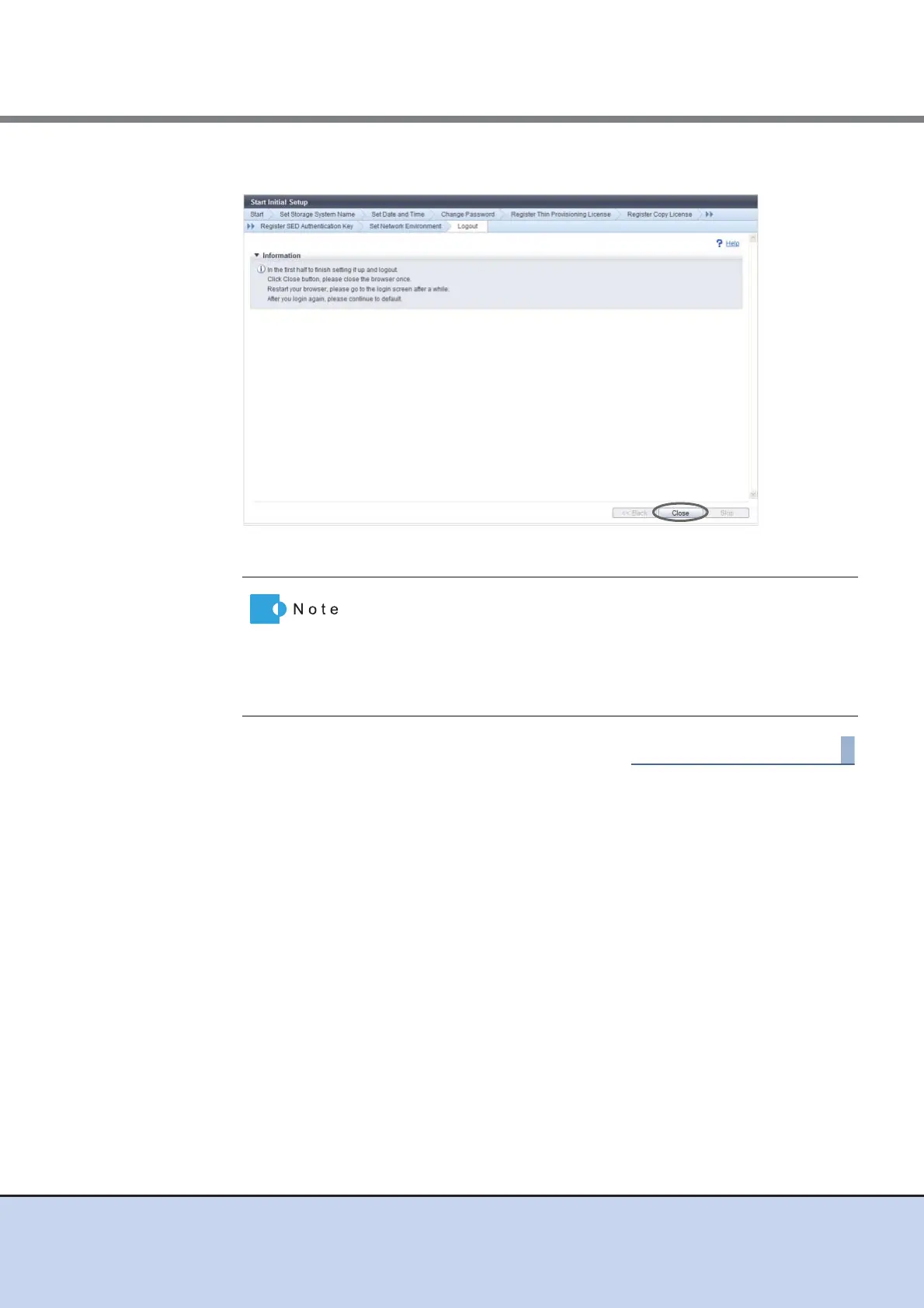
10 Click the [Close] button.
→ The browser is closed, and Initial Setup 1 is complete.
• Follow the on-screen instructions to reboot the ETERNUS DX
Disk storage system if needed.
• Restart the browser, and wait a few minutes before logging into
the Web GUI again. After logging in again, continue with the initial
setup. Proceed to Initial Setup 2. After logging in again, continue
with the initial setup. Proceed to Initial Setup 2.



 To Next Page