Chapter 10 Component Management
10.1 Component Status
ETERNUS Web GUI User’s Guide
429
Copyright 2011 FUJITSU LIMITED P2X0-1090-02ENZ0
• Product ID
The drive manufacturer name is displayed.
• Serial Number
The serial number of the drive is displayed.
• WWN
The drive WWN is displayed.
• Firmware Version
The drive firmware version is displayed.
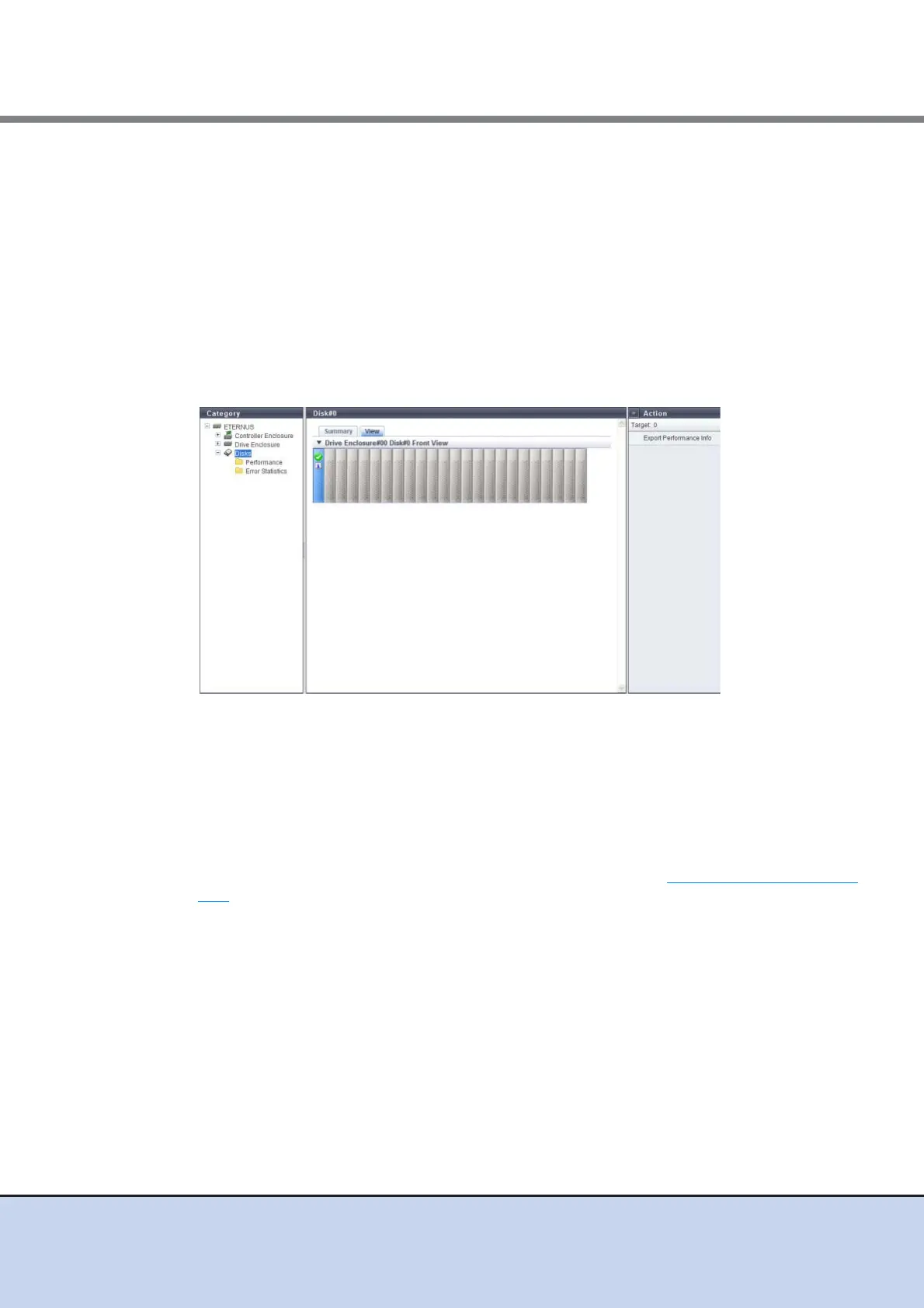
■ View
The front view of the drives that are installed in the ETERNUS DX Disk storage system is dis-
played.
• For 2.5-inch drives: 24 (24 drives are lined up horizontally)
• For 3.5-inch drives: 12 (3 drives are lined up vertically and 4 drives are lined up horizontally)
• When no drives are installed: Blank
Drives that are not selected in the [Drives] screen are paled out.
The drive status is displayed with an icon.
By clicking the drive image, the [Disks] screen is displayed. Refer to "10.1.11 Disks Detail" (page
427) for display items.



 To Next Page