Chapter 10 Component Management
10.2 Functions in the Action Area for Component
ETERNUS Web GUI User’s Guide
431
Copyright 2011 FUJITSU LIMITED P2X0-1090-02ENZ0
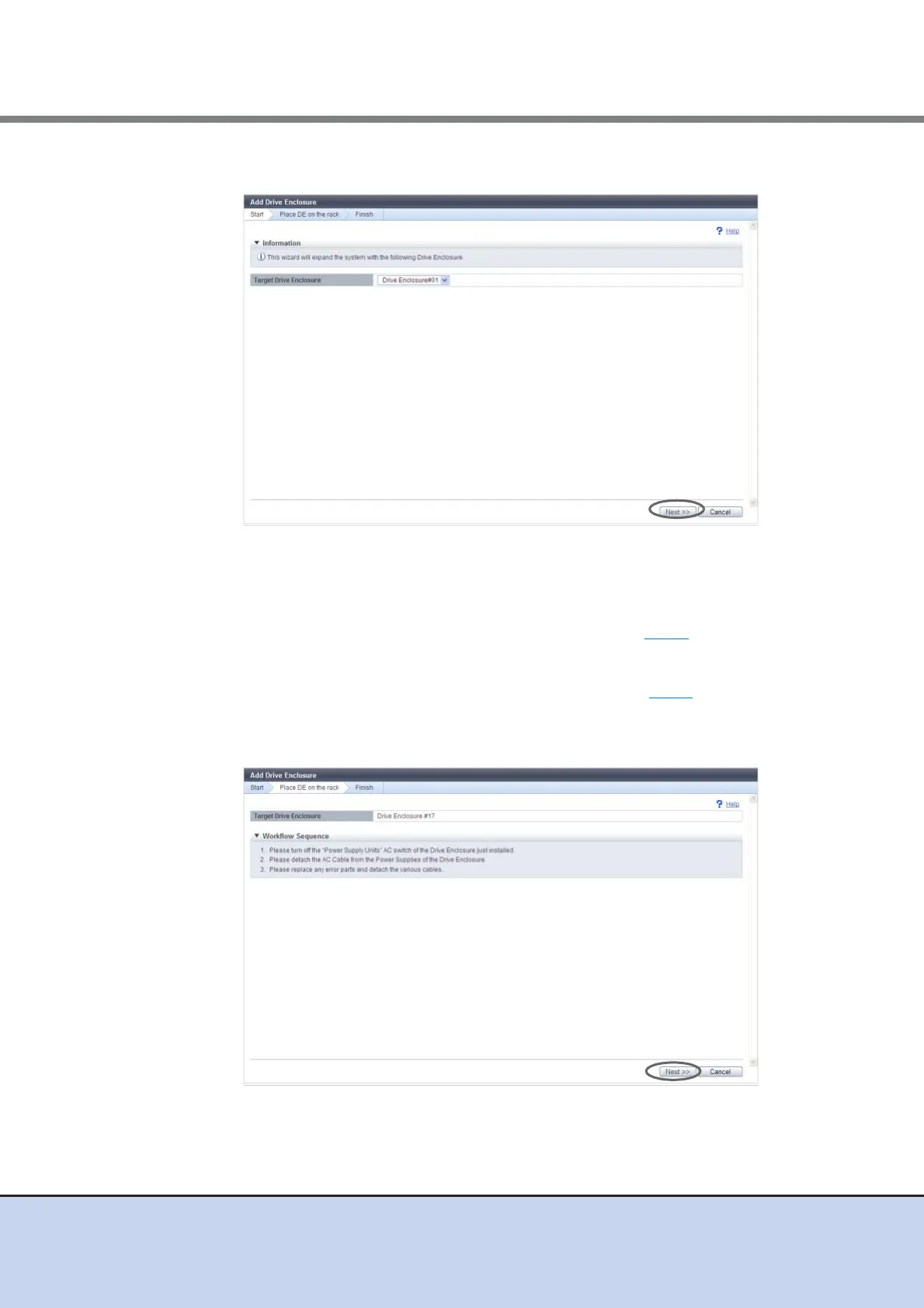
2 Click the [Next] button.
The displayed screen may vary depending on whether the recovery process is required or
not.
■ When the recovery process is required
→ The [Recovery Procedure] screen appears. Proceed to Step 3
.
■ When the recovery process is not required
→ The [Place DE on the rack] screen appears. Proceed to Step 4
.
3 Perform the recovery operation according to the displayed procedure. When the
recovery operation is complete, click the [Next] button.
→ The [Place DE on the rack] screen appears.



 To Next Page