Chapter 3 Initial Setup
3.2 Initial Setup 2
ETERNUS Web GUI User’s Guide
47
Copyright 2011 FUJITSU LIMITED P2X0-1090-02ENZ0
- Subtree
→ Return to the original screen.
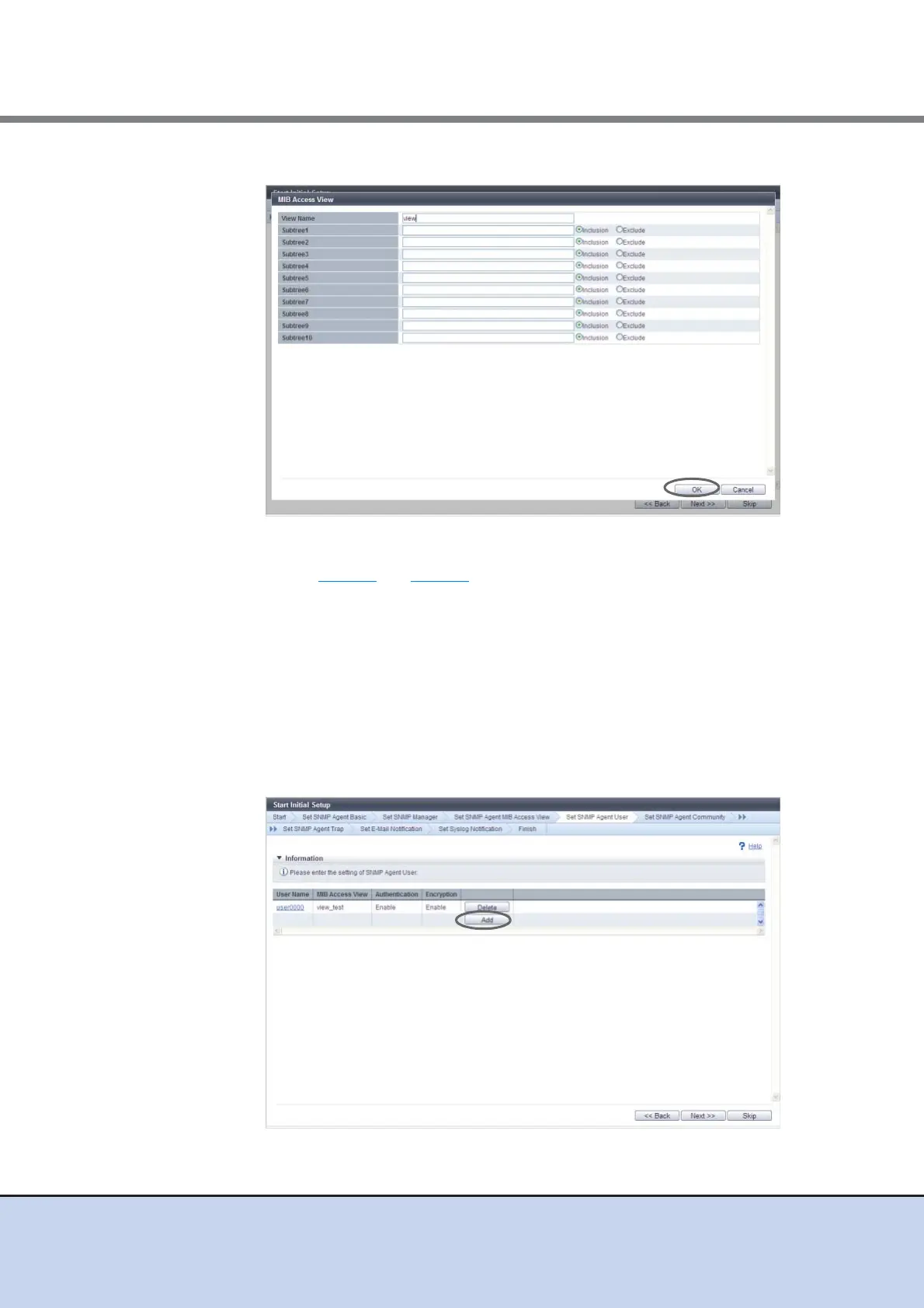
5-3 Repeat Step 5-1 and Step 5-2 to configure multiple MIB Access Views.
5-4 When the setting of the MIB Access Views is complete, click the [Next] button.
→ A confirmation screen appears.
5-5 Click the [OK] button.
→ Setting of the SNMP Agent MIB Access View starts.
5-6 Click the [Done] button.
6 Proceed to [Set SNMP Agent User].
6-1 Click the [Add] button.



 To Next Page