Chapter 11 System Management
11.2 Functions in the Action Area for System
ETERNUS Web GUI User’s Guide
486
Copyright 2011 FUJITSU LIMITED P2X0-1090-02ENZ0
• Authentication Method
If "AUTH SMTP" is selected for "SMTP Authentication Information", select the
authentication method from "Automatic", "CRAM-MD5", "PLAIN", or "LOGIN".
● Retry Setting
• Maximum Retries
Specify the maximum number of retries ("0" or "1").
• Retry Interval
Specify the interval between retries (1 to 5) in units of seconds.
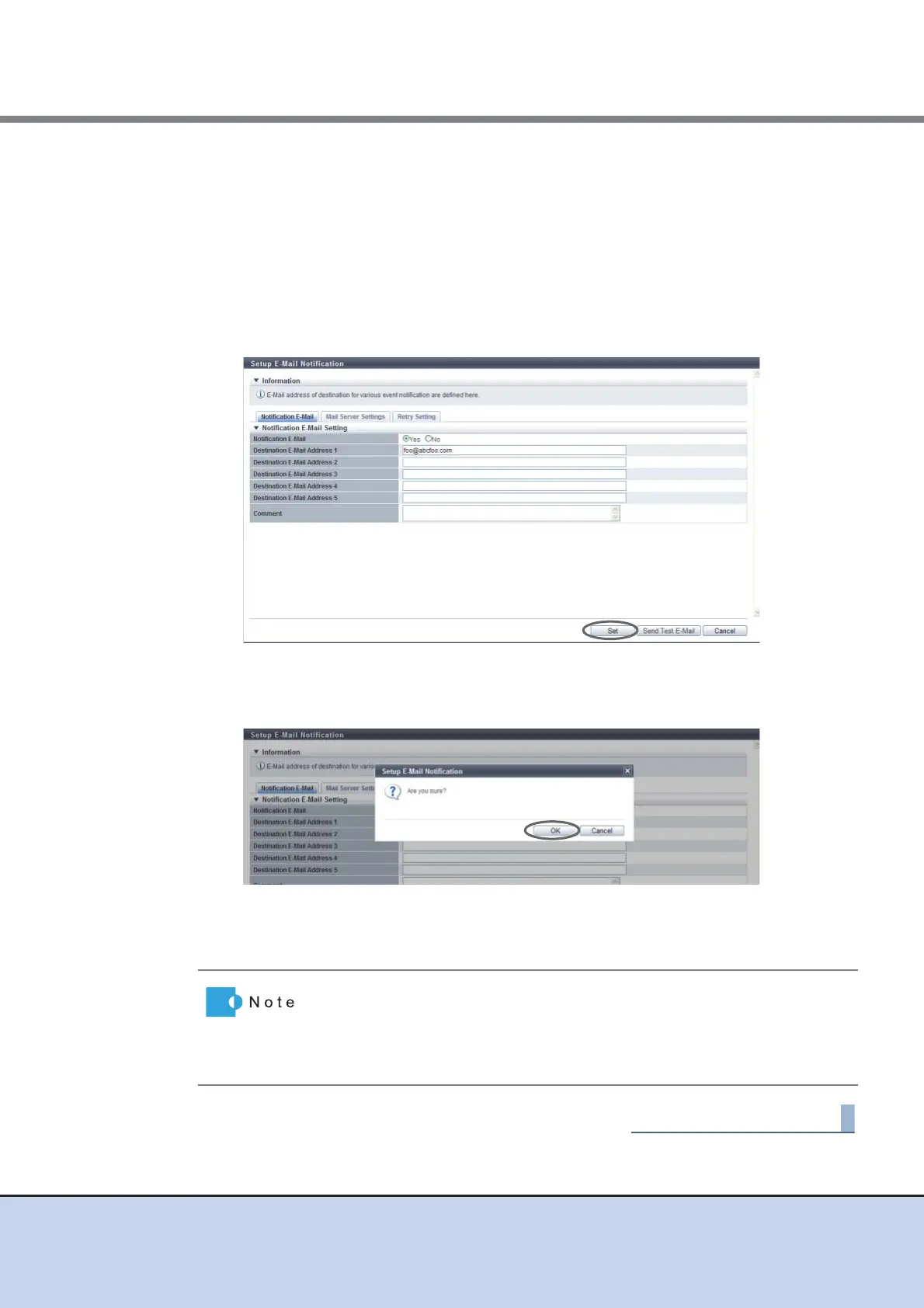
→ A confirmation screen appears.
3 Click the [OK] button.
→ The specified E-mail notification setting is performed.
4 Click the [Done] button to return to the [Network] screen.
Click the [Send Test E-Mail] button to confirm that an E-Mail can be sent to
the specified address. When sending a test E-Mail, select "Enable" for the
"Notificate E-Mail" setting. Note that clicking [Set] button is required when
changing the parameters before sending a test E-Mail to enable the new
settings.



 To Next Page