Chapter 11 System Management
11.2 Functions in the Action Area for System
ETERNUS Web GUI User’s Guide
527
Copyright 2011 FUJITSU LIMITED P2X0-1090-02ENZ0
■ Edit User Account
The procedure to edit a user accounts is as follows:
1 Click [Setup User Account] in [Action].
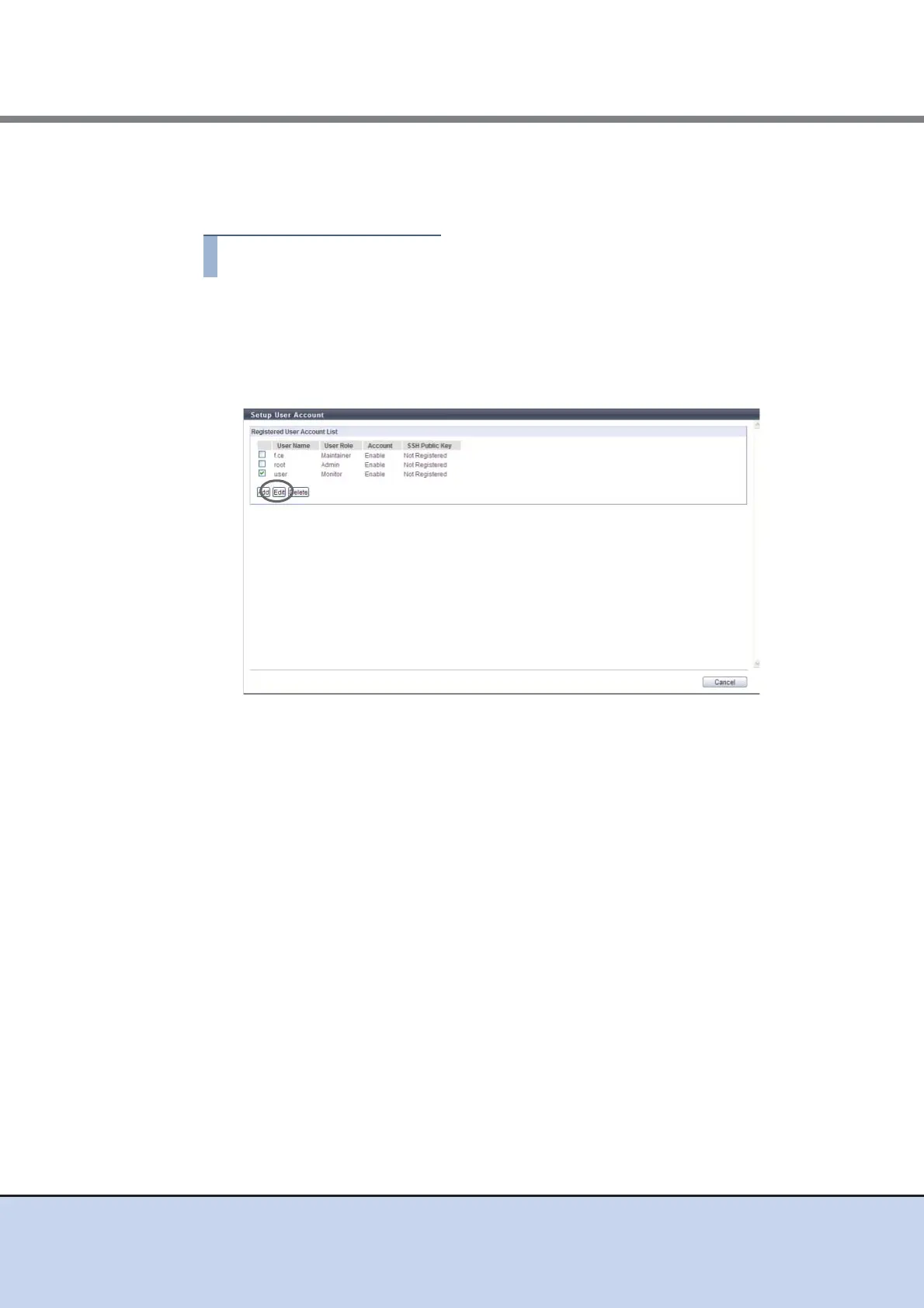
2 Select the user account to be modified and click the [Edit] button.
• Checkbox
Select the checkbox for the user account to be modified.
3 Change the parameters, and click the [Apply] button.
● Edit User Account
• Change Password
Only when changing the password, select the "Change Password" checkbox.
When the "Change Password" checkbox is selected, enter a new password in "New
Password" and "Confirm New Password".
• New Password
Enter a new password.
Entered letters are case-sensitive.
The following input condition applies:
- 4 - 64 alphanumeric characters and symbols ('!', '-', '_', '.')
• Confirm New Password
Enter the same character string as the value entered in the "New Password" field for
confirmation.



 To Next Page