Chapter 11 System Management
11.2 Functions in the Action Area for System
ETERNUS Web GUI User’s Guide
548
Copyright 2011 FUJITSU LIMITED P2X0-1090-02ENZ0
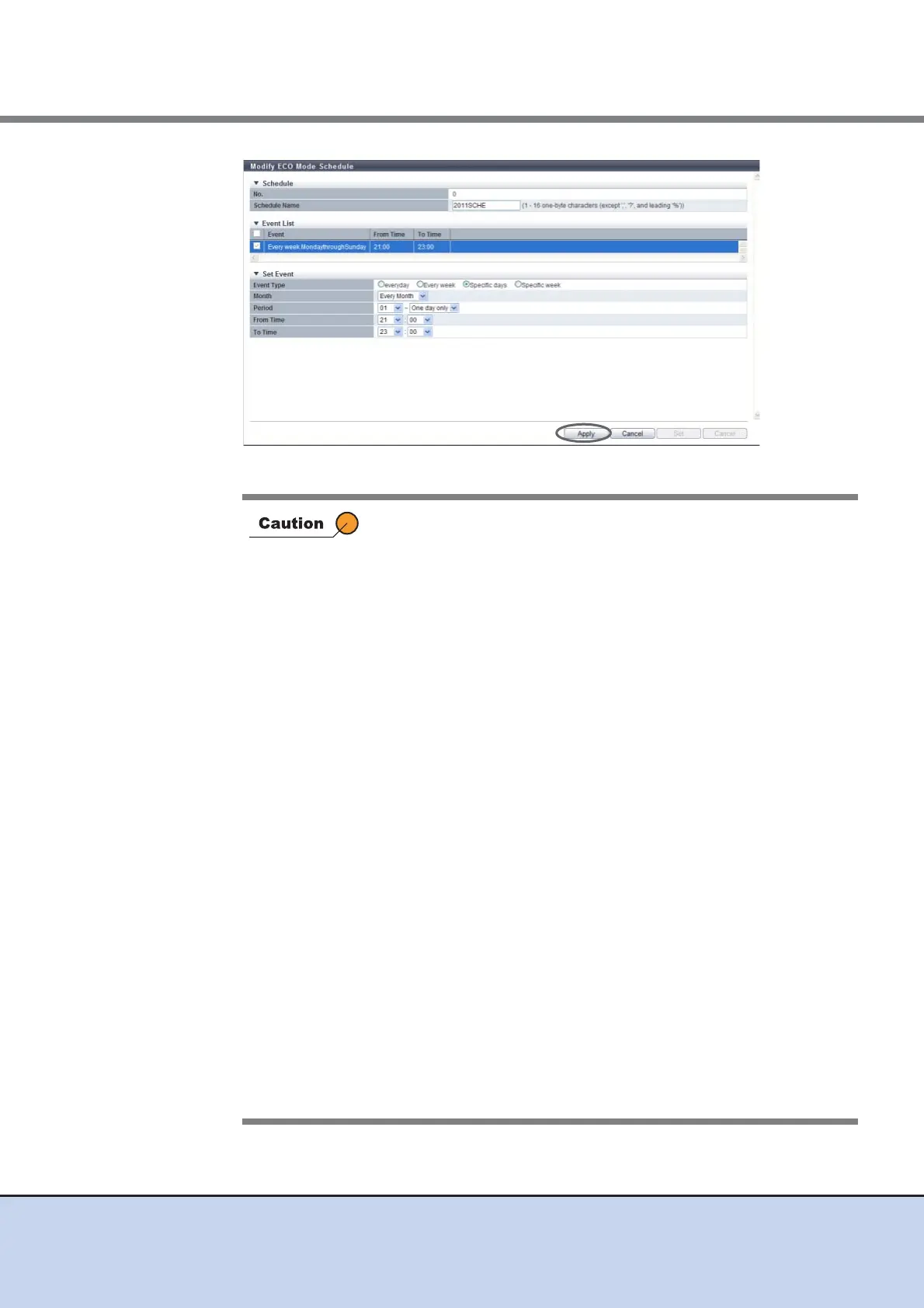
→ The "Event List" is updated.
In the following conditions, an error screen appears:
• "everyday" is selected for the event type when the start time and
end time are the same
• "Every week" is selected for the event type when the start day
and the end day are the same, and the start time and the end
time are also the same
• "Every week" is selected for the event type when the start day is
later than the end day
• "Every week" is selected for the event type when the start day
and the end day are the same, and the start time is later than the
end time
• "Specific days" is selected for the event type, and a non-existent
date (for example, February 30) is set
• "Specific days" is selected for the event type when "One day only"
is selected for the period, and the start time and end time are the
same
• "Specific days" is selected for the event type when "One day only"
is selected for the period, and the start time is later than the end
time
• "Specific week" is selected for the event type when the start day
and the end day are the same, and the start time and the end
time are the same
• "Specific week" is selected for the event type when the start day
is later than the end day
• "Specific week" is selected for the event type when the start day
and the end day are the same, and start time is later than the end
time
• The period is set to include Sunday
• The period is 1 week or longer (the end date is set to "7 days"
when the end time is later than the start time)



 To Next Page