Chapter 11 System Management
11.2 Functions in the Action Area for System
ETERNUS Web GUI User’s Guide
549
Copyright 2011 FUJITSU LIMITED P2X0-1090-02ENZ0
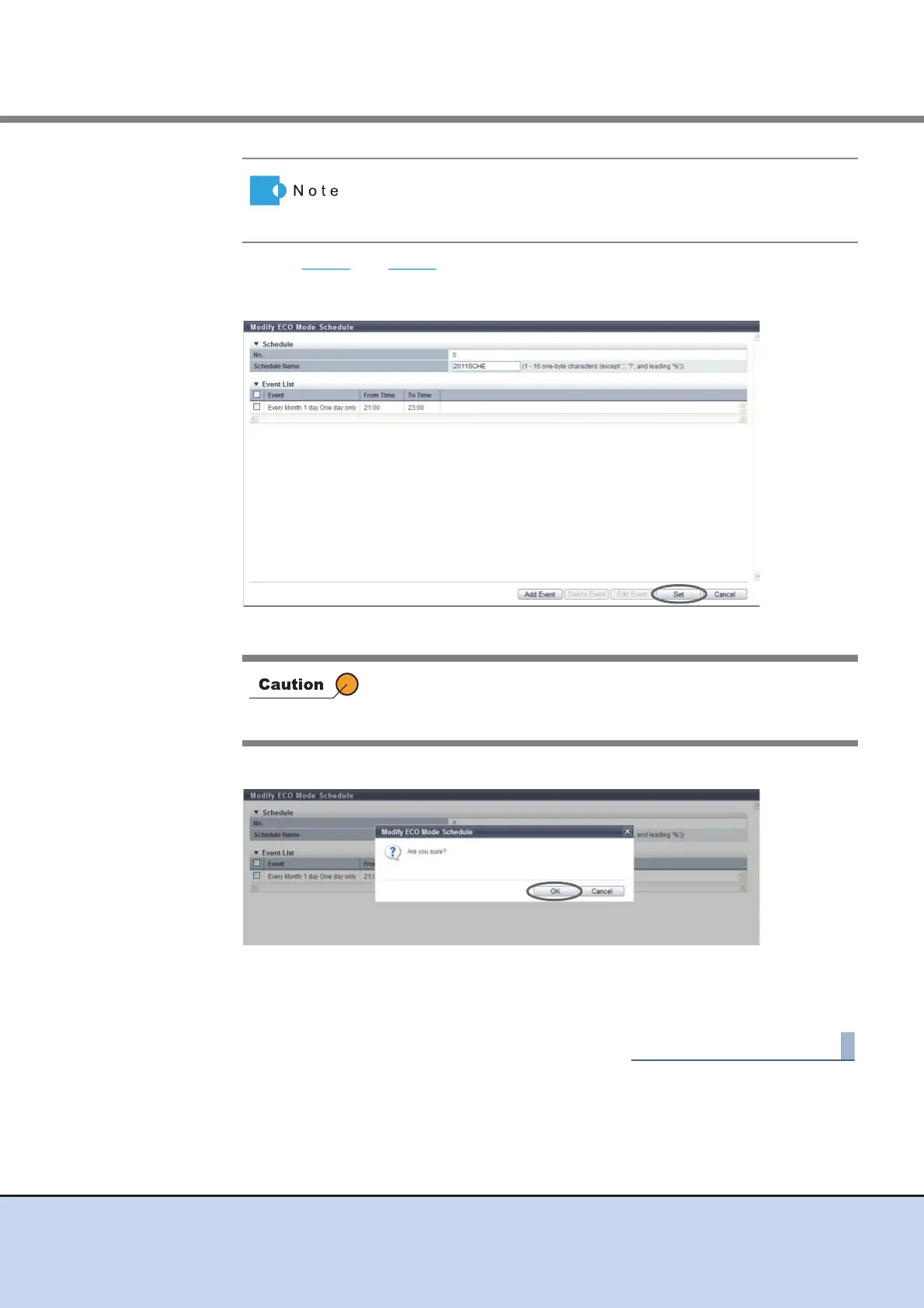
4 Repeat Step 2 and Step 3 to edit multiple events.
5 After editing all the events, click the [Set] button.
→ A confirmation screen appears.
6 Click the [OK] button.
→ Modification of the ECO mode schedule starts.
7 Click the [Done] button to return to the [ECO Mode] screen.
• When adding an event, click the [Add] button.
• When deleting the event, select the target event(s) that is to be
deleted, and click the [Delete] button.
In the following conditions, an error screen appears:
• "Schedule Name" has not been entered
• "Schedule Name" matches with an existing schedule name



 To Next Page