Appendix D Installing the Security Certificate
D.1 For Internet Explorer
ETERNUS Web GUI User’s Guide
626
Copyright 2011 FUJITSU LIMITED P2X0-1090-02ENZ0
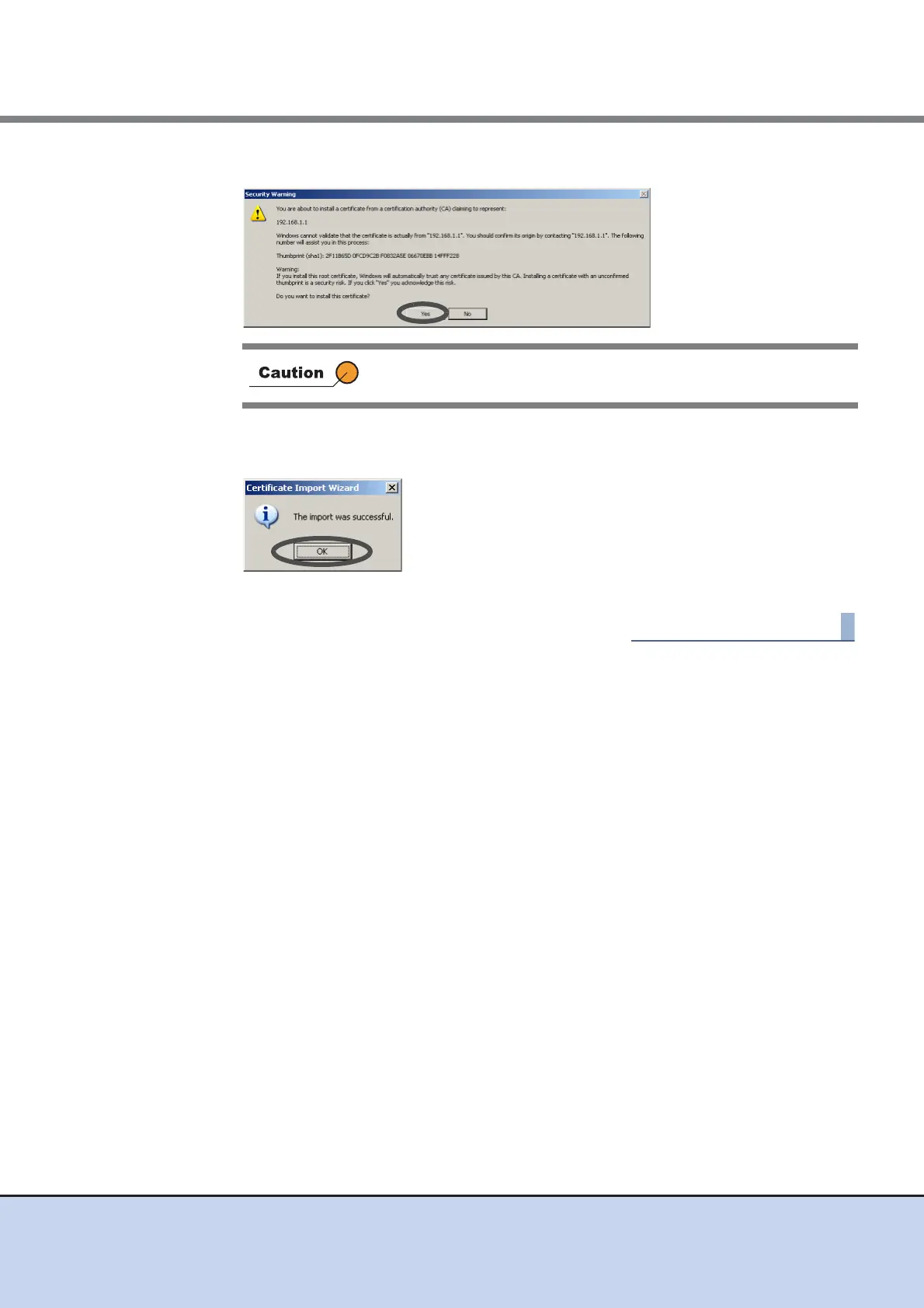
10 Click the [Yes] button.
→ The completion screen appears.
11 Click the [OK] button.
→ The security certificate is installed. Restart the web browser.
After clicking the [No] button, the operation may not be continuable.
If this occurs, restart the web browser.



 To Next Page