Appendix D Installing the Security Certificate
D.1 For Internet Explorer
ETERNUS Web GUI User’s Guide
625
Copyright 2011 FUJITSU LIMITED P2X0-1090-02ENZ0
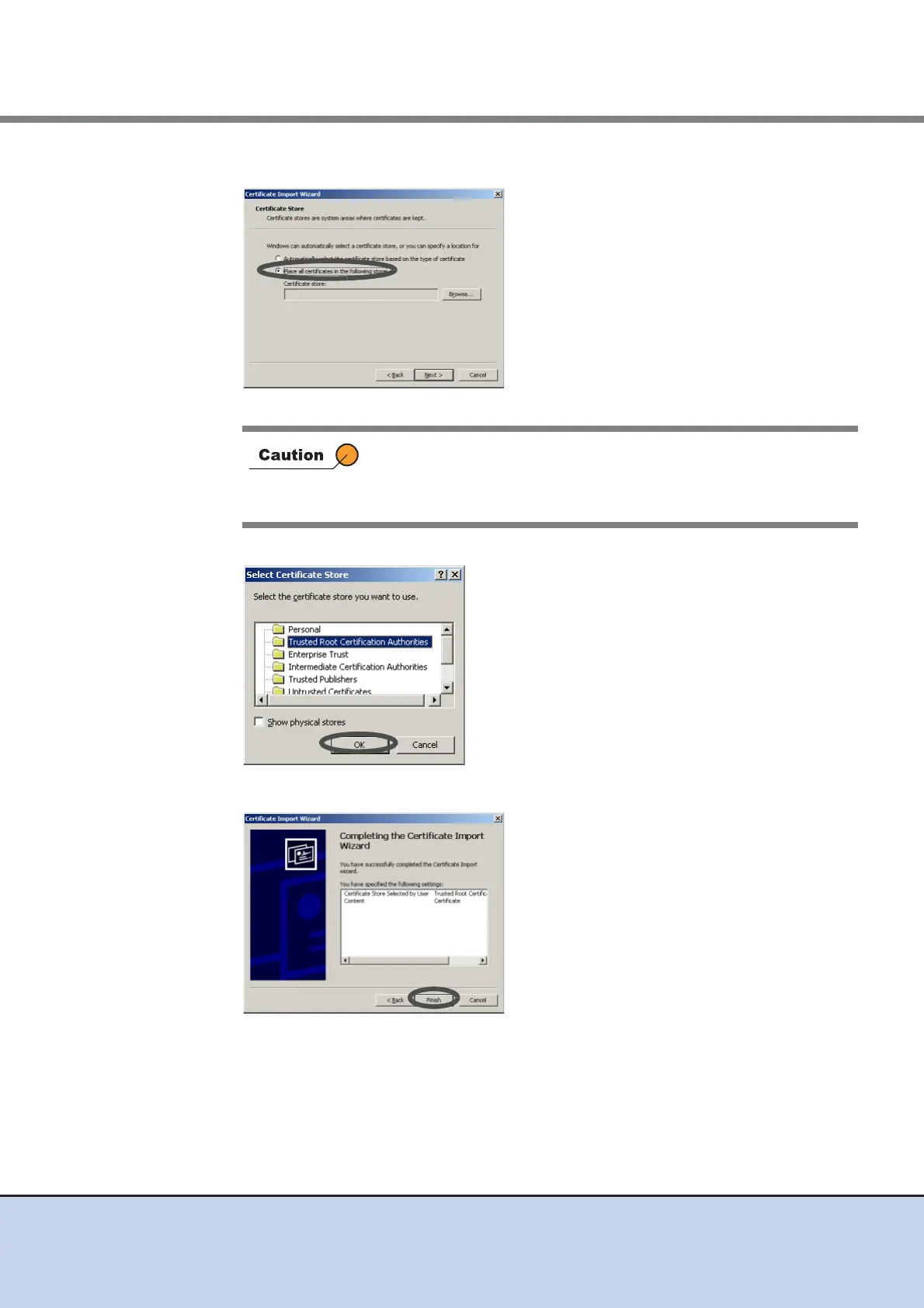
7 Select "Place all certificates in the following store".
→ The [Select Certificate Store] screen appears.
8 Select the "Trusted Root Certification Authorities", and click the [OK] button.
9 Click the [Finish] button.
→ The [Security Warning] dialog box appears.
If "Automatically select the certificate store based on the type of
certificate" is selected in the "Certificate Import Wizard", an error may
occur in the security certificate according to the customer
environment.



 To Next Page