5.9.6 D15 Cable Summary
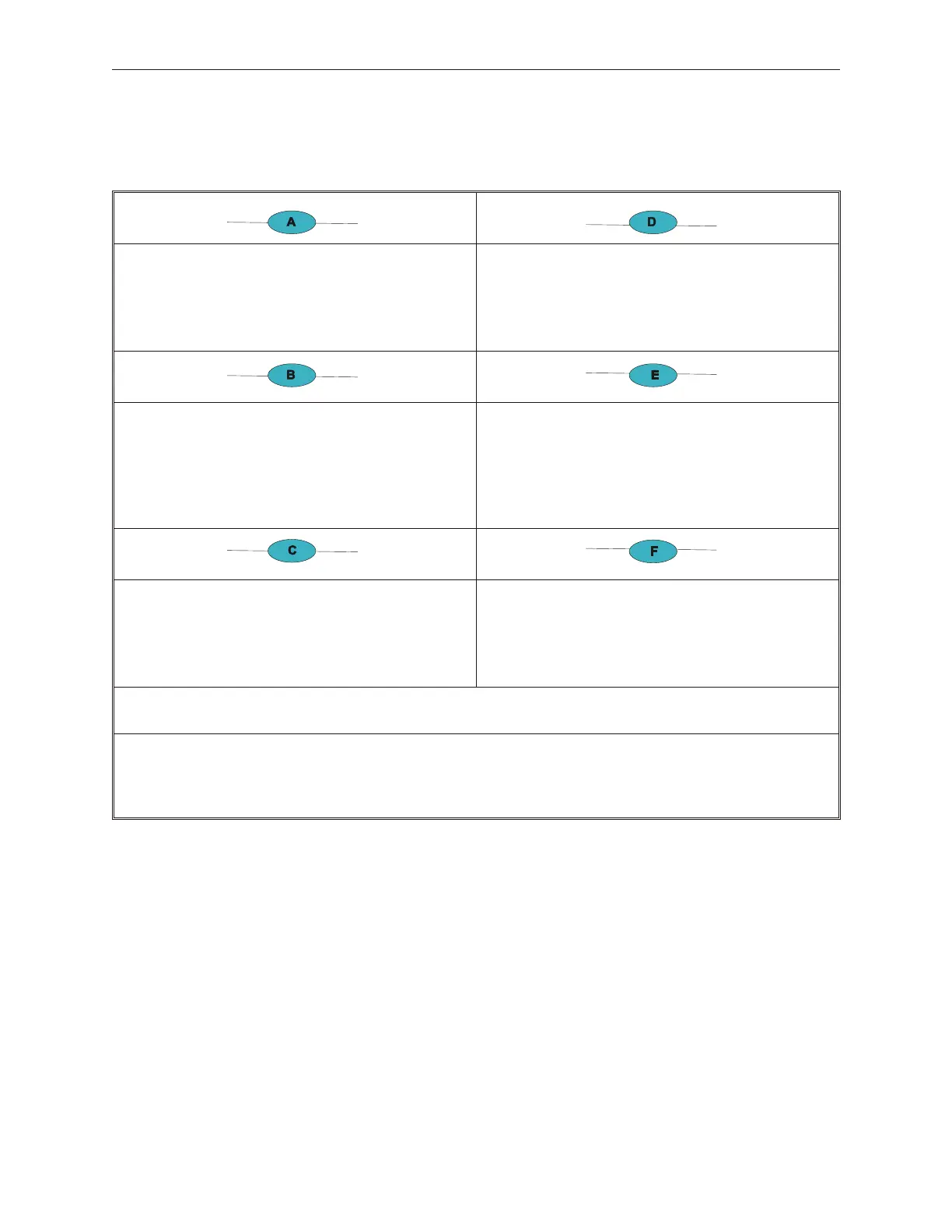
Audio Cables, 1 required for each speaker option:
CA05951-3131 CBL, D12 Audio/Stacked/0.65M
CA05951-3132 CBL, D12 Audio/Dispersed/2.0M
CA05951-3133 CBL, D12 Audio/Dispersed/5.0M
LCD Powered USB Cables, 1 required for each LCD
in TEAMUSB or TeamCOMBO configuration:
90000835 CBL D15 PWR/USB/STACKED/0.65M
90000836 CBL D15 PWR/USB/DISPERSED/2.0M
90000837 CBL D15 PWR/USB/DISPERSED/3.8M
LCD DVI cable, 1 required for each LCD operating
in digital mode:
90000826 CBL D15 Stacked/DVI/.65M
90000827 CBL D15 DVI Dispersed/2.0M
90000828 CBL D15 DVI Dispersed/3.8M
USB Standard Connector, A to A, 1 required for each
LCD using touch, keypad or msr and not using
Powered USB cable above:
90000992 - CBL TP2K USB/AtoA/0.65M (stacked)
90000993 - CBL TP2K USB/AtoA/2.0M (dispersed)
90000994 - CBL TP2K USB/AtoA/3.8M (dispersed
LCD VGA cable, 1 required for each LCD operating in
analog mode:**
90001046 D15 Analog Data /0.65M
90001047 D15 Analog Data/2.0M
90001048 D15 Analog Data/5.0M
Powered brick for LCD power, 1 required for each
LCD configured with a Retail I/O or TeamCOMBO
board
90000829 OPN D15 LCD Power Supply
(*) Audio cables for the D15 LCD are the same audio cables used for the D12 audio connection.
(**) VGA cables for the D15 LCD are the same cables used for the analog connection for the A12 LCD.
Notes:
• The powered USB and standard USB cables provide data for touch, MSR and keypad
• Power bricks do not come with the mains cable to connect the power brick to AC power outlet. These must be
ordered separately.
90000291 Rev 3.0 5-45
TeamPoS 2000 MAINTENANCE MANUAL



 To Next Page