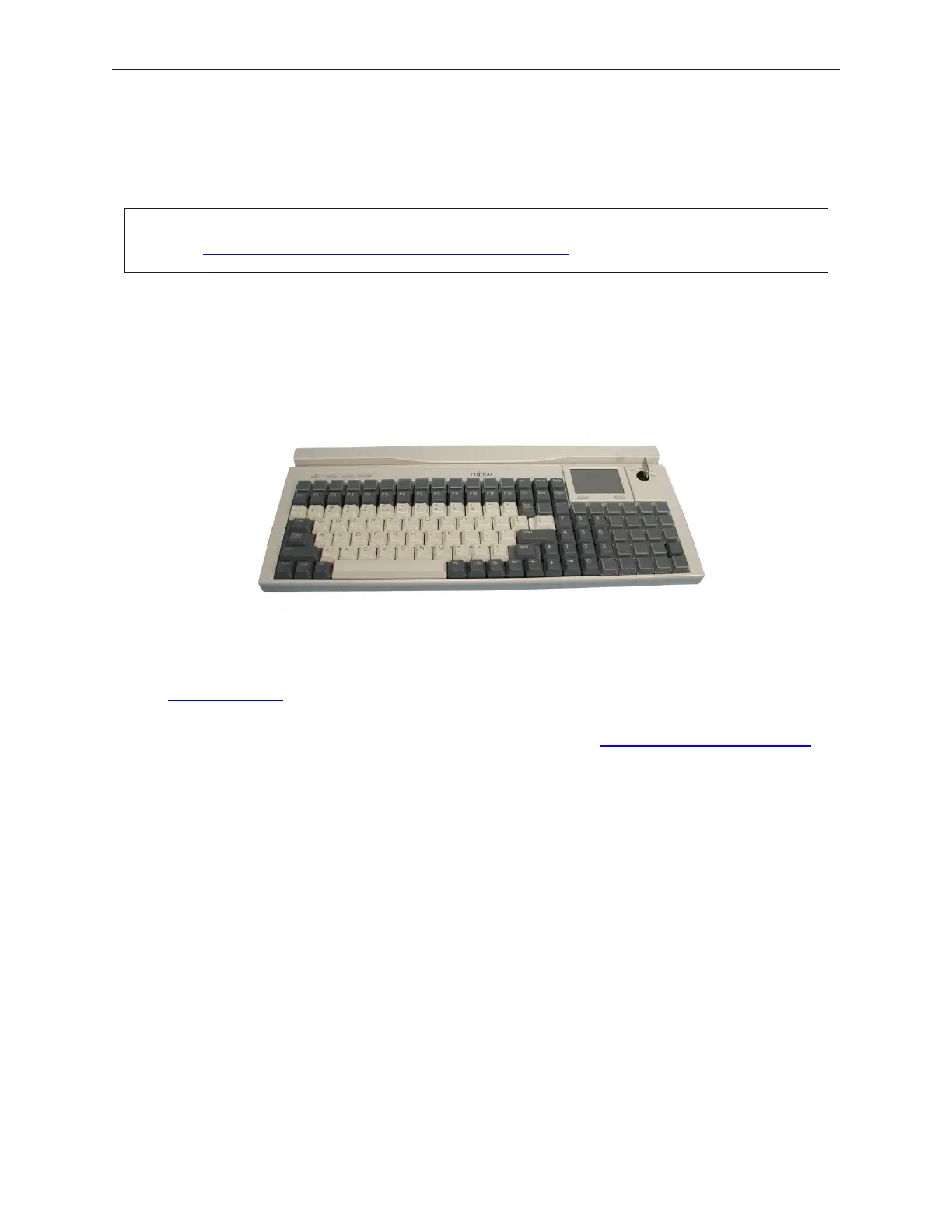
5.8 PoS Peripheral Installation
5.8.1 Model 133UQ Keyboard Unit (programmable)
(PIN #'s 90000598, 90000985, 90000627, 90000628, 90000629 (shown))
Drivers and the keyboard programming utility for the 133UQ keyboard are availalble at
www.preh.com ® PoS Data Systems ® Support, software, and drivers for all Preh
Electronics products ® Programming Software/Driver/Tools ® then look for
WinProgrammer 2.0; or link through Fujitsu's FTP site at ftp://ftp.ftxs.fujitsu.com/pos.
® possustaining, ® Retail® Keyboard ® 133UQ ® PrehDrivers shortcut. The
firmware update utility is also in this same location on Fujitsu's FTP site. Look for
'Bootloader.'
90000291 Rev 3.0 5-29
TeamPoS 2000 MAINTENANCE MANUAL
Note: Peripheral software, such as OPOS, JAVAPOS, is available from
www.ftxs.fujitsu.com/fujitsutemp.asp?navid=47.



 To Next Page