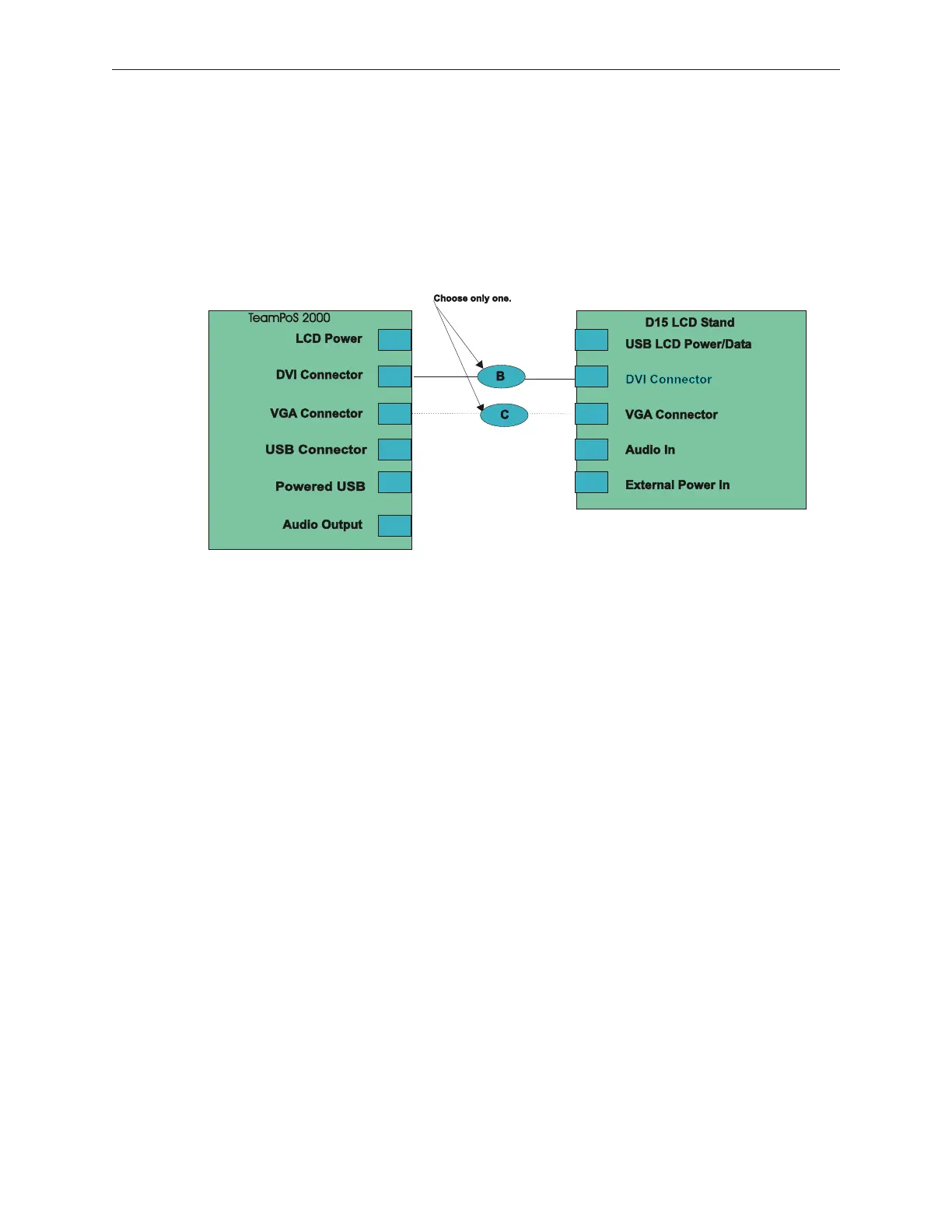
5.9.3 D15 LCD Video Data Cable Connections
Video connection is made to either the VGA or DVI port on the motherboard and the
matching port on the LCD Stand. The DVI connection can be used only with Pentium M
or Celeron M motherboards. Only one digital and one analog LCD can be connected to
the motherboard at any one time. When two LCDs are supported by one TP2K, one of
the monitors must use the DVI connector and the other must use the VGA connector.
TeamPoS 2000 & D15 Video Connections for
TeamUSB, TeamCOMBO & Retail I/O Boards
90000291 Rev 3.0 5-39
TeamPoS 2000 MAINTENANCE MANUAL



 To Next Page