5.2 Adding Main Memory
5.2.1 Memory Configuration
5.2.1.1 Pentium III Motherboard
Any combination of 64, 128, and 256MB DIMMs can be installed in any of the three
sockets on the motherboard, allowing from 64MB to 768MB memory. In the
maintenance section of this document, see Memory (DIMM), section 7.10, for the correct
procedure for installing memory.
5.2.1.2 Memory Configuration M Motherboard
Pentium M has two memory slots and comes in combinations of 256MB, 512MB and
1GB (future release, for a maximum of 2GB.
90000291 Rev 3.0 5-11
TeamPoS 2000 MAINTENANCE MANUAL
Note: Up to two PCI add-in cards can be installed.
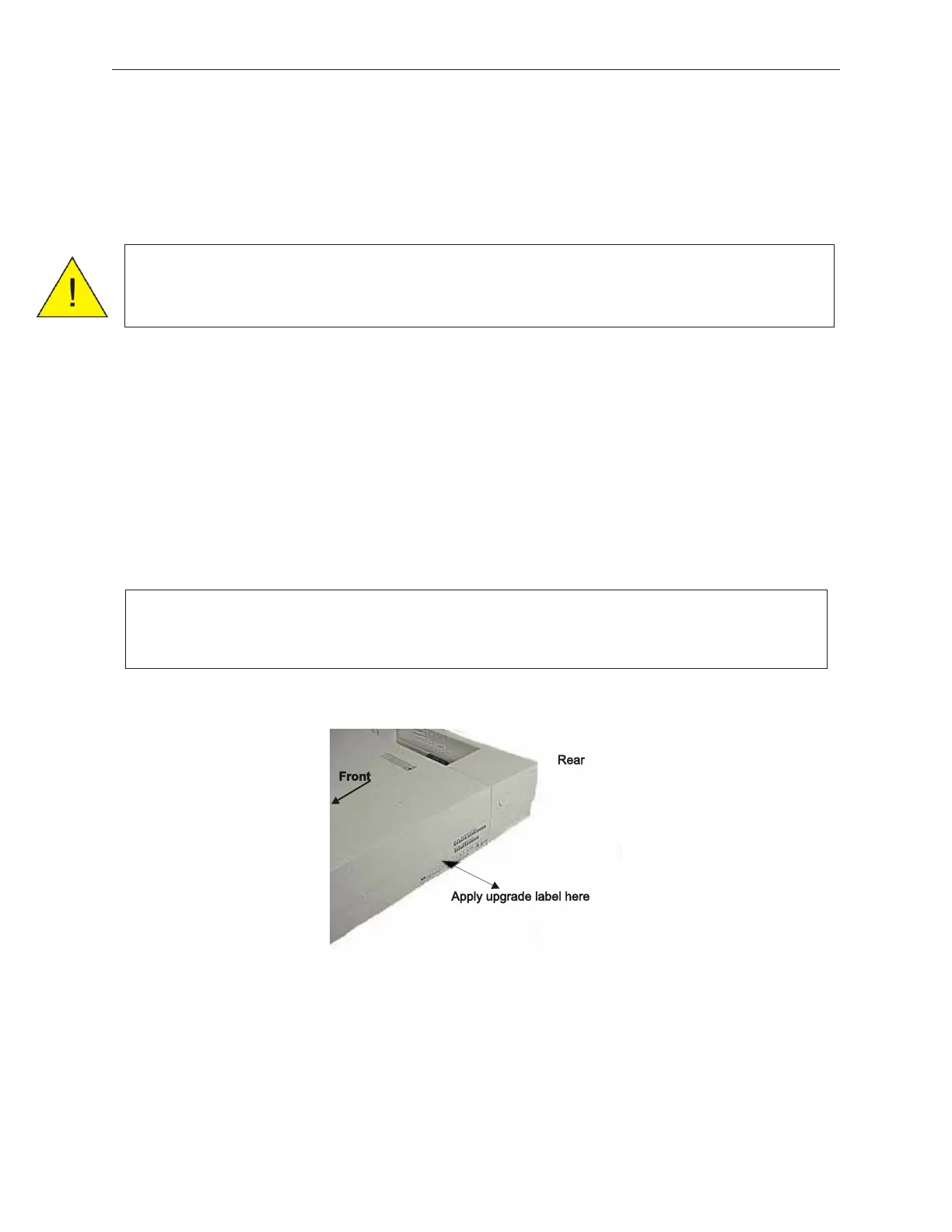
Note: When adding memory, ensure that the upgrade label that comes with the
memory is applied to the side of the control unit.



 To Next Page