Chapter 5 INSTALLATION
5.1. Cover Removal/Installation Process
In many cases, TeamPoS 2000 control units will be fully configured from the factory or
at configuration centers. Others will be configured during installation. This section shows
how to access the control unit components to add or change configurations. Accessing
the TeamPoS 2000 internal components always requires the removal of the front panel.
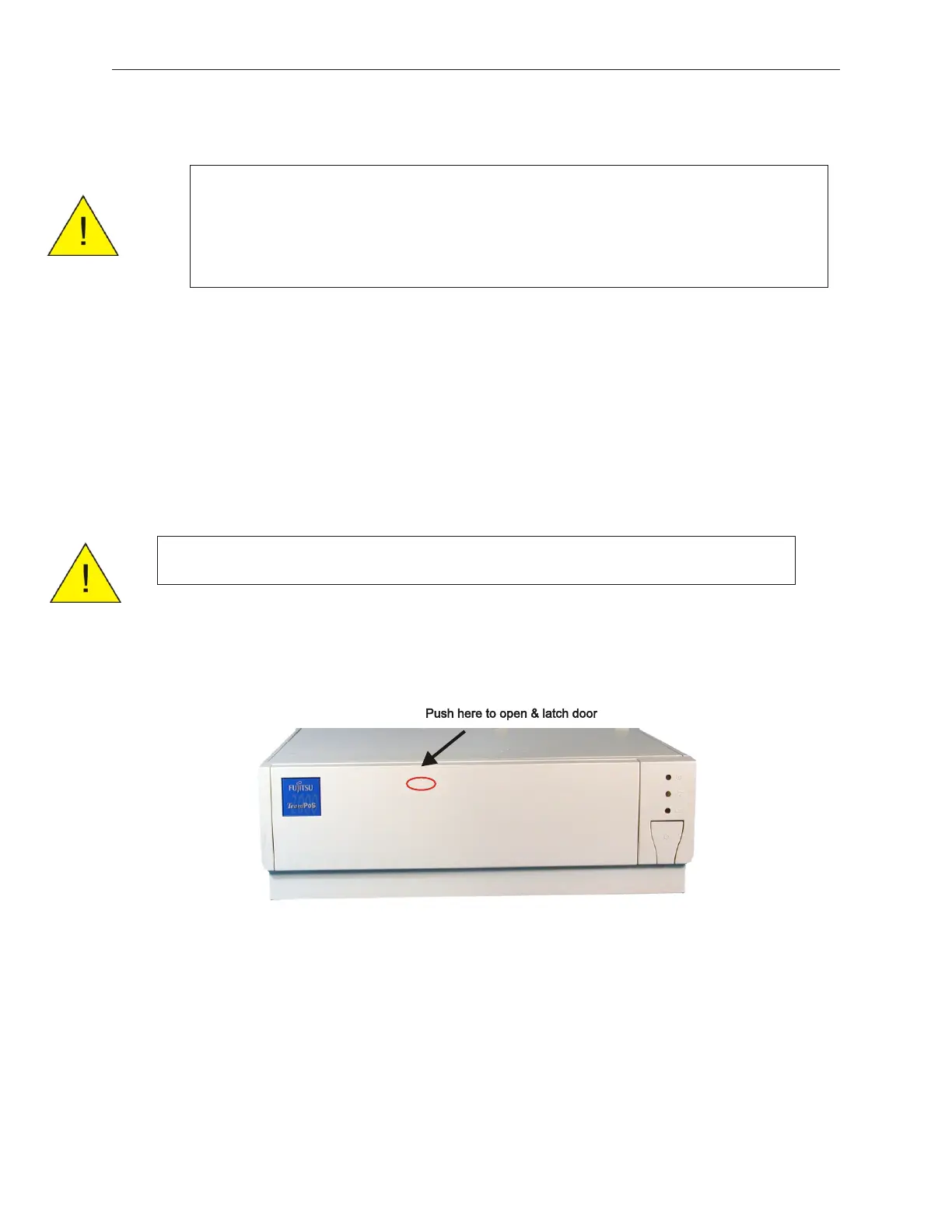
5.1.1 Front Cover
1. Push the upper center (three raised dots) of the front cover to open it. An optional key
lock is available for front cover (not shown here).
90000291 Rev 3.0 5-1
TeamPoS 2000 MAINTENANCE MANUAL
Caution: Confirm that the external power source is 100-240 VAC before
starting the operation. To prevent electric shock, confirm that
the AC cable is removed from the AC outlet anytime the covers
are removed. Be sure to observe all ESD precautions and
power OFF procedures.
Caution: Be sure to observe all ESD precautions and power OFF procedures.



 To Next Page