5.11 Cash Drawers
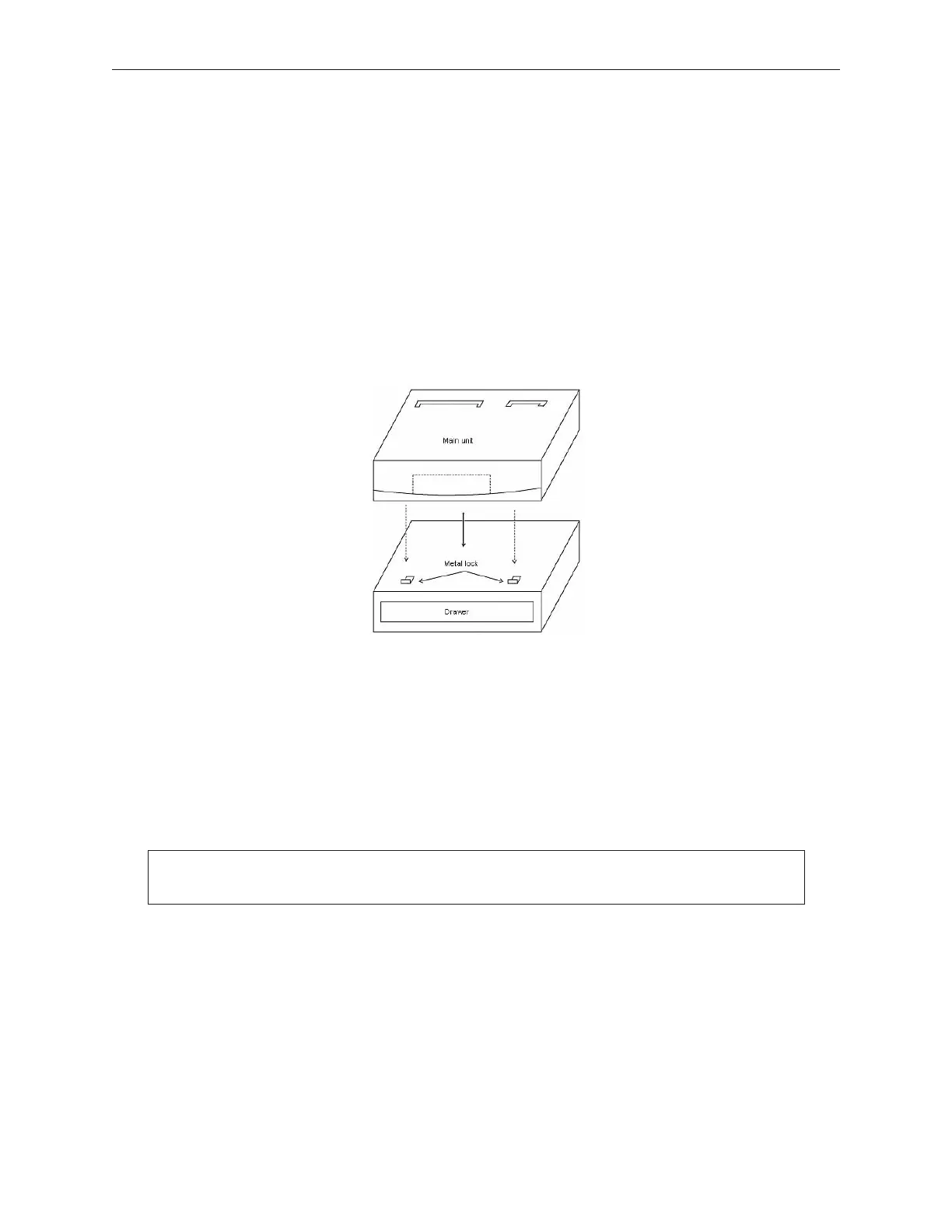
Cash Drawers can be either stacked or dispersed. This section shows the stacked
configuration and explains how to set up the unit. When a stacked configuration is
shipped it is set up as follows:
1. Set the drawer in position.
2. When stacking the main unit on the drawer, confirm that the metal lock on the drawer
fits into the groove on the bottom of the main unit (Models TP10 and MP5).
Installing the brackets merely requires placing the bracket on the appropriate screw holes
and securing with two screws provided for each bracket. To prevent dust and moisture
penetration, apply a screw-hole cover label from the provided label sheet over each screw
hole on the top cover where a bracket will not be used. For dispersed configurations, all
holes are covered.
5-74 Rev 3.0 90000291
TeamPoS 2000 MAINTENANCE MANUAL
Note: When installing mounting screws, do not over-tighten.



 To Next Page