5.1.6 PCI Add-In Card(s)
1. Remove the front cover (See section 5.1.1).
2. Remove the side cover (left) (See section 5.1.2).
3. Remove top cover (See section 5.1.4).
4. Remove the Retail I/O Board, TeamCOMBO or TeamUSB board (see section 7.12).
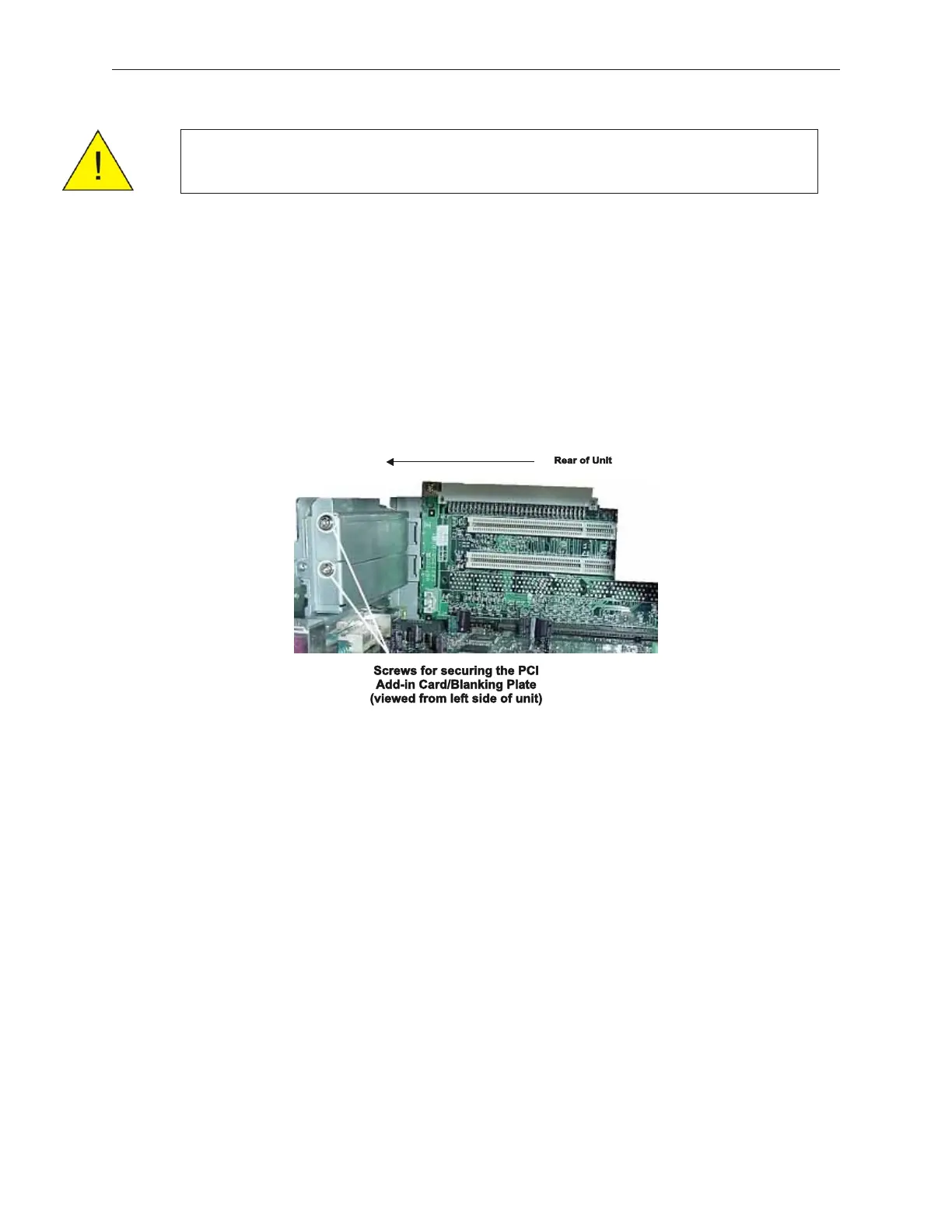
5. Remove the PC card blanking plate by removing one screw.
6. Install an add-in card.
7. Secure add-in card with the screw that was holding the blanking plate.
8. Reverse steps 1 to 4.
5-10 Rev 3.0 90000291
TeamPoS 2000 MAINTENANCE MANUAL
Caution: Be sure to observe all ESD precautions and power OFF
procedures



 To Next Page