7.6 Power Supply Unit Replacement
1. Unplug the AC power cord.
2. Remove the front cover (see section 5.1.1).
3. Remove the battery (see section 7.5).
4. Remove the top cover (see section 5.1.4).
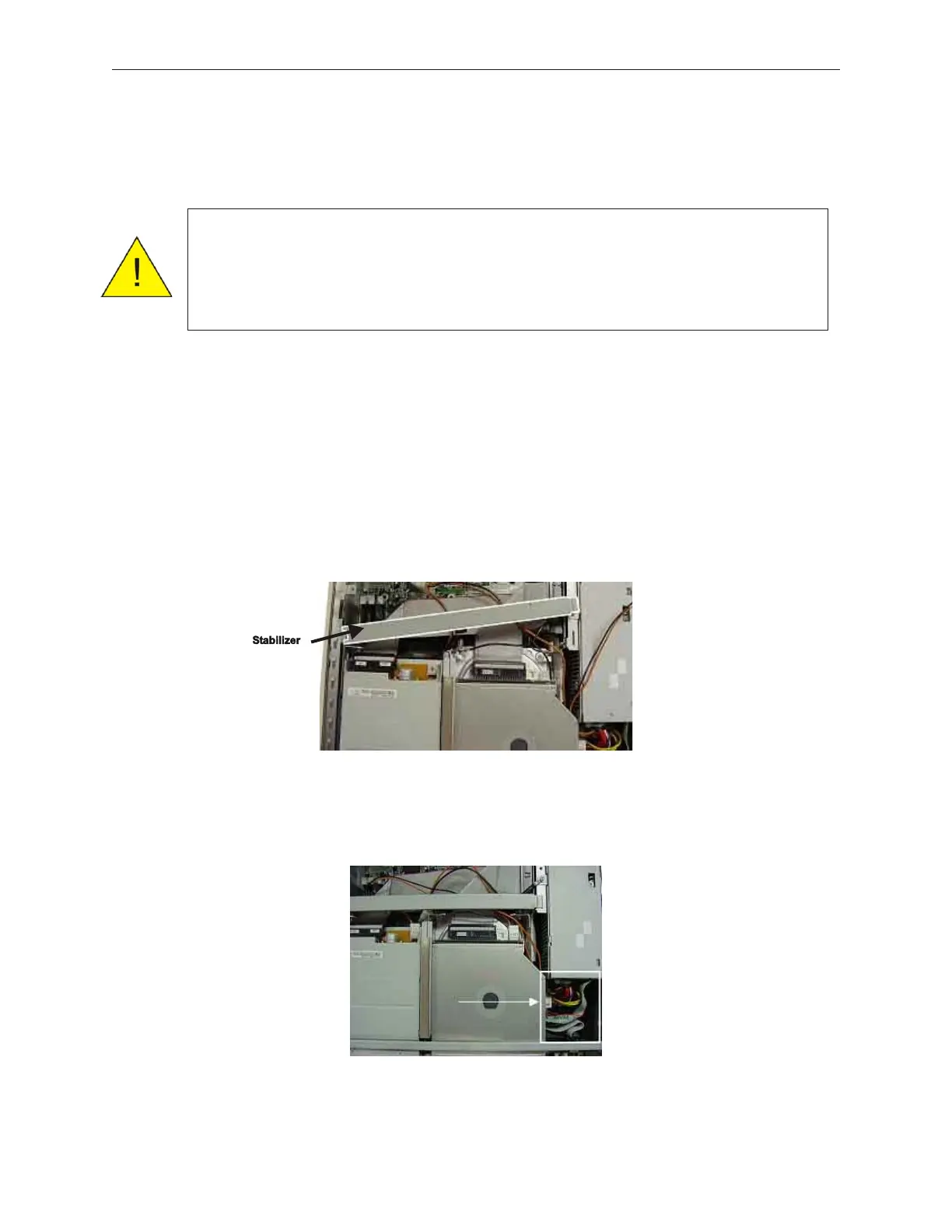
5. Remove the disk cage stabilizer shown here.
6. Disconnect the three riser card cables, in the area shown below.
7-12 Rev 3.0 90000291
TeamPoS 2000 MAINTENANCE MANUAL
Caution: Confirm that the external power source is 100-240 VAC before
applying power to the unit. To prevent electric shock, confirm that
the AC cable is removed from the AC outlet anytime the covers are
removed. Be sure to observe all ESD precautions and power off
procedures.



 To Next Page