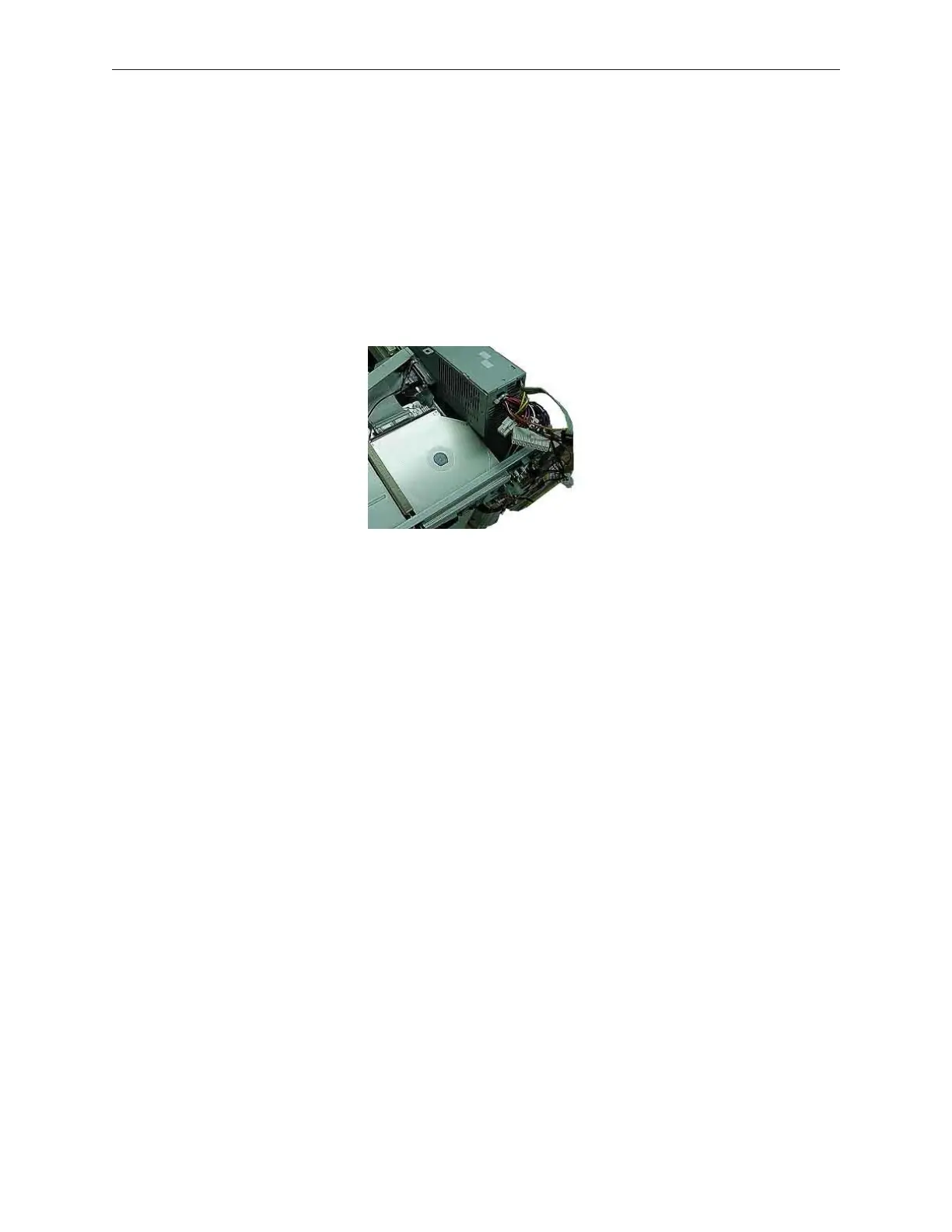
7. Disconnect the power cables from the hard disk drives, floppy drive, and media player
if installed. Route cables back towards the power supply.
8. Free all cables connected to the power supply unit, and place them on the top of the
device.
9. Remove the two screws securing the power supply unit.
10. While facing the front of the device, slide the power supply unit forward. Then, lift and
remove the unit.
11. To remount the power supply unit, reverse the removal procedure.
90000291 Rev 3.0 7-13
TeamPoS 2000 MAINTENANCE MANUAL



 To Next Page