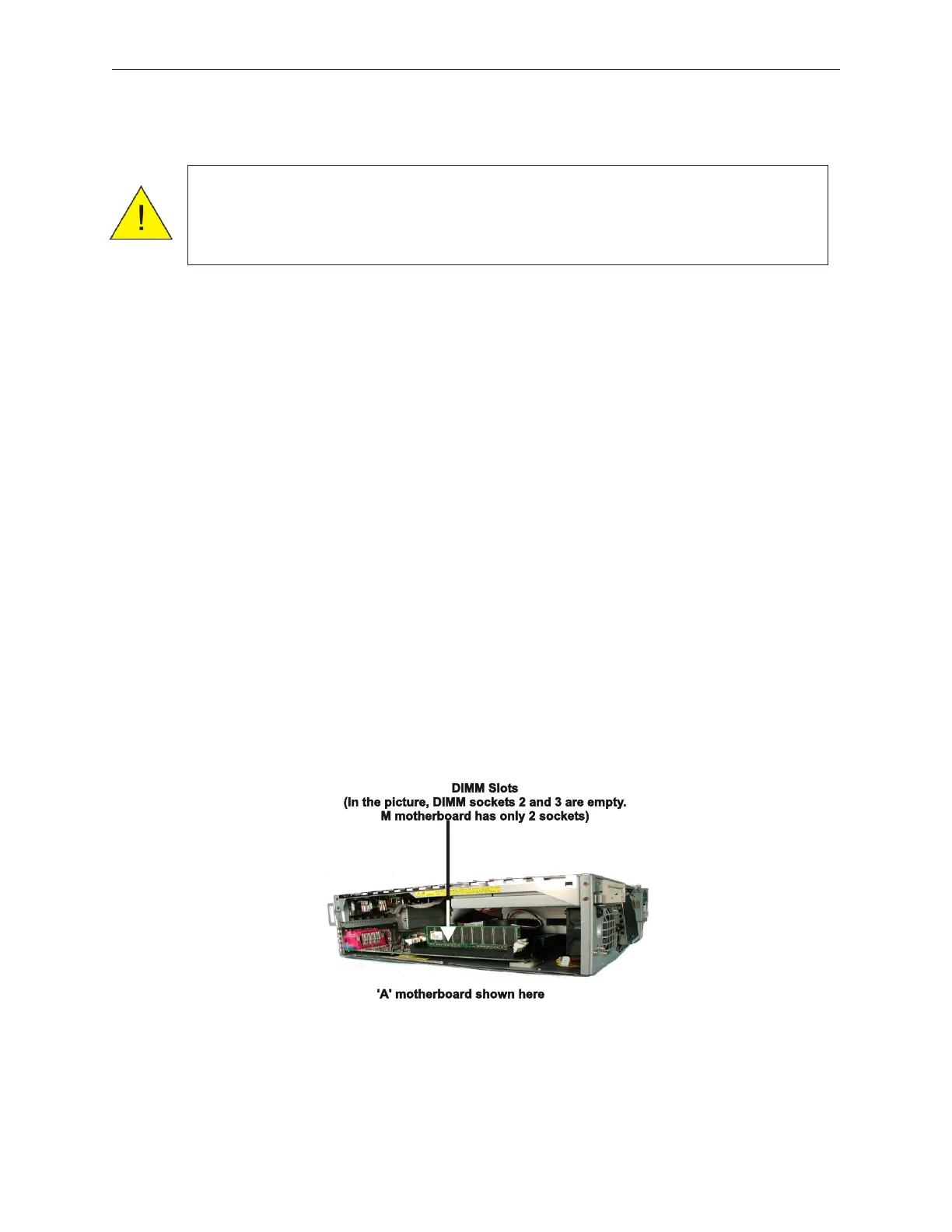
7.11 Memory (DIMM or SDRAM)
Use this procedure to replace memory or to add memory (upgrade) These instructions
refer to the memory as DIMM, but the instructions apply to both DIMM and SDRAM
memory. Note that the A and H motherboards have 3 memory slots and the M
motherboard has 2 memory slots.
1. Remove the AC power cable.
2. Remove the front cover (see secton 5.1.1).
3. Remove the side cover (left) (see section 5.1.2).
4. Pull the main board out completely, and place on flat surface.
5. If memory is being replaced, push both DIMM (or SDRAM) levers at both ends
down towards the outside to remove the memory unit from the main board.
6. If memory is being added, push the two levers down out and down as far as they will
go
7-20 Rev 3.0 90000291
TeamPoS 2000 MAINTENANCE MANUAL
Caution: To prevent electric shock, confirm that the AC cable is removed from
the AC outlet anytime the covers are removed. Be sure to observe all
ESD precautions and power off procedures.



 To Next Page