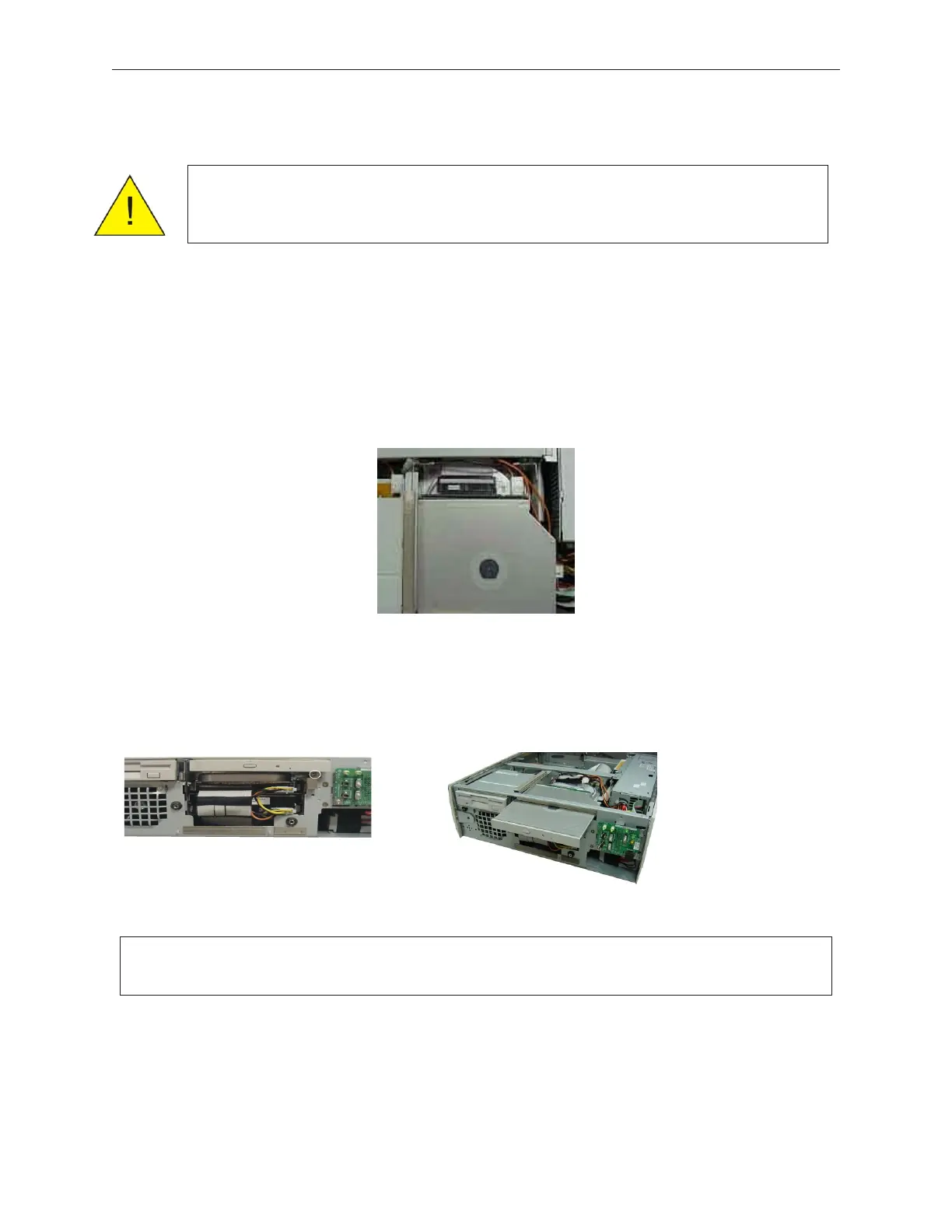
7.9 CD-ROM/CD-Read/Write/DVD (Media Player) Kit Replacement
1. Remove the front cover (see section 5.1.1).
2. Remove the top cover (see section 5.1.4.)
3. Disconnect power and signal cables from the back of the unit.
4. While facing the front of the device, remove the one mounting screw from the lower
right part of the unit, and then pull the media player out to remove it.
5. To reinstall the media player drive, reverse the removal procedure.
90000291 Rev 3.0 7-17
TeamPoS 2000 MAINTENANCE MANUAL
Caution: To prevent electric shock, confirm that the AC cable is removed from
the AC outlet anytime the covers are removed. Be sure to observe all
ESD precautions and power off procedures.
Note: Ensure guides on left hand side of media player align above chassis guides and
ensure tray opens freely after installation of front door..



 To Next Page