5.1.4 Top Cover
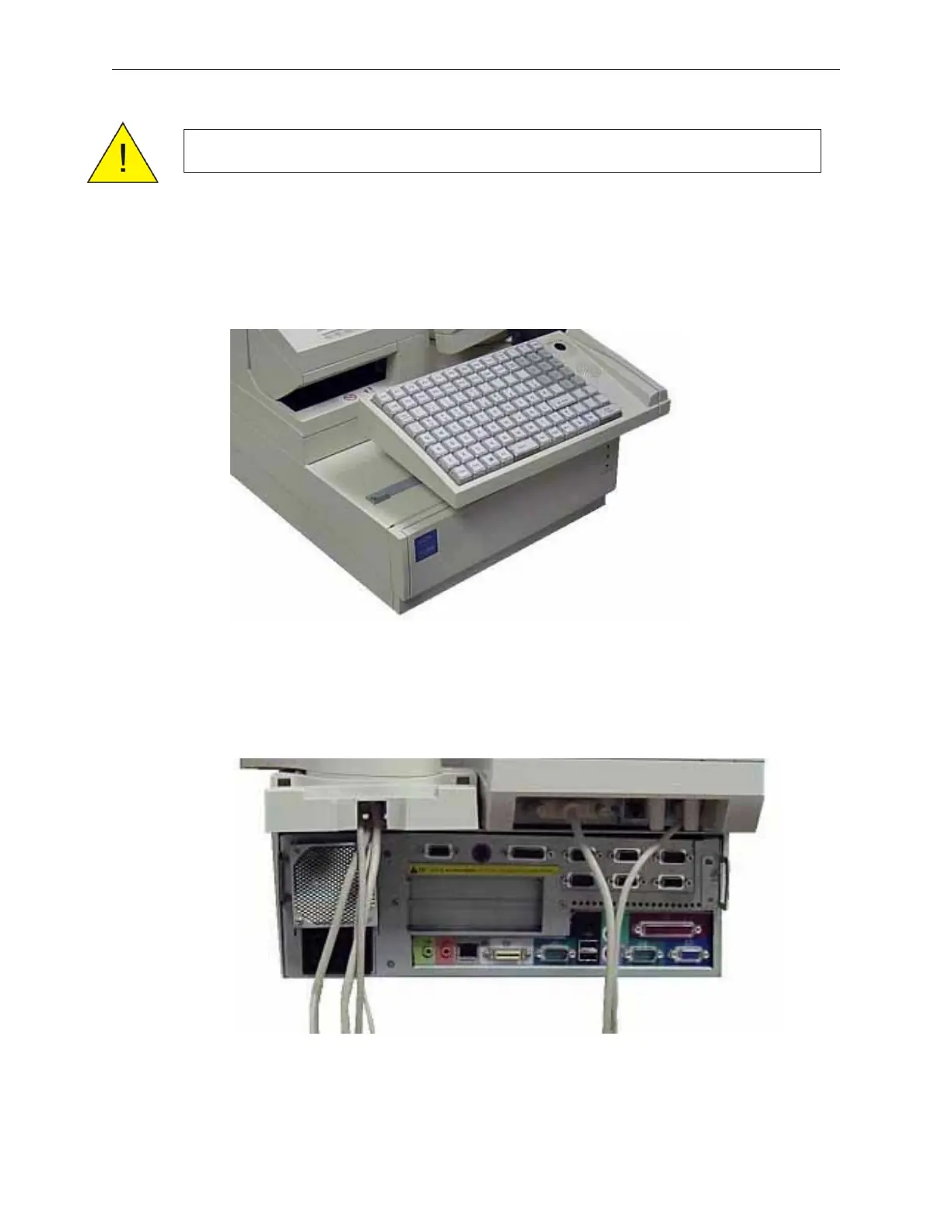
1. Lift the keyboard, and then disconnect the cable from the bottom to remove the
keyboard.
2. Remove the rear cover (see section 5.1.3).
3. Disconnect LCD, VFD (Customer Display unit) and printer cables.
5-4 Rev 3.0 90000291
TeamPoS 2000 MAINTENANCE MANUAL
Caution: Be sure to observe all ESD precautions and power OFF procedures.



 To Next Page