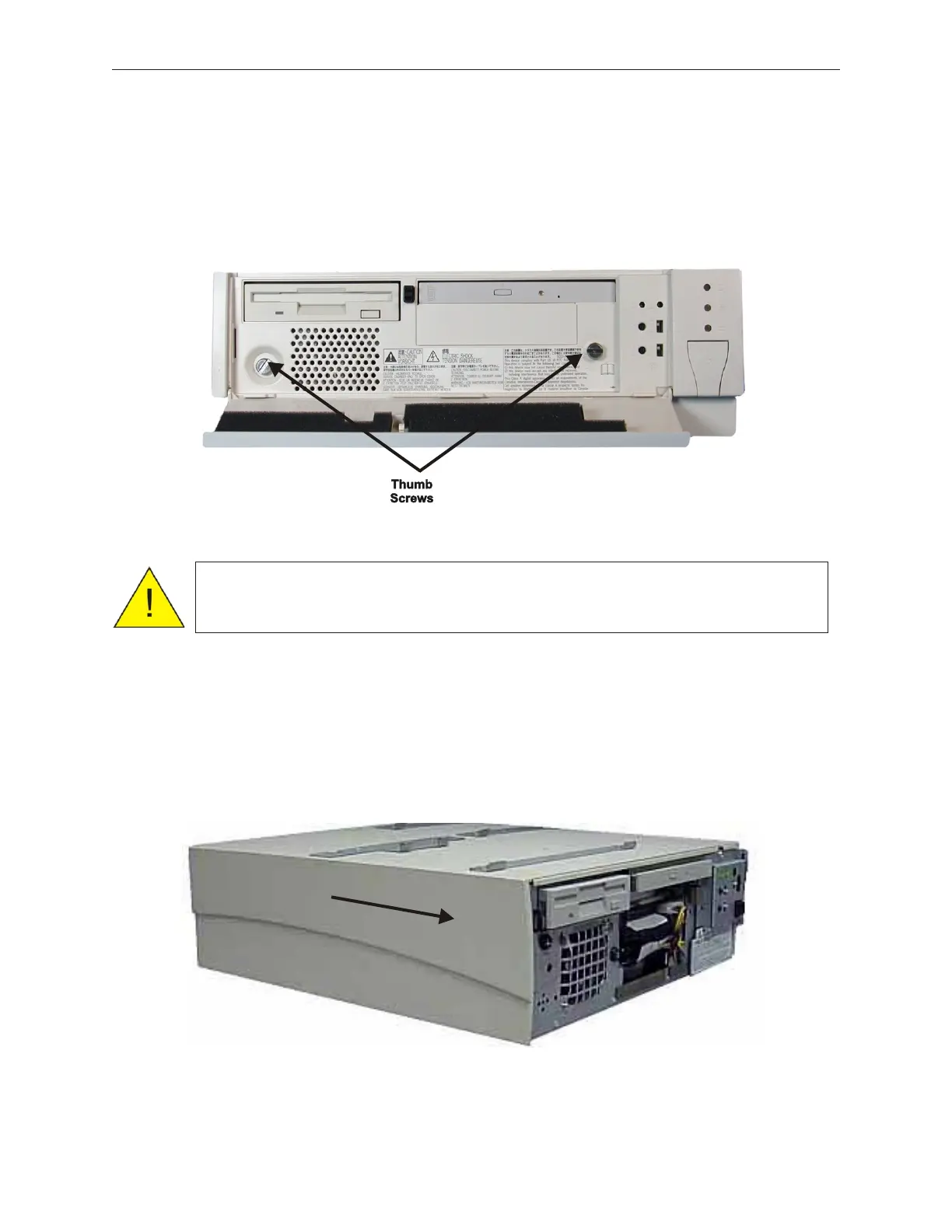
2. Manually loosen the two metal thumbscrews on the right and left to remove the entire
front cover. A coin or screwdriver can be used to loosen the thumbscrews if they are
too tight.
5.1.2 Side Cover (Left)
1. Remove the front cover (see 5.1.1).
2. While facing the front of the device, first pull the left side cover slightly forward (in
the direction indicated by the arrow) to remove the side cover..
5-2 Rev 3.0 90000291
TeamPoS 2000 MAINTENANCE MANUAL
Caution: Be sure to observe all ESD precautions and power OFF
procedures.



 To Next Page