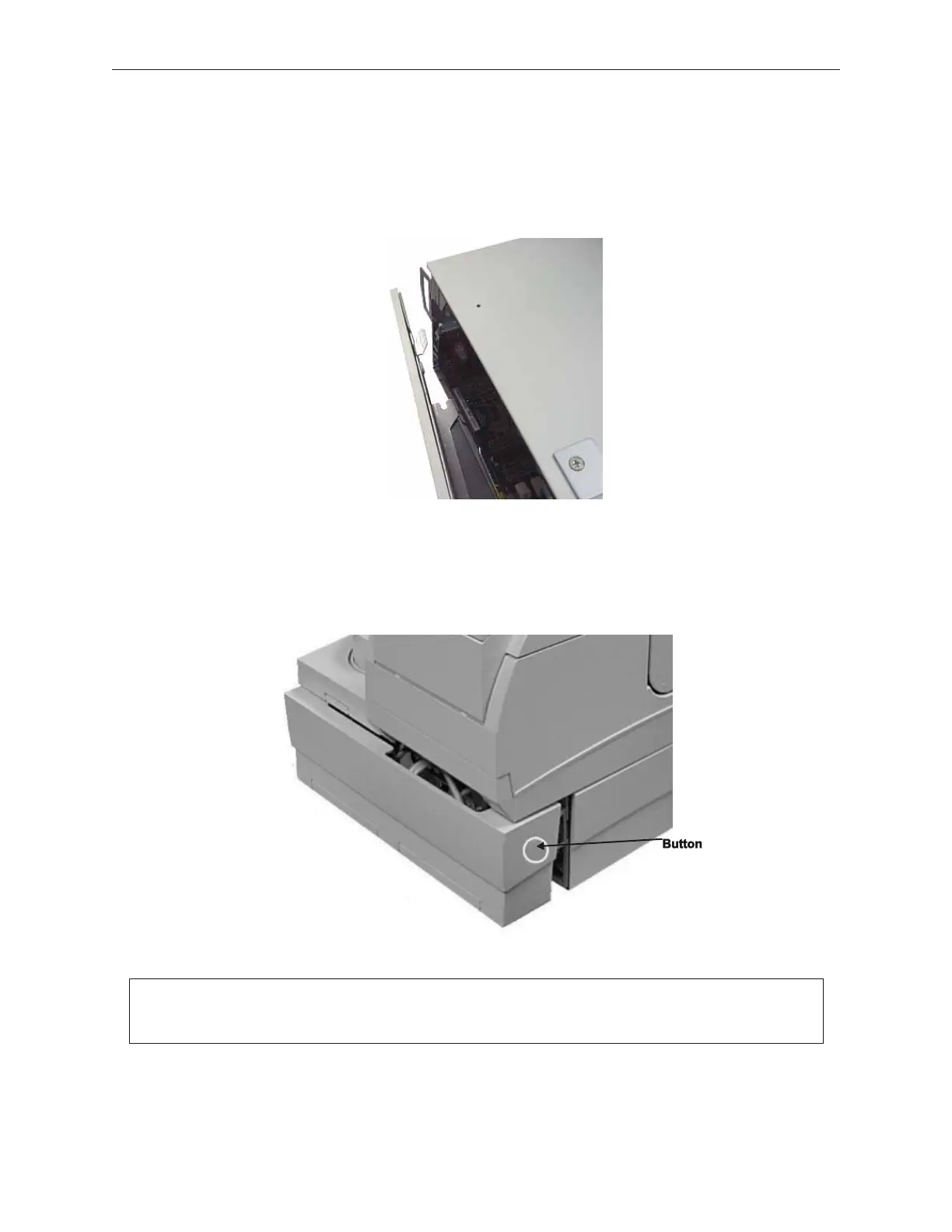
3. To mount the side cover again, first insert the tab at the lower back of the cover into
the hole in the cabinet, insert the remaining tabs, and then slide cover to the rear.
5.1.3 Rear Cover
1. While facing the back of the device, push the buttons on the right and left side to
remove the rear cover.
90000291 Rev 3.0 5-3
TeamPoS 2000 MAINTENANCE MANUAL
Note: To mount the rear cover again, first hook the cover over the tab on the left side,
and then close the right side.



 To Next Page