5.1.5 Installing D12 and A12 LCD Brackets
5.1.5.1 Installing keyboard, printer, CRT and LCD brackets
For stacked configurations, keyboard, printer and operator display brackets are available.
The brackets attach to the top of the control unit and restrain the peripherals from sliding.
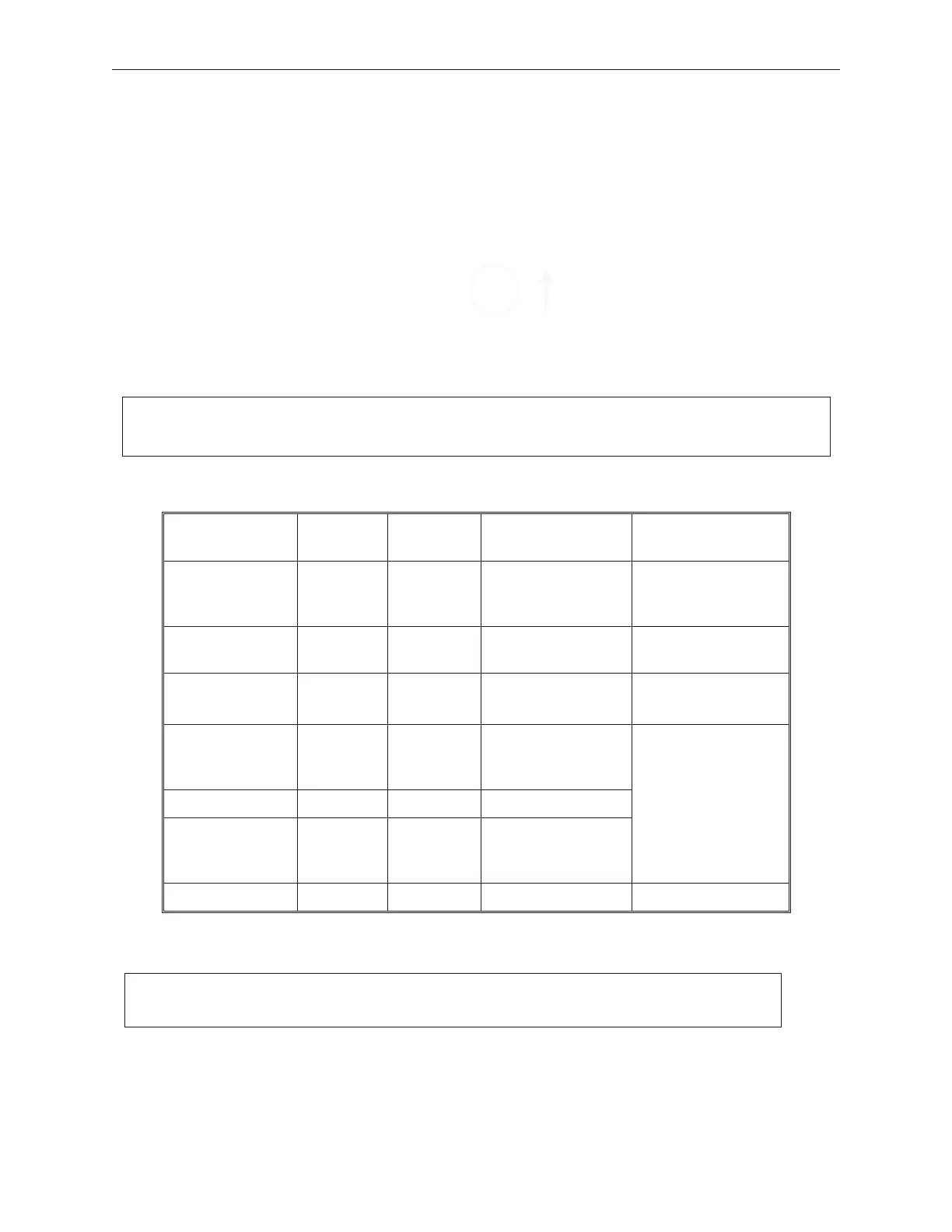
The following table shows available brackets for the compact and standard control units:
When installing peripheral brackets, install each bracket using two screws that have been
provided with the bracket. For most installations, a keyboard, printer and display bracket
will be required.
Bracket Compact Standard Mutually
exclusive with
Comments
Keyboard Yes
Yes
Fits Models 133UQ,
133PQ, 136P and
104P keyboards
FD20/21 Printer No Yes All other printer
brackets
Axiohm A758
Printer
No Yes All other printer
brackets
DT50/DT50II/
DT50IIT
Printer
Yes Yes All other printer
brackets
When stacking the
DT50/DT50II/
DT50IIT and a
D12/A12 LCD on a
standard unit, a
filler and shorter
connector cover are
optional
D12/A12 LCD Yes Yes CRT
CRT Yes Yes LCD
Installing the brackets merely requires placing the bracket on the appropriate screw holes
and securing with two screws provided for each bracket. To prevent dust and moisture
penetration, apply a screw-hole cover label from the provided label sheet over each screw
90000291 Rev 3.0 5-7
TeamPoS 2000 MAINTENANCE MANUAL
Note: See bracket options in Chapter 10 for part numbers.
Note: When installing mounting screws, do not over-tighten.



 To Next Page