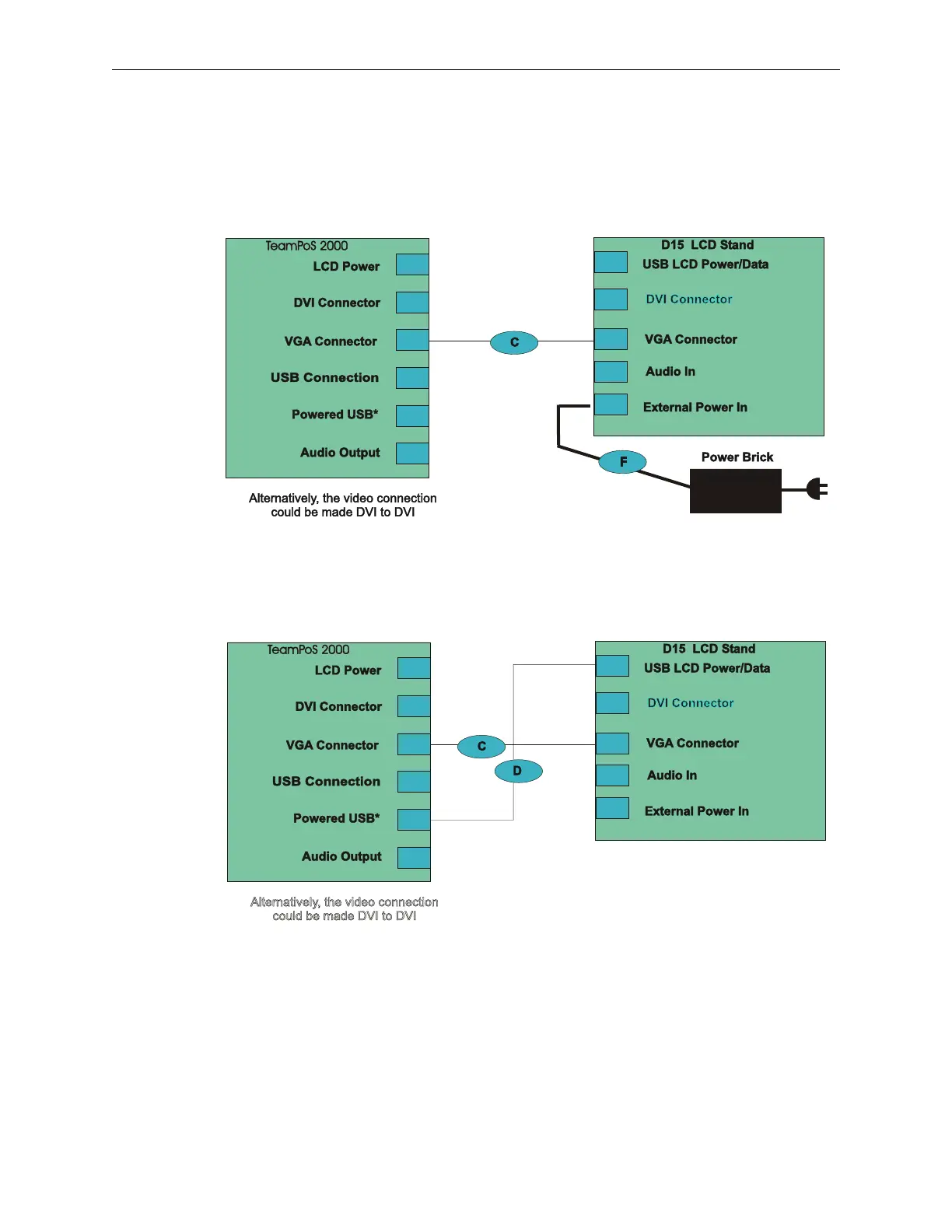
5.9.5 D15 LCD Power and Data (Touch, MSR and Keypad) Cable Connections
Unlike D15 LCD video and audio cable connections, it does make a difference which I/O
board is configured when connecting power and data. A typical configuration is for
non-touch.
TeamPoS 2000 Non-touch Connections
The powered USB cable makes it possible to connect power and data with the same
cable.
TeamPoS 2000 w/TeamUSB I/O Board
w/Touch and/or MSR and/or Keypad
Alternate configuration for non-touch
90000291 Rev 3.0 5-41
TeamPoS 2000 MAINTENANCE MANUAL



 To Next Page