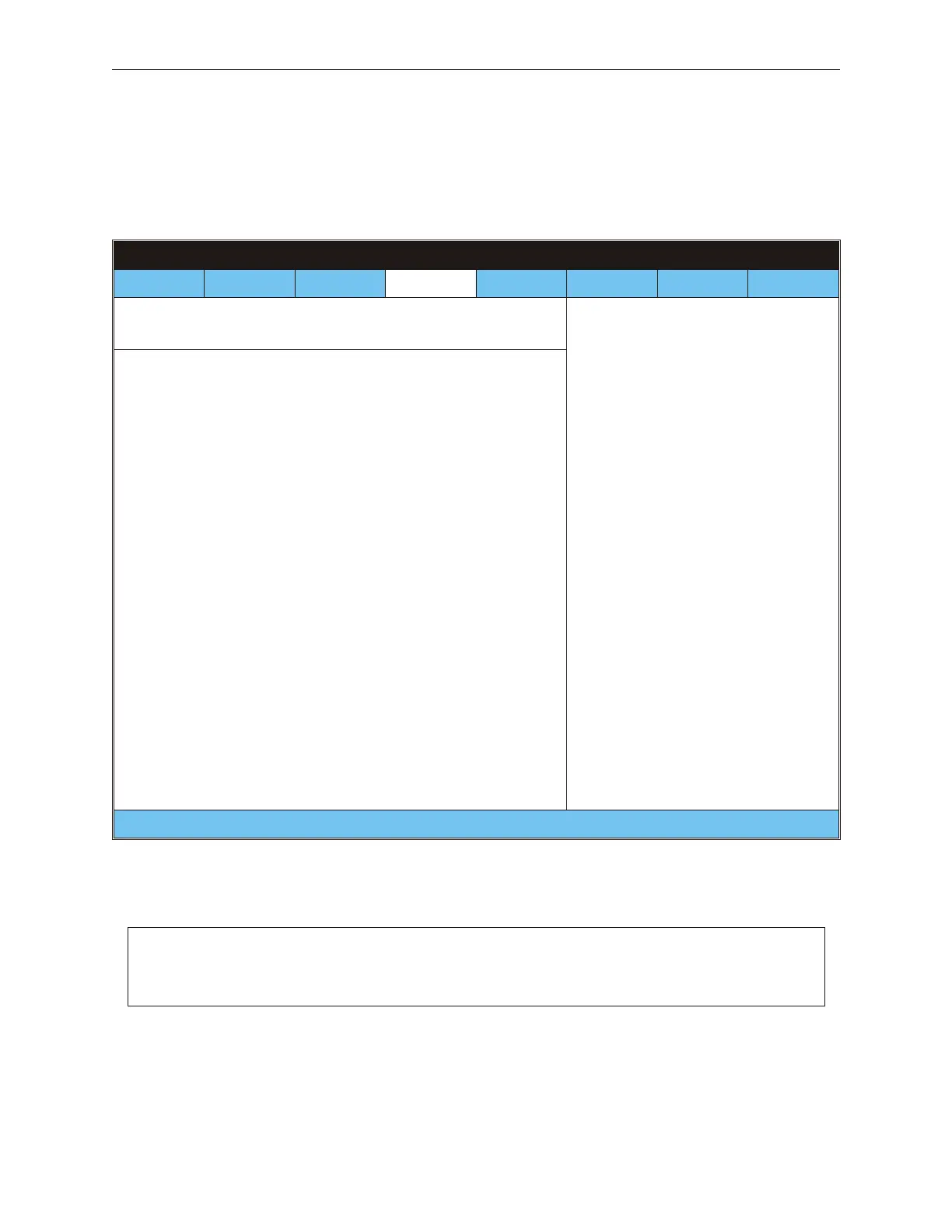
8.1.24 Removable Drive - M Motherboard
BIOS SETUP UTILITY VXX.xx
Main Advanced PCIPnP Boot Security Chipset Power
Other
Removable Drives
1st Drive [1st FLOPPY DRIVE]
Instructions will appear
in this part of the screen
¬ ® Select Screen
¯ Select Item
+ - Change Field
Tab Select Field
F1 General Help
F10 Save and Exit
ESC Exit
(C) Copyright 1985-2003, American Megatrends, Inc.
8-24 Rev 3.0 90000291
TeamPoS 2000 MAINTENANCE MANUAL
Note: If a USB key is connected, it shows up as a second removable device, user will
have to select which device should be treated as the 1st drive. See 8.1.21 Booth
Group Priority



 To Next Page